Email log
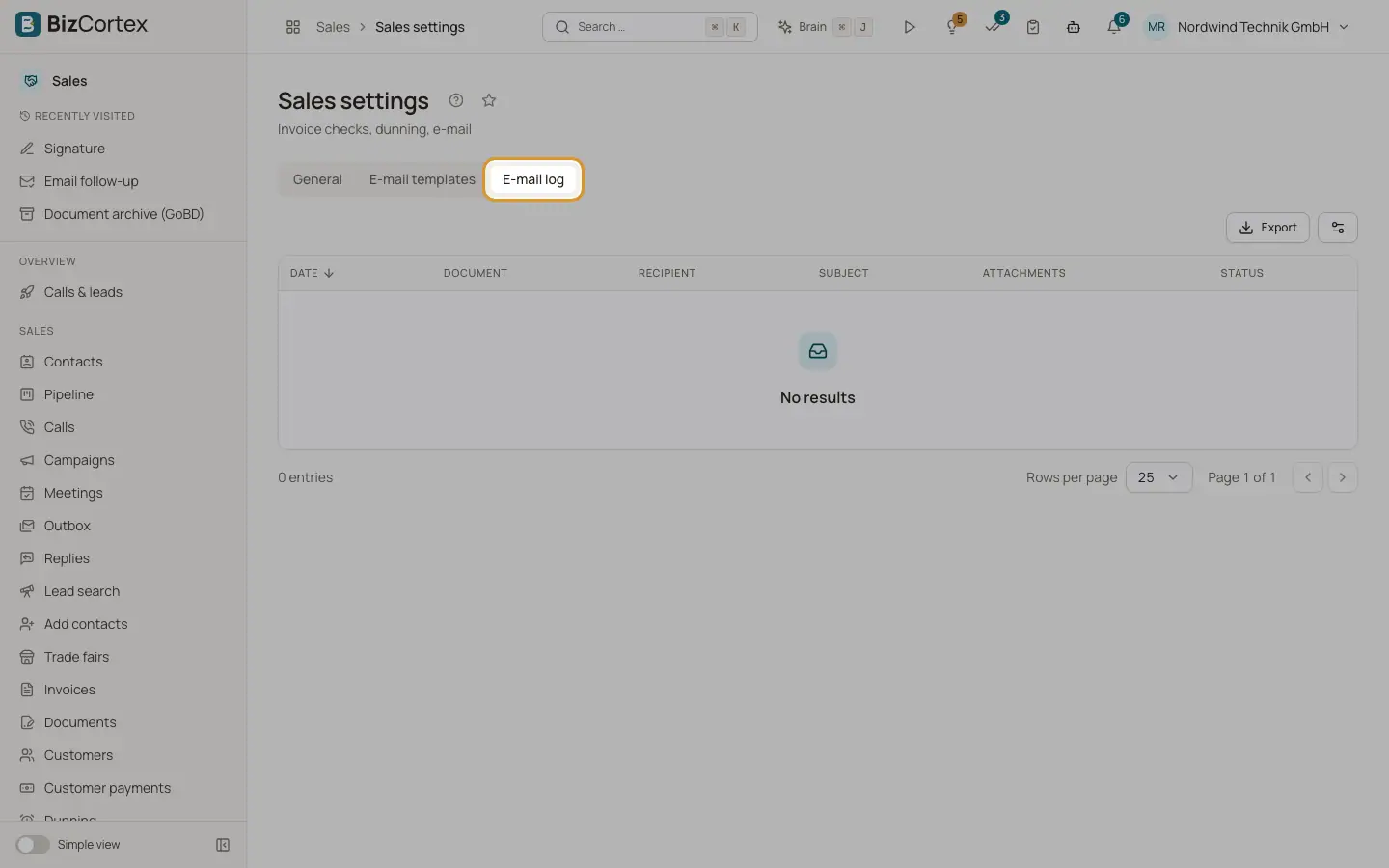
See every document email that was sent from Sales, with its status.
Open Sales, Settings and the tab "Email log". The tab is visible to everyone with the permission to read invoices. It lists invoices, credit notes, quotes, order confirmations, delivery notes, statements and dunning notices that were emailed.
Who can use this
- Owner
- Admin
- Accountant
- Sales
- Viewer (read only)
Fields and options
- Date
When the email was handed to the queue.
- Document
Invoice, Document, Customer, Dunning notice or Statement.
- Recipient
The addresses in To.
- Subject
The subject as it was sent.
- Attachments
The file names of the attachments.
- Status
Queued: waiting for the queue. Sent: handed to the mail server. Failed: the email could not be queued; the error is stored.
Good to know
- "Sent" means the email was handed over for delivery. BizCortex cannot see whether it reached the inbox or landed in spam.
- Follow up emails, signature requests and internal notices are not listed here.
Related
- Invoices, quotes and other sales documents
The emails that carry invoices, credit notes, quotes, order confirmations, delivery notes and statements.