My account
Your personal settings in the current company.
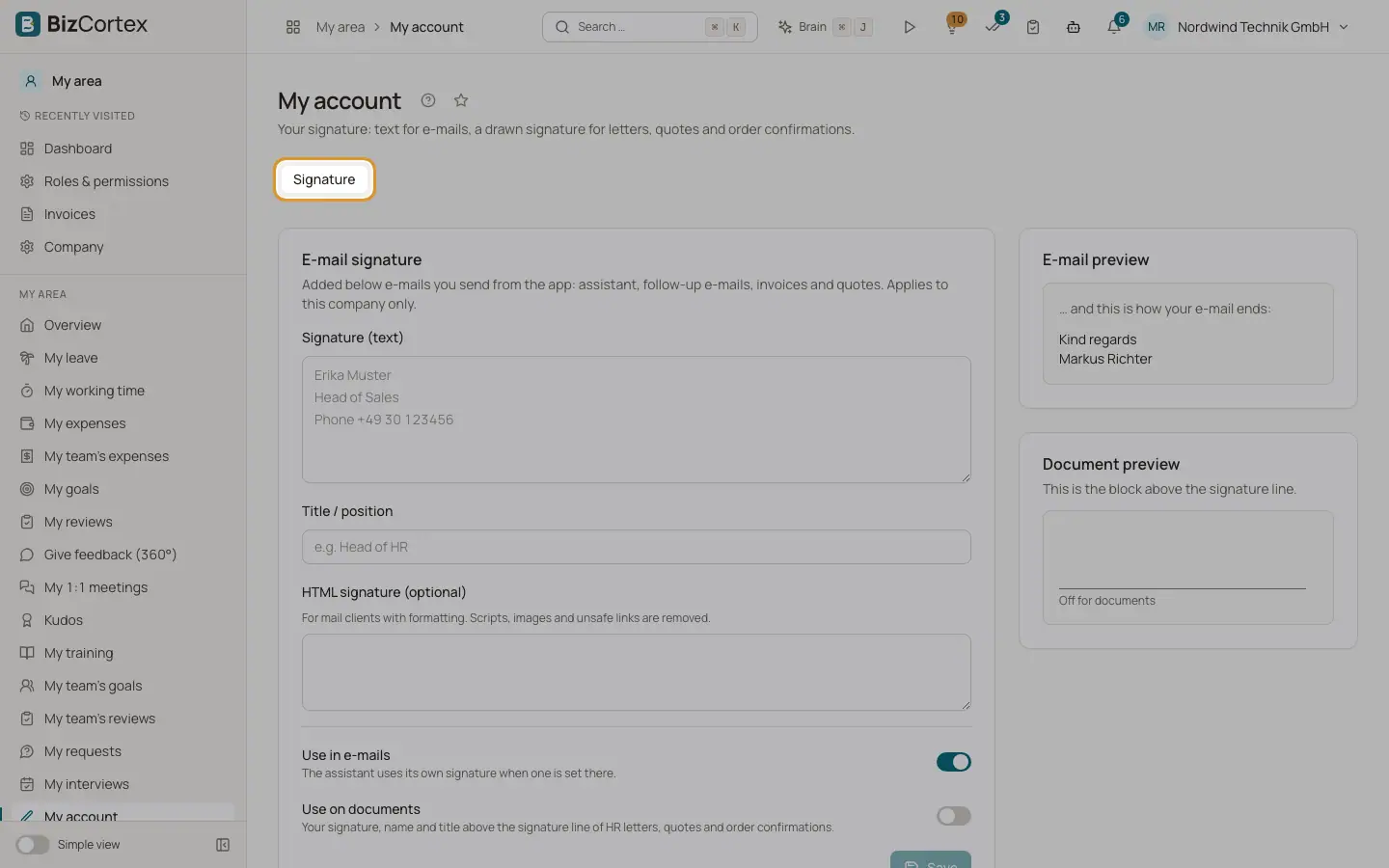
My account holds your personal settings in the current company, such as your signature for emails and documents. It is always available, whatever packages your company has booked. Every member edits only their own settings.
Who can use this
- Everyone
Steps
1. Open My account
Open the user menu at the top right and choose "My account & signature". You can also open the app My area and choose "My account" in the sidebar.
2. Choose a tab
The page currently has one tab: "Signature".
Good to know
- Settings in My account apply to the current company only. If you work for several companies, set them up in each company.
Related
- Email signature and title
The text below emails you send from BizCortex, your position, and the "Use in emails" and "Use on documents" switches.
- Handwritten signature and initials
Draw or upload your signature and initials for documents and electronic signatures.