Where your signature is used
Which emails and documents use your signature, and who can see it.
Your signature profile is used in several places of BizCortex. Each use follows your switches in My account.
Who can use this
- Everyone
Fields and options
- Emails
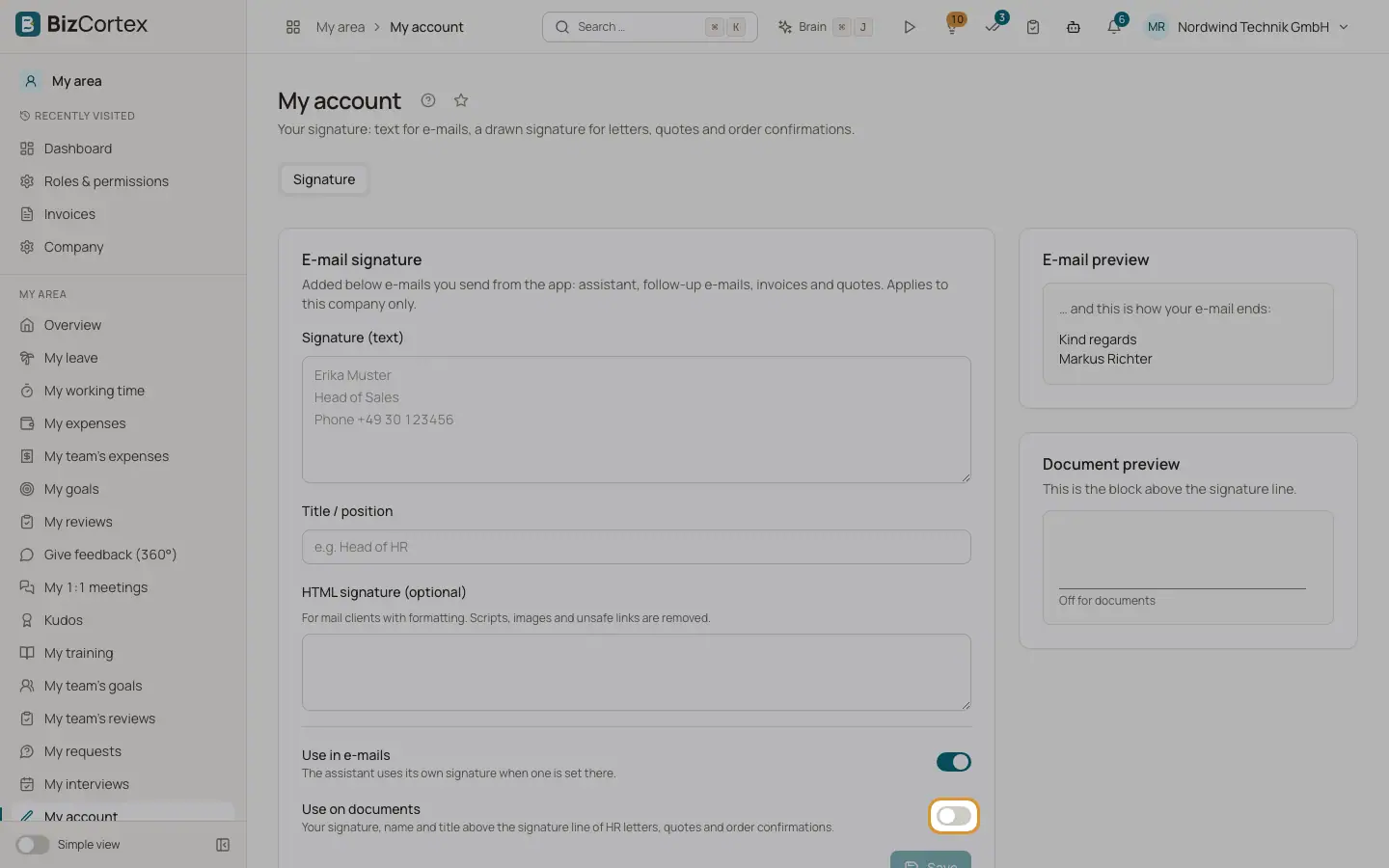
Assistant emails, follow up emails and emails with invoices and quotes end with your text signature when "Use in emails" is on.
- HR letters
Letters created from HR documents show your handwritten signature, name and title when "Use on documents" is on.
- Quotes and order confirmations
Show a signature block with your image, name and title when "Use on documents" is on and the company has switched on signatures on sales documents.
- Electronic signature
When you are an internal signer of a signature request, you can sign with your saved handwritten signature after the one time code check. Only the image counts, not the text signature.
- Preview for administrators
Members who administer users, and HR staff who edit employees, can view your signature in this company, for example to check an HR letter. They cannot change it.
Good to know
- The company switch for signatures on quotes and order confirmations is off by default and has no setting in the web app yet. This is not available yet.
Related
- Your email signature and handwritten signature
Set up your text signature for emails and your drawn signature for letters, quotes and order confirmations.
- Electronic signature: overview and list
Send PDFs for signature and follow every request in one list.
- Send a quote for signature
Let the customer sign a quote electronically; signing accepts the quote.
- Email signature and title
The text below emails you send from BizCortex, your position, and the "Use in emails" and "Use on documents" switches.
- Handwritten signature and initials
Draw or upload your signature and initials for documents and electronic signatures.