My tasks
Tick off your onboarding and offboarding tasks.
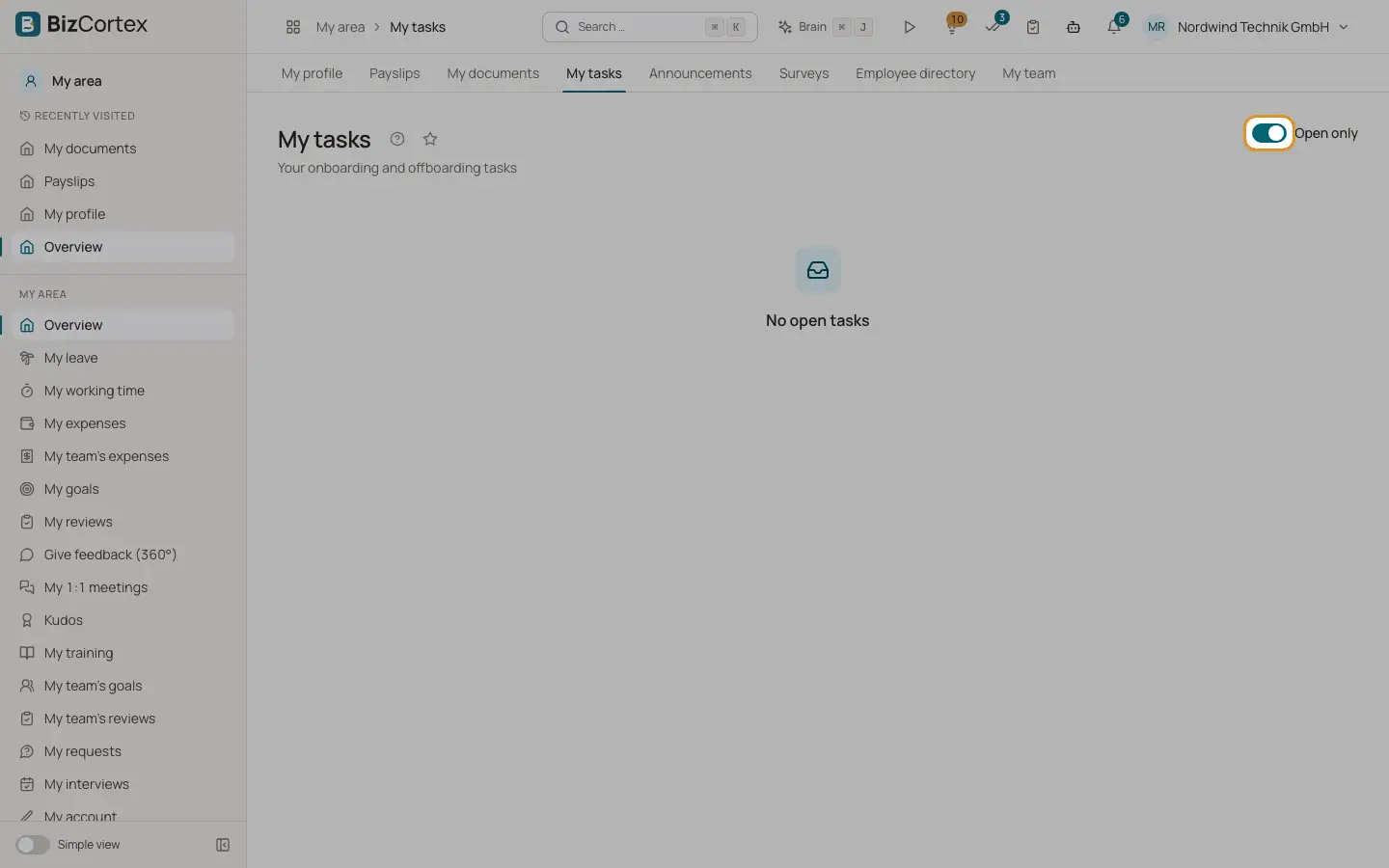
My tasks lists the onboarding and offboarding tasks that HR assigned to you,.
Who can use this
- Owner
- Administrator
- Accountant
- Sales
- Purchasing
- HR manager
- Employee
Steps
1. Filter
The switch "Open only" is on by default. Turn it off to also see completed tasks.
2. Complete a task
Tick the checkbox next to a task. The task is crossed out. A completed task cannot be reopened here.
Fields and options
- Due on
The due date of the task.
- overdue
A badge on tasks whose due date has passed.
Good to know
- These are HR tasks. Your general to dos are in the Workspace app under Tasks.
Related
- My area: overview
Your personal HR matters: leave, time, documents and tasks at a glance.