Knowledge graph explorer
Explore the network of merchants, products, categories and payment methods found in your receipts.
Open Analytics, "Knowledge graph", "Explorer". The knowledge graph shows the relationships between merchants, products and categories from your receipts. It is built automatically from every processed receipt. You do not need to enter anything.
Each circle (node) is an entity. Each line (connection) is a relation, for example a product that is sold by a merchant. The more often an entity appears in your receipts, the larger its circle. The more often a relation appears, the thicker its line.
Who can use this
- Owner
- Admin
- Accountant
- Viewer
Steps
1. Look at the figures
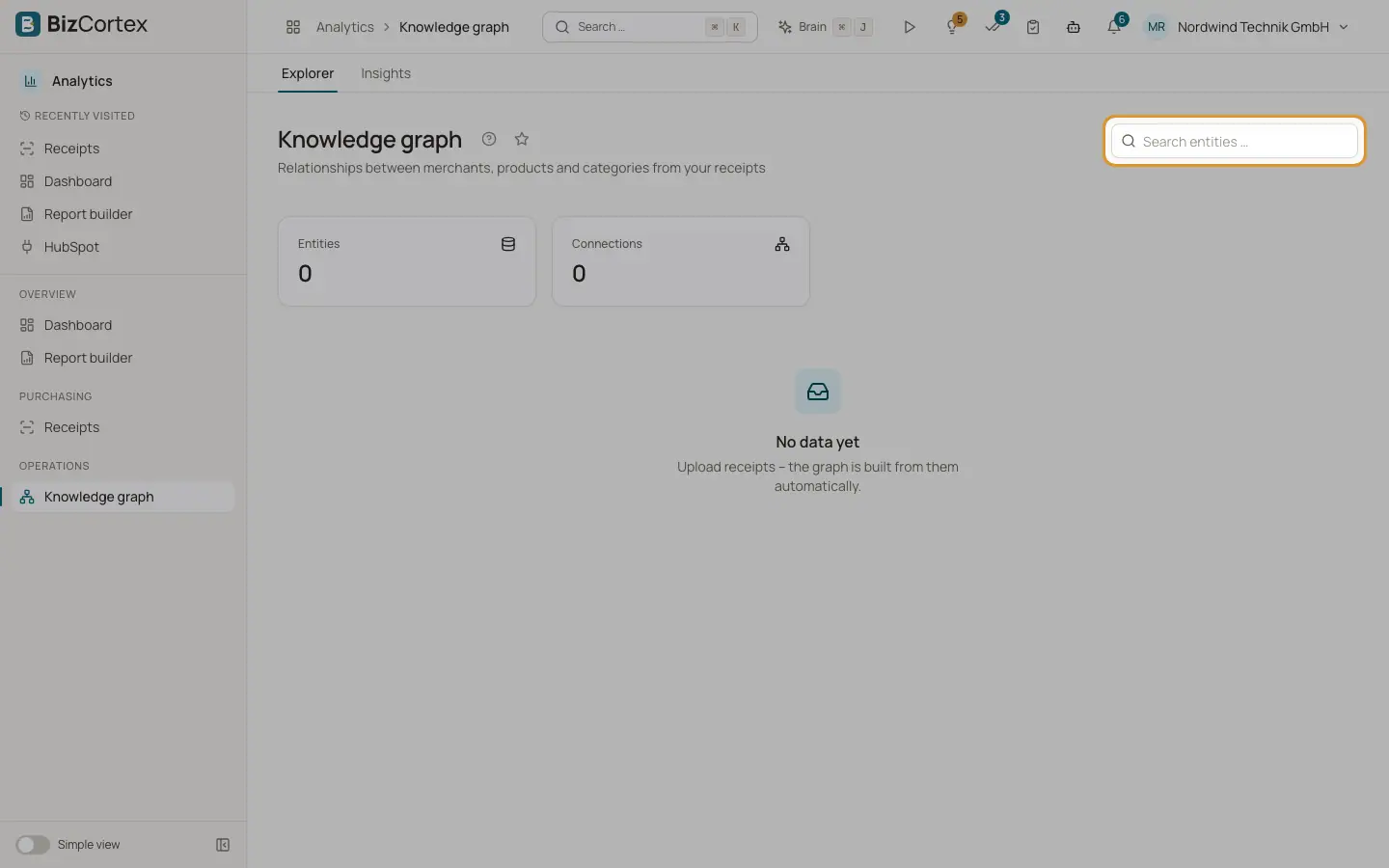
At the top, "Entities" shows the number of nodes and "Connections" the number of relations.
2. Search
Type into "Search entities …" to show only entities whose name contains the text, and the connections between them.
3. Navigate
Use the buttons "Zoom in", "Zoom out" and "Fit" (shows the whole graph). You can also zoom with the mouse wheel and move the view by dragging.
4. Inspect an entity
Click a node. It is highlighted and a panel opens on the right with Type, Occurrences, First seen, Last seen and Properties. Close the panel with the cross icon.
Fields and options
- Merchant
A shop or company you bought from.
- Product
An item from the line items of a receipt.
- Category
A spending category such as food or office supplies.
- Payment method
For example cash or a card type.
- Brand
A brand recognised on a product.
- Location
A place where a merchant is located.
- Connection types
SOLD_BY (product sold by merchant), PART_OF, BELONGS_TO, BOUGHT_WITH (products on the same receipt), PAID_WITH (payment method), LOCATED_AT (location), CATEGORIZED_AS (category).
- Legend
Shows which color stands for which entity type.
Good to know
- When there are no receipts yet, the page says "No data yet" and asks you to upload receipts.
- Names are stored in capital letters, so "Coffee" and "COFFEE" are the same entity.
- Deleting a receipt does not remove its entities from the graph.
- The knowledge graph is a specialist page. In the "Simple view" it is hidden from the sidebar.
- The graph is built with an AI model, so some relations can be incomplete or wrong.
Related
- Knowledge graph insights
Top merchants, spending by category, items bought together, anomalies and recommendations.
- How receipt recognition works
What happens behind the scenes after you upload a receipt, and what the statuses mean.