Global search (Cmd+K)
Find customers, invoices, products, employees, documents and app pages from anywhere.
The global search is a command palette. It searches your business records and the pages of the app at the same time. It is available on every page, in every app.
Who can use this
- Every member (each result type needs the read permission of its data)
Steps
1. Open the search
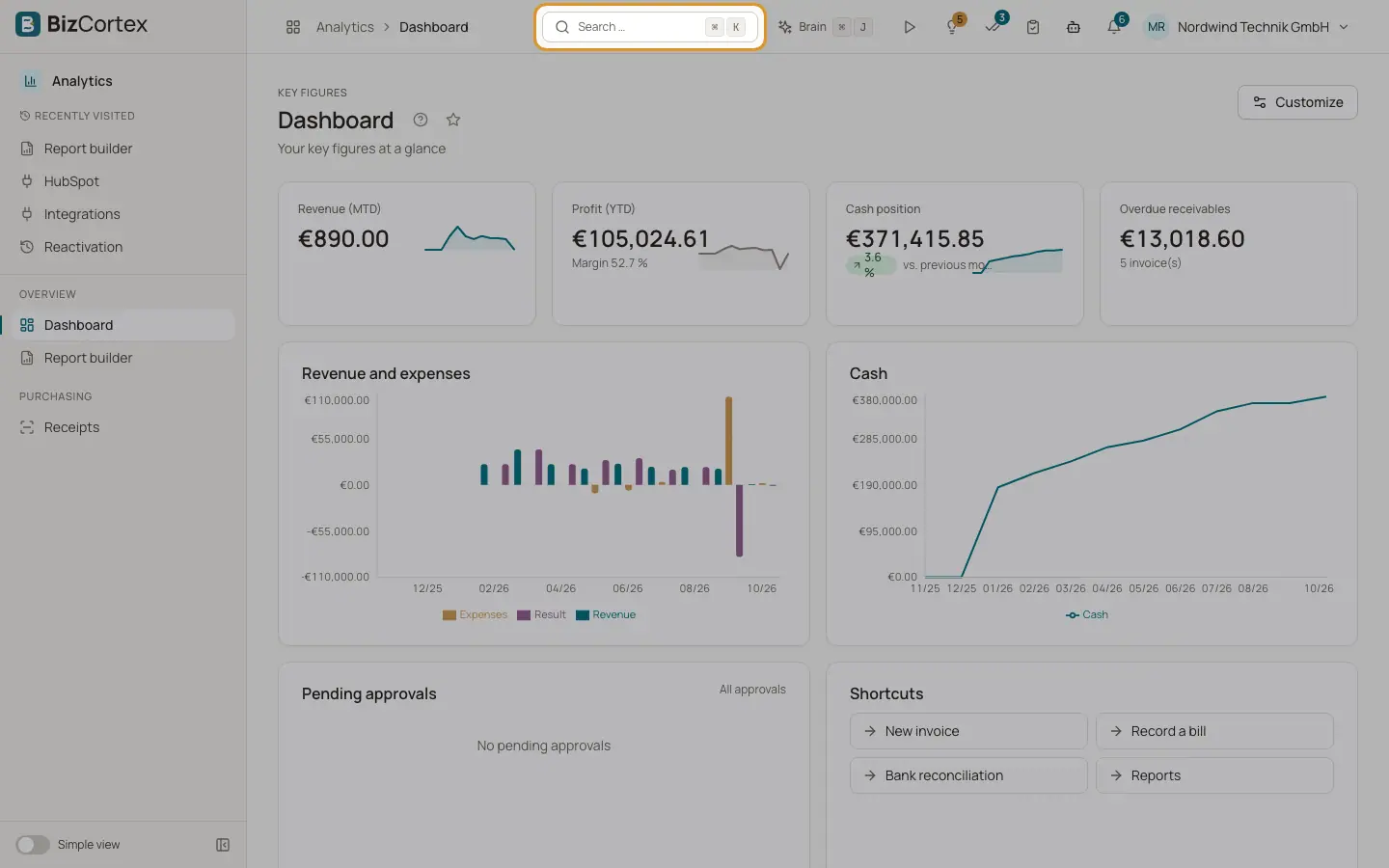
Click the "Search …" button in the header, or press Cmd+K on a Mac or Ctrl+K on Windows and Linux.
2. Type
Type at least two characters. Until then the palette says "Type at least two characters". While searching it shows "Searching …".
3. Pick a result
Results are grouped by type. Use the arrow keys and Enter, or click a result. BizCortex opens the record or page and closes the palette.
4. Close
Press Escape or click outside the palette. The search text is cleared.
Fields and options
- Pages
Up to 6 app pages whose name contains your text. Only pages of booked packages that your role may open are offered.
- Customers
Matches name, customer number or email.
- Vendors
Matches name, vendor number or email.
- Invoices
Matches the invoice number.
- Quotes
Matches the quote number. The result shows the customer and the total.
- Bills
Matches the bill number or the vendor reference.
- Products
Matches name, SKU or barcode.
- Employees
Matches full name, personnel number or email.
- Projects
Matches project name or code.
- Accounts
Ledger accounts whose number starts with your text, or whose name contains it.
- Documents
Pages and files of the docs module, by title and content.
Tips
- Use the search to reach pages that are hidden in the "Simple view".
- Type the first digits of an account number, for example "1200", to jump to that ledger account.
Good to know
- At most 5 results are shown per type.
- Search text longer than 100 characters is shortened.
- The search does not ignore spelling mistakes. The text must appear in the searched field (upper and lower case do not matter).
- When nothing matches, the palette shows "No results".