Preview and export
How many rows the preview shows and how to export a report as CSV, XLSX or PDF.
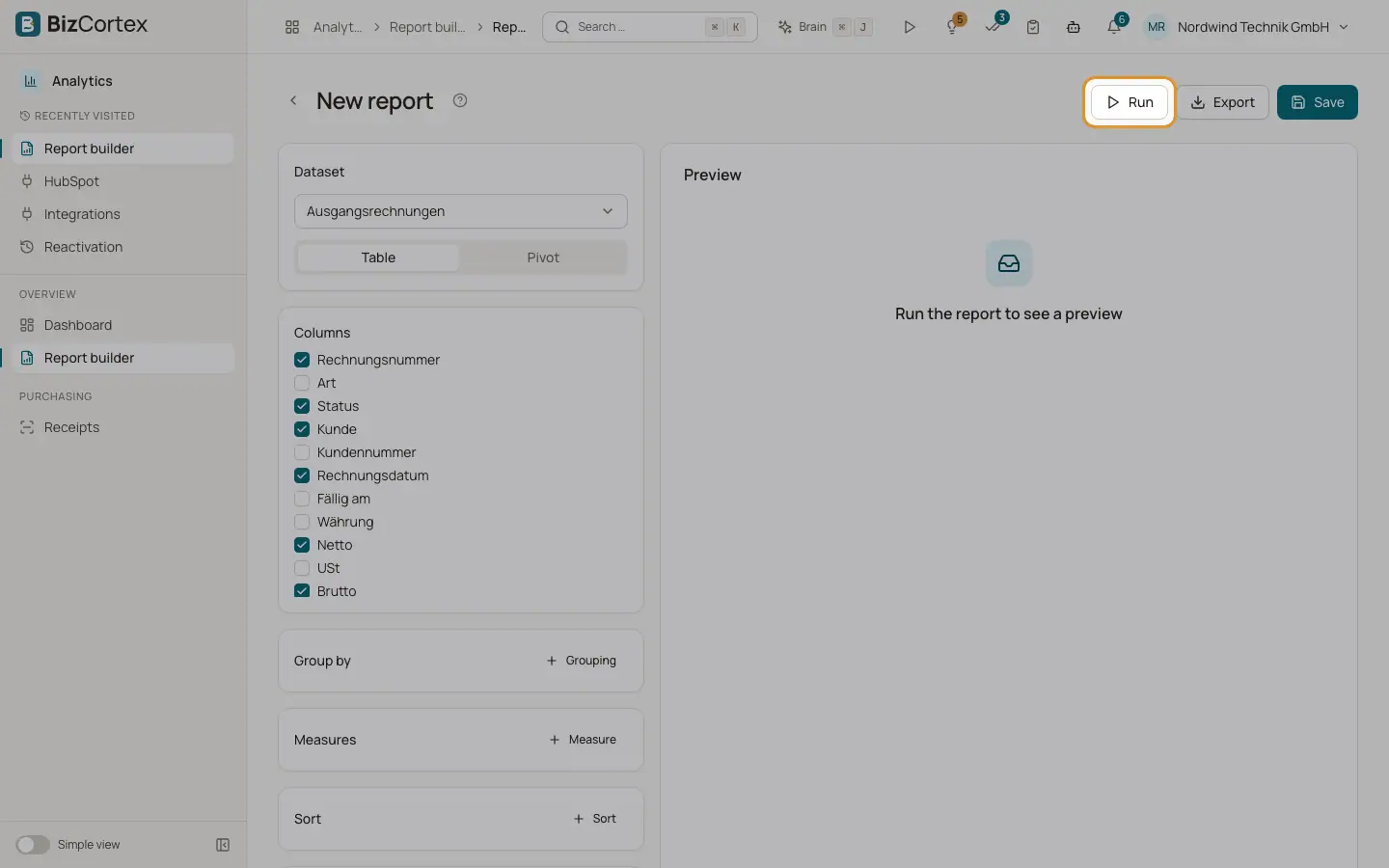
Clicking "Run" calculates the report and shows the preview. The export creates a file with the full result, independent of the preview limit.
Who can use this
- Owner
- Admin
- Accountant
- Sales
- Purchase
- HR manager
- Viewer (saved reports only)
Steps
1. Run the report
Click "Run". The preview shows the result table with a totals row at the bottom.
2. Export
Click "Export" and choose CSV, XLSX or PDF. The file is downloaded in your browser. The file name is the report name, or the dataset name for an unsaved report.
Fields and options
- CSV
Text file for spreadsheets. Values are separated by semicolons and decimals use a comma, as common in German spreadsheet programs.
- XLSX
Excel workbook.
Printable table with the report name as title.
Good to know
- The preview shows at most 500 rows. When there are more, it says for example "Preview limited to 500 of 3200 rows".
- An export contains at most 50,000 rows.
- You can export a report without saving it first.
Related
- Save, share and schedule reports
Save a report, share it with colleagues and send it automatically by email.