The onboarding tour
A one minute guided tour of Home, the app switcher, search, Brain and notifications.
The first time you open Home, BizCortex starts a short tour. It points at the most important parts of the screen one after the other. It takes about a minute.
Who can use this
- Everyone
Steps
1. Welcome
A short introduction of the tour.
2. Your apps
The app tiles on Home. Each app has its own short sidebar.
3. Switch apps
The grid icon in the header, to jump to another app or back home from any page.
4. Find anything
The search box, also with Cmd K or Ctrl K.
5. Brain, your AI assistant
Ask for numbers, have forms prefilled or a page explained. Brain suggests; only what you confirm is saved.
6. Notifications
Approvals, reminders and news that concern you.
7. Your overview
The widgets on Home: tasks, key figures and hints.
8. Customize home
Reorder or hide apps and pick the widgets you need.
9. Your menu
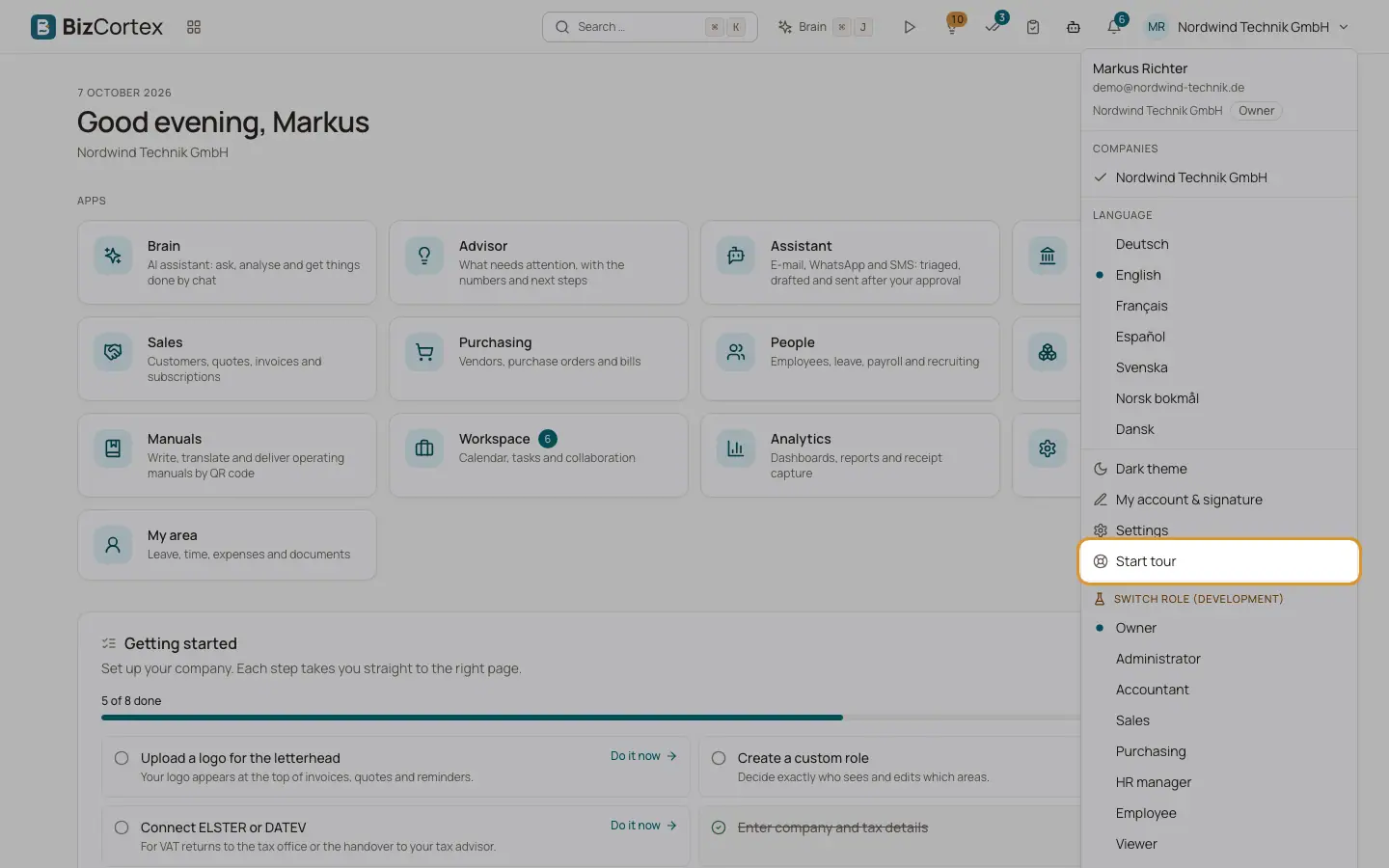
The user menu: switch company, set language and theme, and start the tour again.
Fields and options
- Next and Back
Move through the steps. The counter shows the current step, for example 3 / 9.
- Let's go
Shown on the last step. Ends the tour.
- Skip
Ends the tour at once.
Tips
- To see the tour again, open the user menu and choose "Start tour". BizCortex opens Home and starts the tour.
Good to know
- Finishing or skipping the tour is remembered, so it does not start again by itself.
- Steps for parts you do not have (for example Brain without the Brain package) are left out.
Related
- Finding your way: header, apps and sidebar
The parts of the screen: app switcher, breadcrumbs, header buttons, sidebar and app overview pages.