Global search (Ctrl K or Cmd K)
Find customers, invoices, products, employees and pages from anywhere.
The global search finds records and pages across all apps. It only shows what you are allowed to see: results of areas your role cannot read, or of packages your company has not booked, are left out.
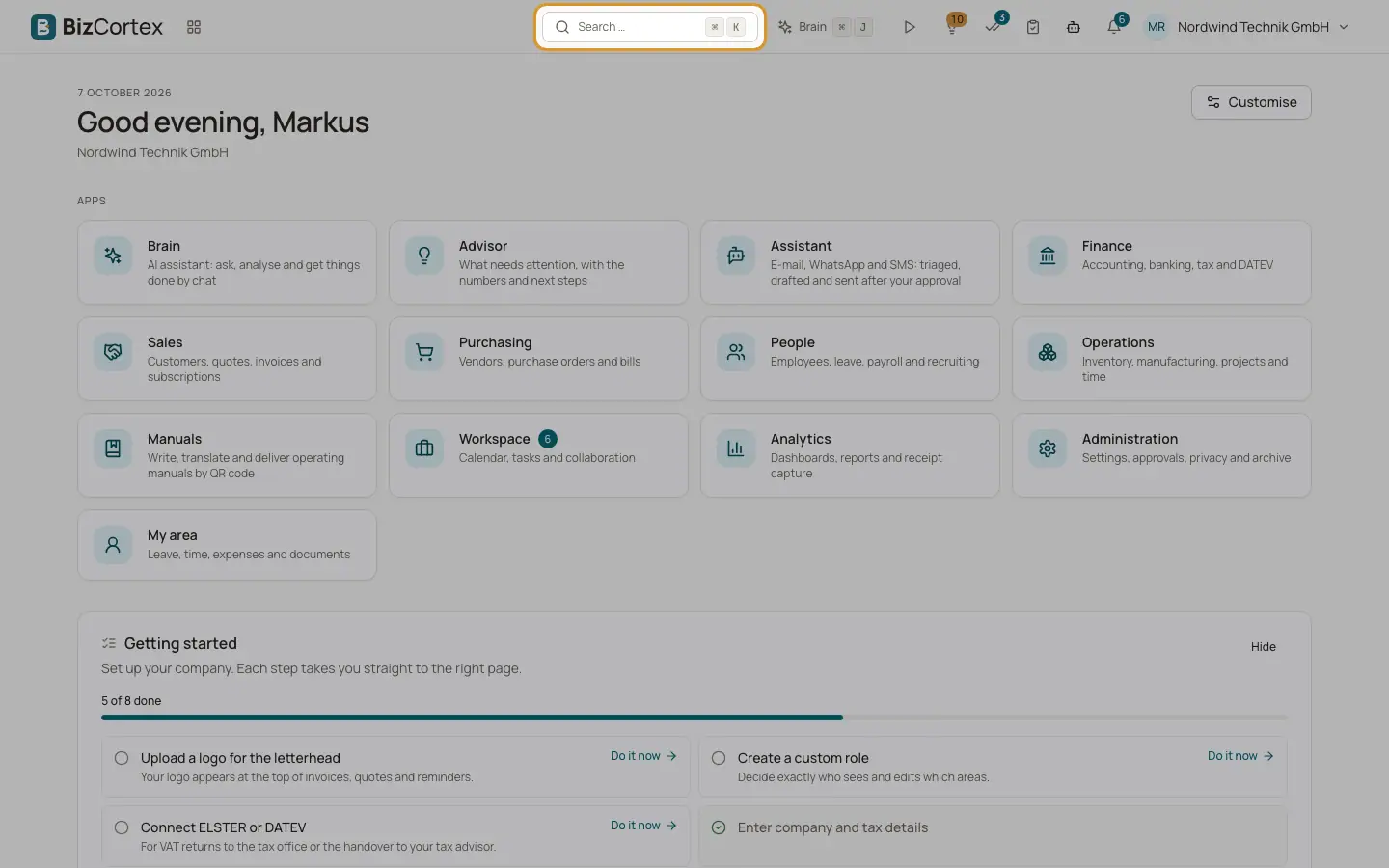
Who can use this
- Everyone
Steps
1. Open the search
Press Ctrl K (Windows and Linux) or Cmd K (Mac) on any page, or click the "Search …" box in the header. On small screens click the magnifier icon.
2. Type your search
Type at least two characters. The placeholder shows what you can search for: "Customers, invoices, products, employees, pages …".
3. Pick a result
Results are grouped by type. Use the arrow keys and Enter, or click a result, to open it. Press Escape to close the search.
Fields and options
- Pages
Pages of the app whose name contains your text, up to six. Use this to jump to a page without knowing which app it is in.
- Record groups
Customers, Vendors, Invoices, Quotes, Bills, Products, Employees, Projects and Accounts, each with up to five matches. Each group needs the matching read permission.
Tips
- The search waits briefly while you type, then shows "Searching …". If nothing is found it shows "No results".
Related
- Global search (Cmd+K)
Find customers, invoices, products, employees, documents and app pages from anywhere.
- Keyboard shortcuts
The shortcuts that work on every page.
- Finding your way: header, apps and sidebar
The parts of the screen: app switcher, breadcrumbs, header buttons, sidebar and app overview pages.