Simple view and all functions
Hide specialist pages from the sidebar, or show every function.
Many apps contain pages that only specialists need, for example technical settings. The simple view hides those pages from the sidebar so the menu stays short. "All functions" shows every page.
In the simple view, the hidden pages still work. You reach them through the global search, through Brain or from the "For specialists" part of the app overview.
Who can use this
- Everyone
Steps
1. Find the switch
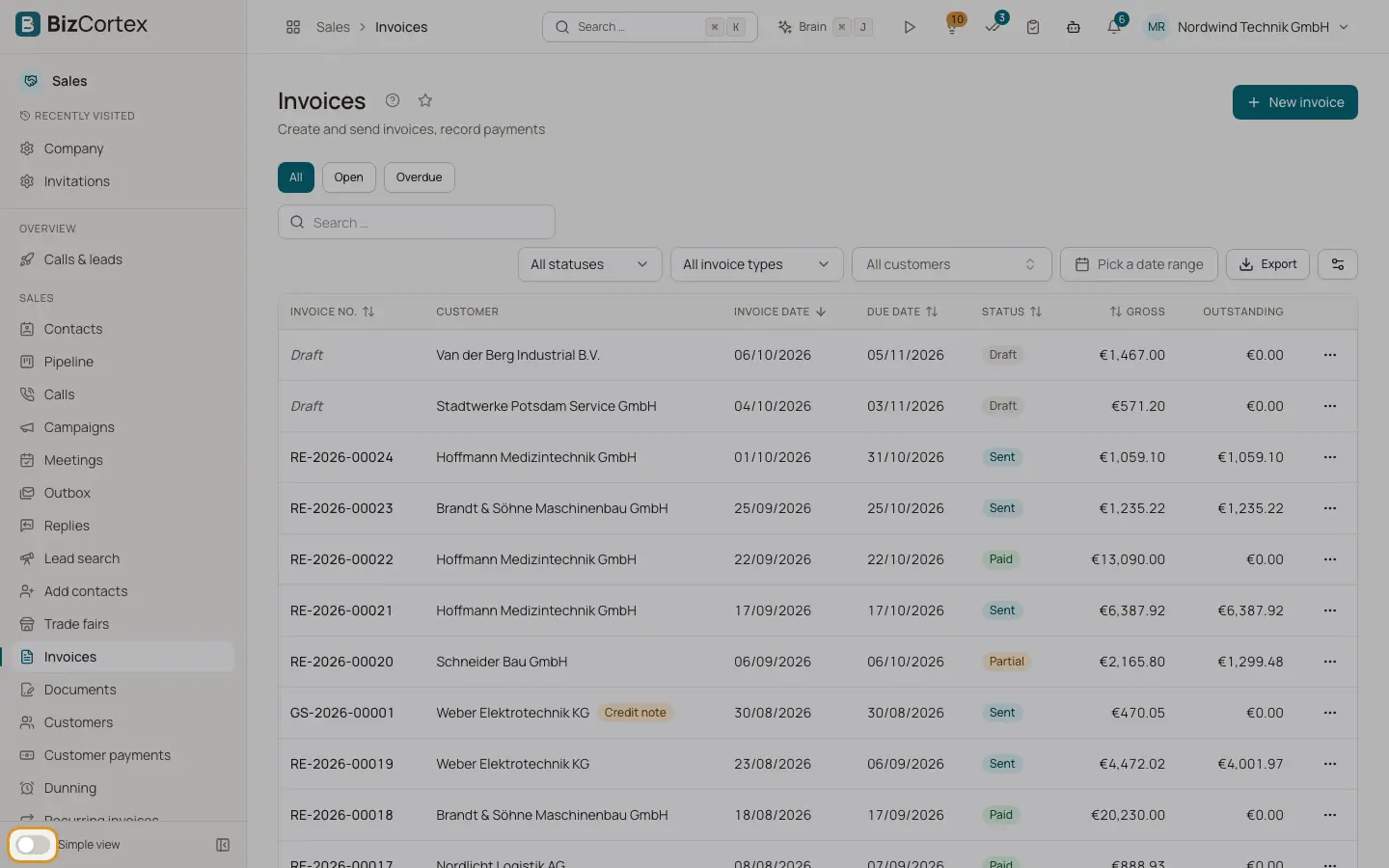
At the bottom of the sidebar you see a switch labelled "Simple view" or "All functions".
2. Switch the view
Turn the switch on to show all functions, off for the simple view. Hover the switch to read the hint: "Shows only the essential pages. Find everything else through search." or "Shows every page, including specialist ones."
Tips
- If you are on a hidden page, it stays visible in the sidebar so you do not lose your place.
Good to know
- Members who joined after 28 September 2026 start in the simple view. Members who joined earlier start with all functions.
- An administrator can set a company default per role. Your own choice always wins.
Related
- Finding your way: header, apps and sidebar
The parts of the screen: app switcher, breadcrumbs, header buttons, sidebar and app overview pages.
- Your personal preferences
Which personal settings BizCortex remembers, and where.