Language and theme
Change the language of the interface and switch between light and dark theme.
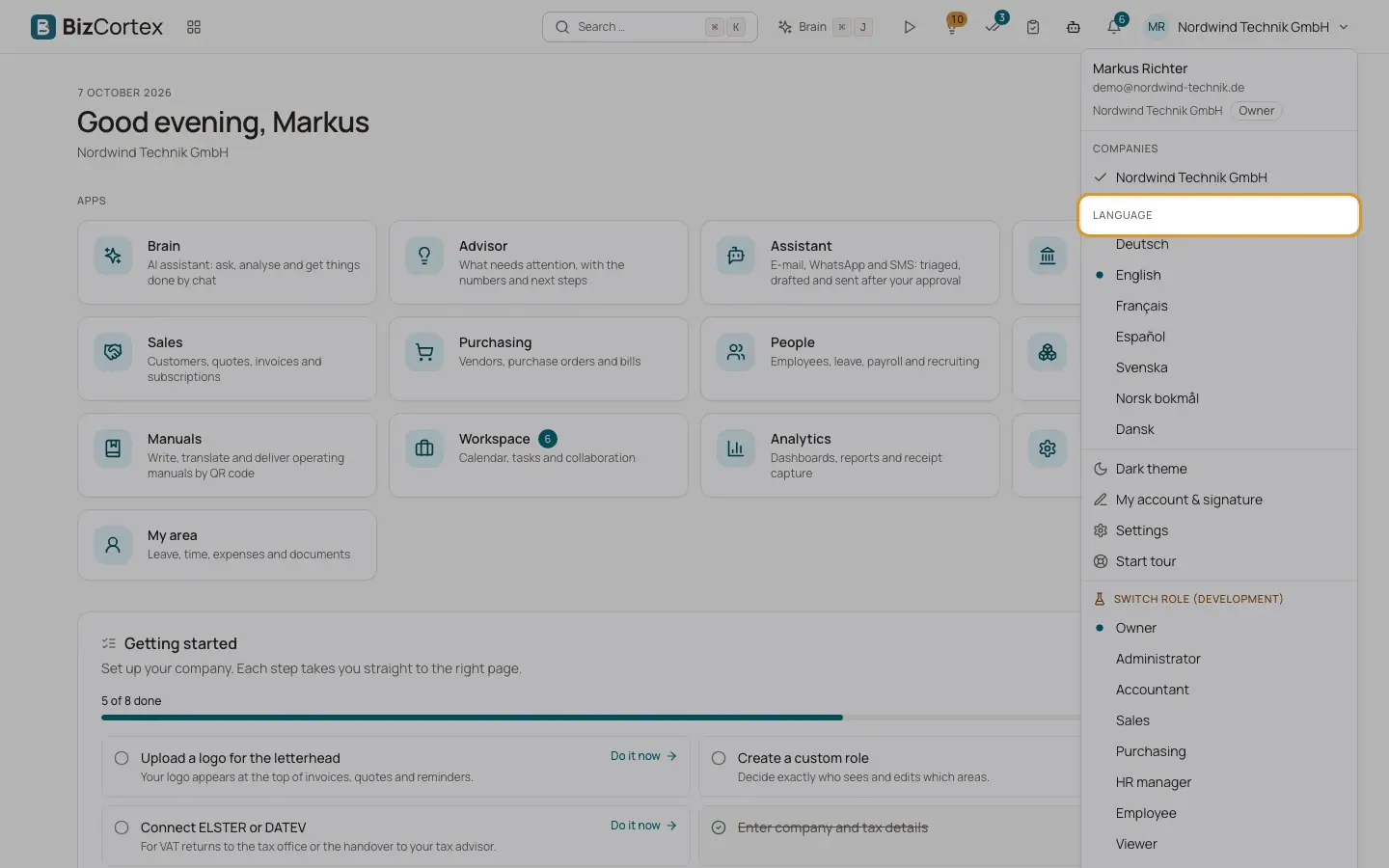
BizCortex is available in seven interface languages: Deutsch, English, Français, Español, Svenska, Norsk bokmål and Dansk. German and English are always complete. If a text is not translated yet in another language, BizCortex shows it in English instead.
You can also choose a light or a dark theme.
Who can use this
- Everyone
Steps
1. Open the user menu
Click your initials at the top right.
2. Choose a language
Under "Language", click the language you want. The interface changes immediately.
3. Switch the theme
Click "Dark theme" to switch to dark colours, or "Light theme" to switch back.
Tips
- Language and theme are remembered in your browser. On another computer or browser you may need to choose them again.
- Without a stored choice, BizCortex starts in German.
- The language of documents such as invoices does not follow your interface language. It is set on the document or the customer.
Related
- Countries and languages
Questions about supported countries, interface languages and document languages.
- Your personal preferences
Which personal settings BizCortex remembers, and where.