Notifications
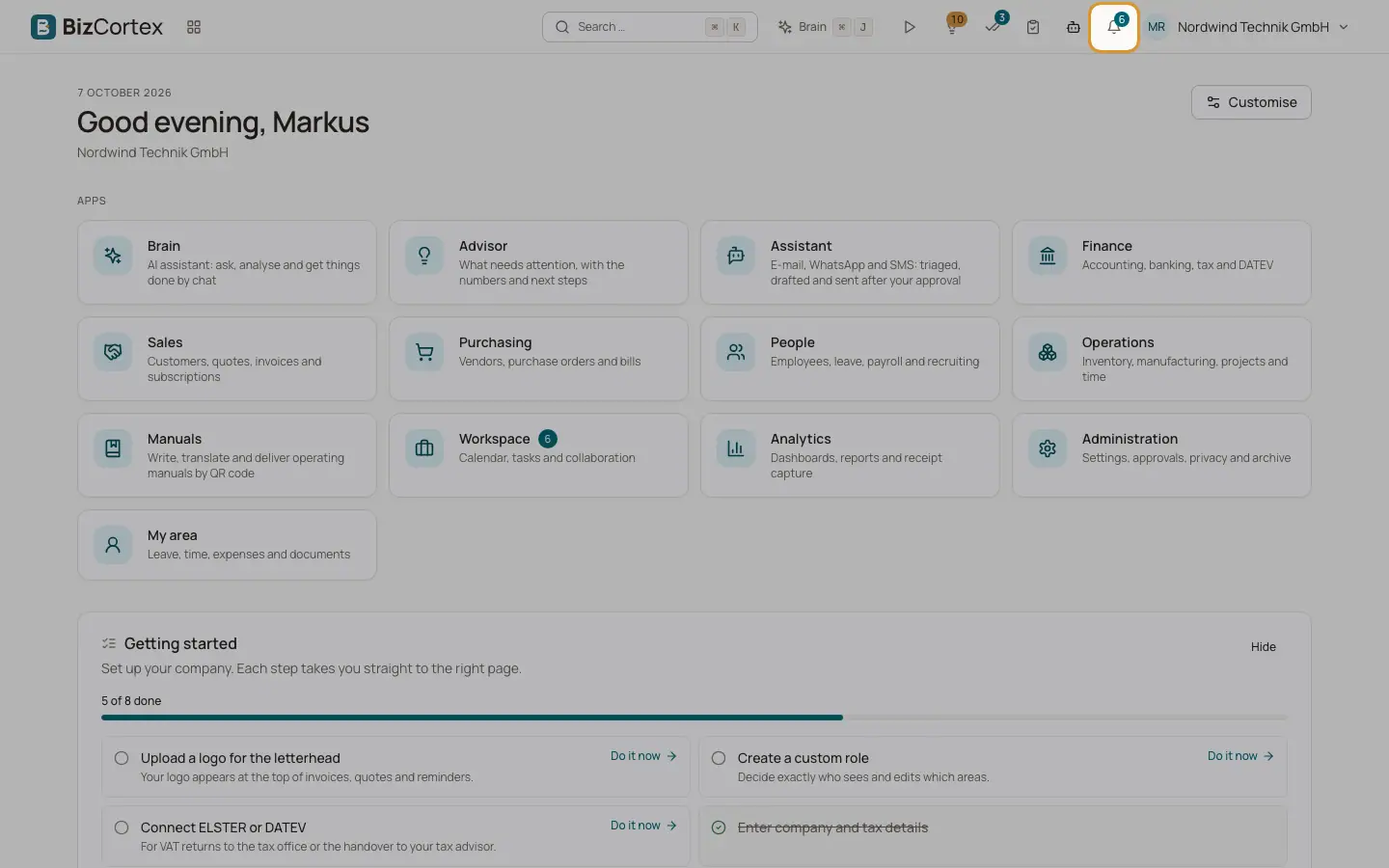
The bell in the header shows approvals, reminders and news that concern you.
BizCortex informs you about things that need your attention, for example a document waiting for your approval. A number on the bell shows how many notifications are unread.
Who can use this
- Everyone
Steps
1. Open the notifications
Click the bell at the top right. A panel shows your latest notifications with title, text and time. Unread ones have a coloured background.
2. Open a notification
Click a notification. It is marked as read and, if it belongs to a record, BizCortex opens that record.
3. Mark everything as read
Click "Mark all as read" at the top of the panel.
Good to know
- The panel shows your 20 most recent notifications. The badge shows up to 9; more are shown as "9+".
- BizCortex checks for new notifications every minute.
- Without notifications the panel shows "No notifications".
Related
- Home widgets
Every widget you can place on Home and what it shows.