Booked packages
Decide which packages a company can use, one by one or as a bundle.
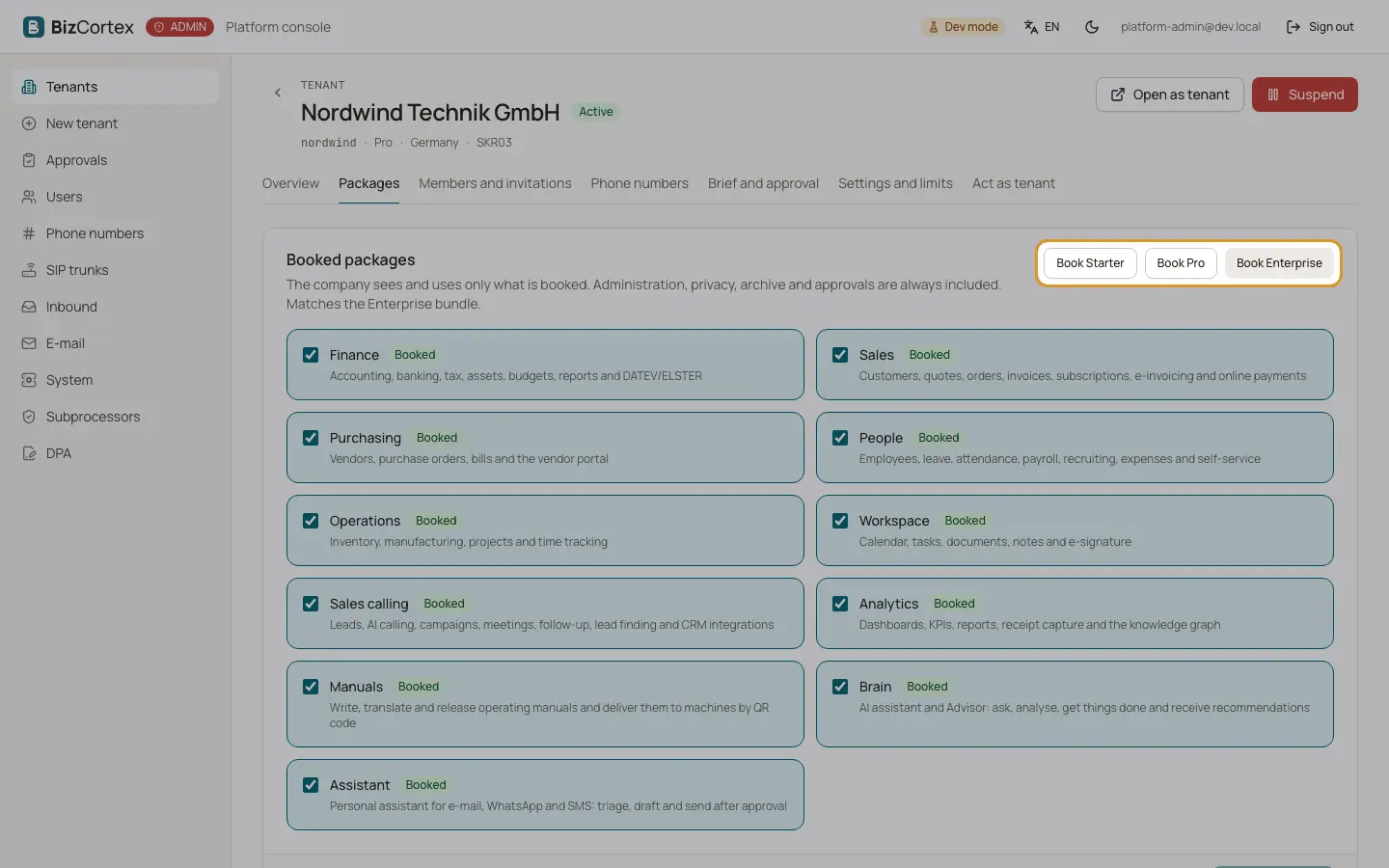
Open the tenant and the "Packages" tab. The company sees and uses only what is booked. Administration, privacy, archive and approvals are always included.
The packages are Finance, Sales, Purchasing, People, Operations, Workspace, Sales calling, Analytics, Manuals, Brain and Assistant.
Who can use this
- Platform operators
Steps
1. Book a bundle
Click "Book Starter", "Book Pro" or "Book Enterprise". The bundle replaces the current selection at once.
2. Choose single packages
Tick or untick packages. The footer shows how many are selected. The card says whether the selection matches a bundle or is a "Custom selection."
3. Save
Click "Save packages", or "Reset" to go back to the saved selection.
4. Compare
The table "Bundles compared" shows which packages Starter, Pro and Enterprise contain.
Good to know
- Manuals and Assistant are paid add ons. They are only in Enterprise or can be booked on their own.
- Every change is written to the audit log of the tenant with the packages added and removed.
- Pages and actions of packages that are not booked disappear from BizCortex for every member of the company.