Suspending and deactivating a tenant
Stop the calling side of a tenant, or switch the whole tenant off.
There are two ways to stop a tenant. Suspending stops only calling. Deactivating switches the whole tenant off.
Who can use this
- Platform operators
Steps
1. Suspend
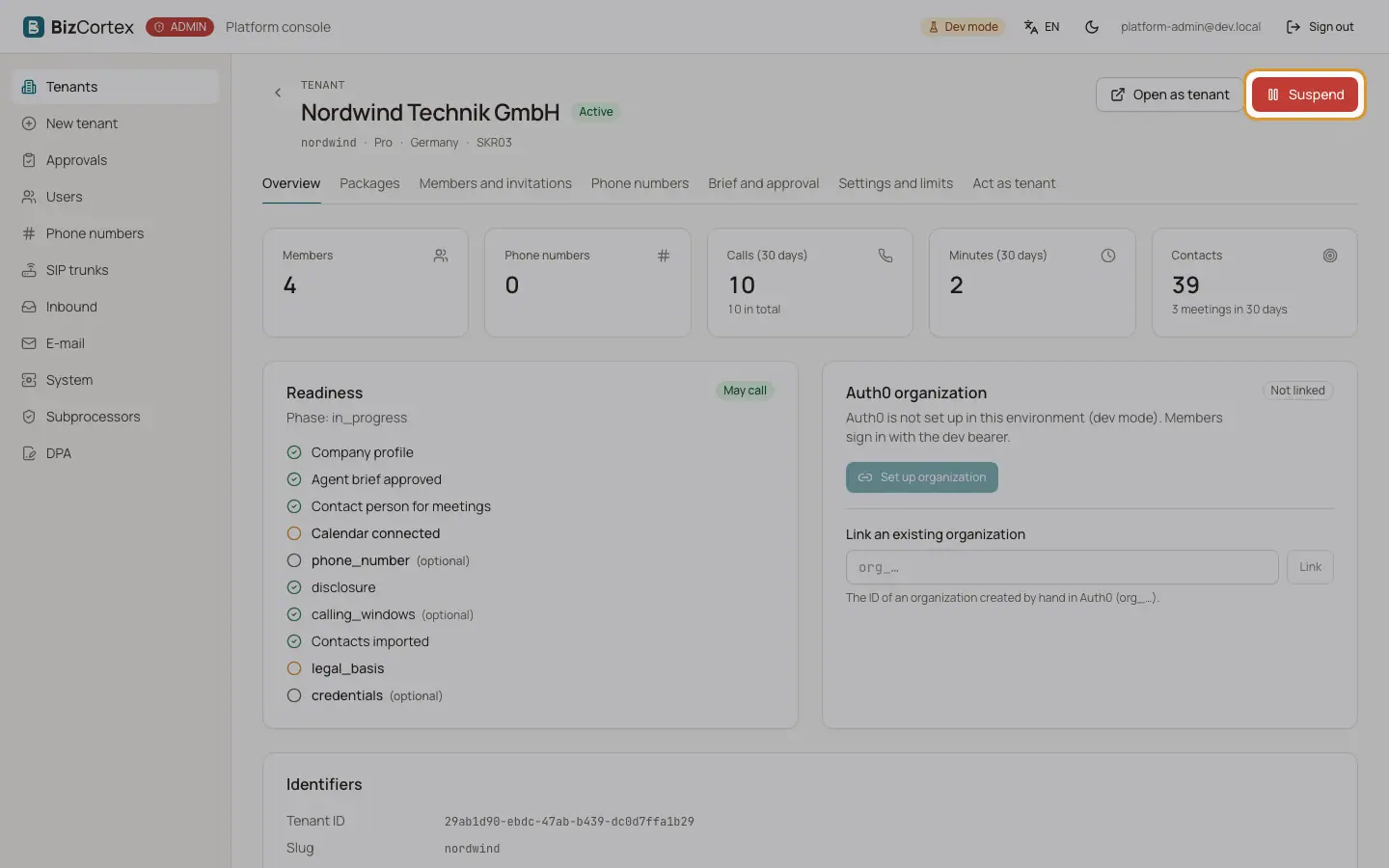
Click "Suspend" on the tenant page, enter a reason (it is logged) and confirm. Calling stops at once: no calls, no inbound deliveries, no reactivation of contacts and no meeting notetaker. Accounting and the rest of BizCortex stay usable, because a company must always be able to reach its books. The tenant page shows a notice while it is suspended.
2. Reactivate
Click "Reactivate" to allow calling again.
3. Deactivate
On "Settings and limits", switch off "Tenant active" and save. The tenant disappears from the memberships and the company switcher of every member, and nobody can sign in to it.
Good to know
- Suspend, reactivate and every settings change are written to the audit log of the tenant.