Tenant overview and Auth0 organization
Usage, readiness, identifiers and the link to the Auth0 organization of a tenant.
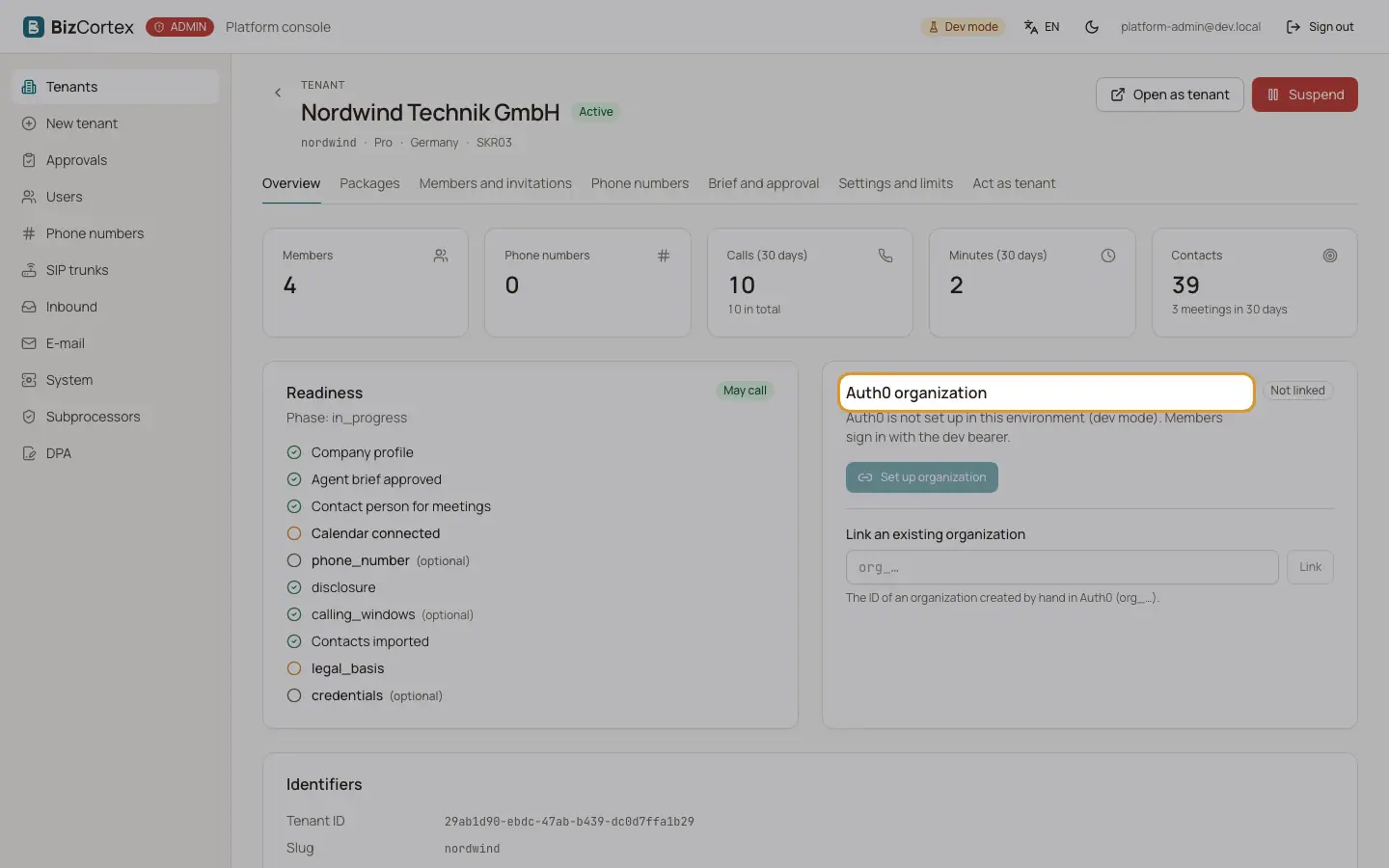
The tenant page shows the name, status, slug, plan, country and chart of accounts at the top, with the buttons "Open as tenant" and "Suspend" or "Reactivate". The tabs are Overview, Packages, "Members and invitations", "Phone numbers", "Brief and approval", "Settings and limits" and "Act as tenant".
The "Overview" tab shows the usage, the readiness for calling, the identifiers and the Auth0 organization.
Who can use this
- Platform operators
Steps
1. Set up the organization
Every tenant is one Auth0 organization. Without it nobody can sign in to the tenant. Click "Set up organization" to create or reuse it, or "Sync again" to repeat the setup.
2. Link an existing organization
Enter the id of an organization created by hand in Auth0 (it starts with org_) and click "Link". An organization can only belong to one tenant.
3. Unlink
Click "Unlink". The organization stays in Auth0, but the tenant no longer points to it. Members can sign in again only after a new link.
Fields and options
- Usage
Members, phone numbers, calls in 30 days (with the total), minutes in 30 days, contacts and meetings in 30 days. Test calls are not counted.
- Readiness
The setup phase and whether the tenant "May call". The checklist covers the company profile, the approved agent brief, a contact person for meetings, a connected calendar, an own phone number and imported contacts. Optional items are marked.
- Identifiers
Tenant ID, slug, chart of accounts, currency and country, creation date.
Good to know
- In a development installation without Auth0, the card says that members sign in with the development login instead.
Related
- Members and invitations of a tenant
Invite members, change roles, remove members and manage open invitations for any tenant.
- Suspending and deactivating a tenant
Stop the calling side of a tenant, or switch the whole tenant off.