Brief approvals
Review the calling scripts of tenants before their first real call goes out.
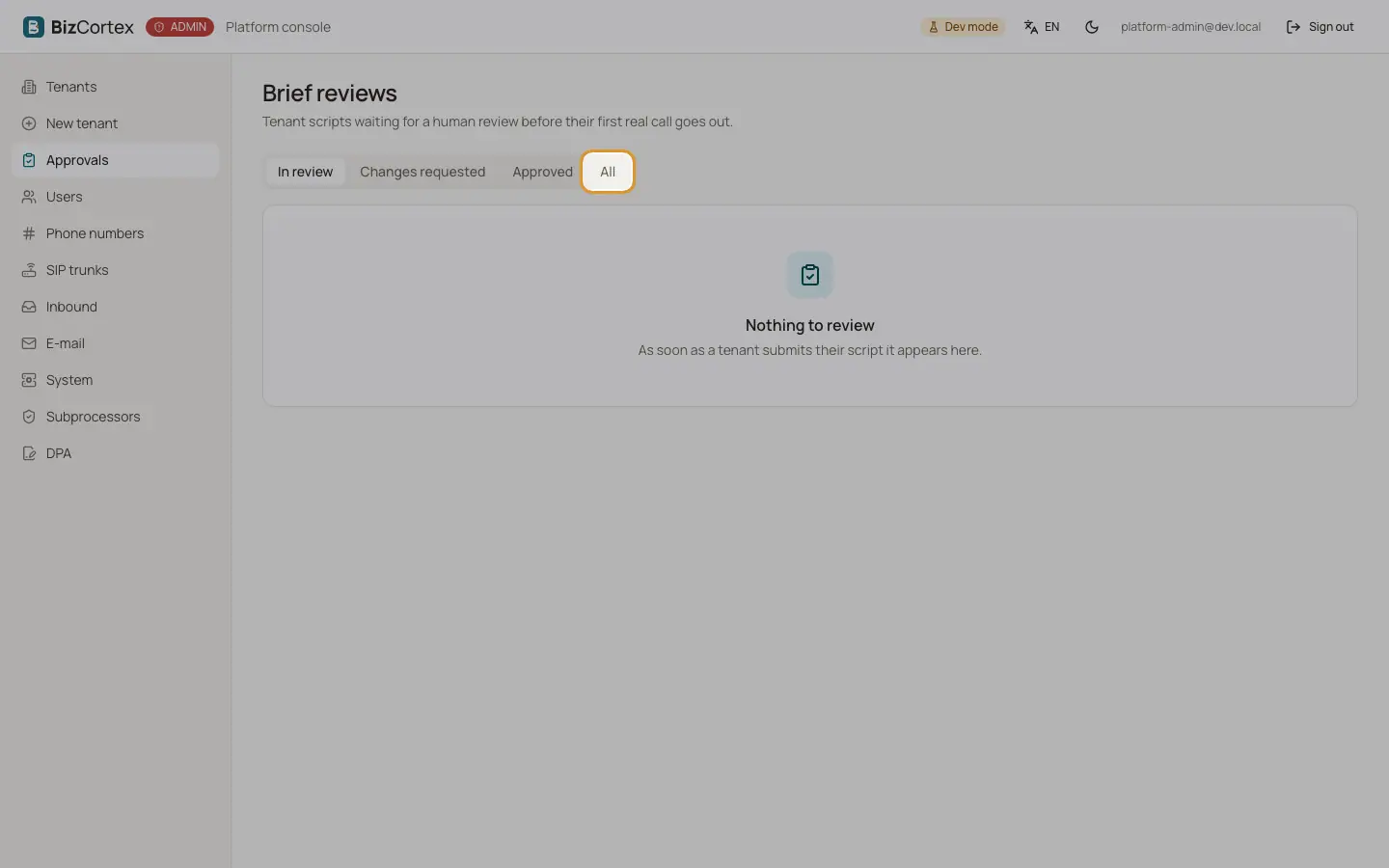
Before a tenant may call real contacts with the AI agent, a person must review its brief: fifteen answers in four blocks and the script generated from them. Open "Approvals" in the sidebar for the review queue, or the tab "Brief and approval" of a tenant.
The queue lists tenant, status, language and submission date. Filter by status: All, Draft, Generated, In review, Approved or Changes requested.
Who can use this
- Platform operators
Steps
1. Open a brief
Click a row. The page shows the script (read only), the answers of the tenant per block and the test calls with how many were completed.
2. Approve
Click "Approve". Approving creates the opening announcements as new disclosure versions; from then on the agent may call real contacts. If there is no completed test call, you must give a written reason.
3. Request changes
Enter a "Note for the tenant" with what should change and click "Request changes". The tenant sees this text.
Good to know
- When the tenant saves a changed script later, the existing approval is lifted and the script must be approved again.