Answering a calendar invitation
The page behind the accept, maybe and decline links of a calendar invitation.
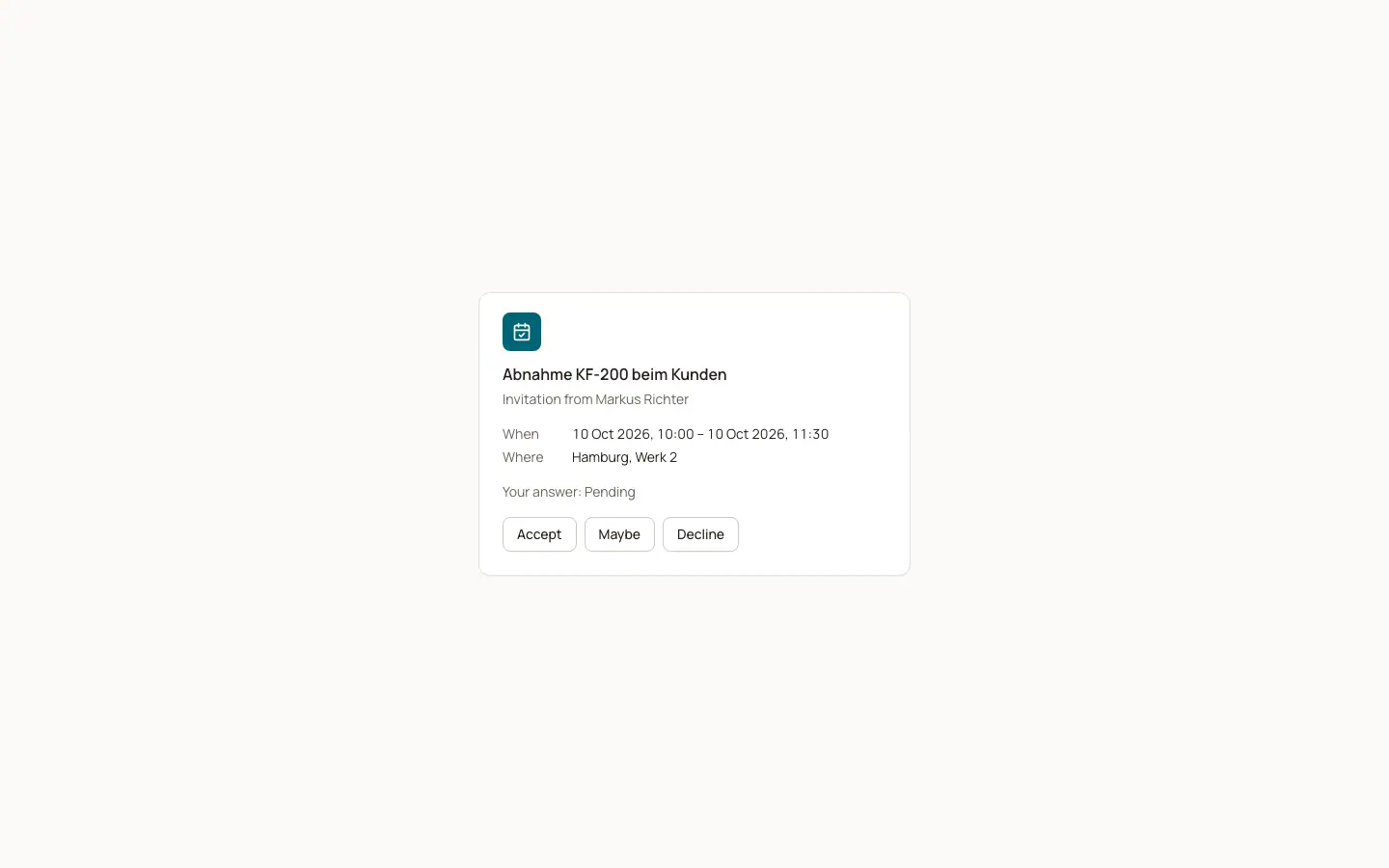
Calendar invitations from BizCortex contain three links. Each opens the page "Invitation" with the title, "Invitation from" the organizer, When, Where and Online (the meeting link).
Who can use this
- Anyone invited by email to a calendar appointment
Steps
1. Answer
The answer from the link is saved right away. The page shows "Thank you! Your answer was saved." and "Your answer".
2. Change the answer
Click "Accept", "Maybe" or "Decline" on the page to change it at any time.
Good to know
- Cancelled appointments show "This appointment was cancelled."
- The organizer sees the answer in the calendar and gets an in app notification.
Related
- Overview of public pages
Which pages work without a login and how each one is protected.