Shared file link
The download page for a file shared from Docs with a public link.
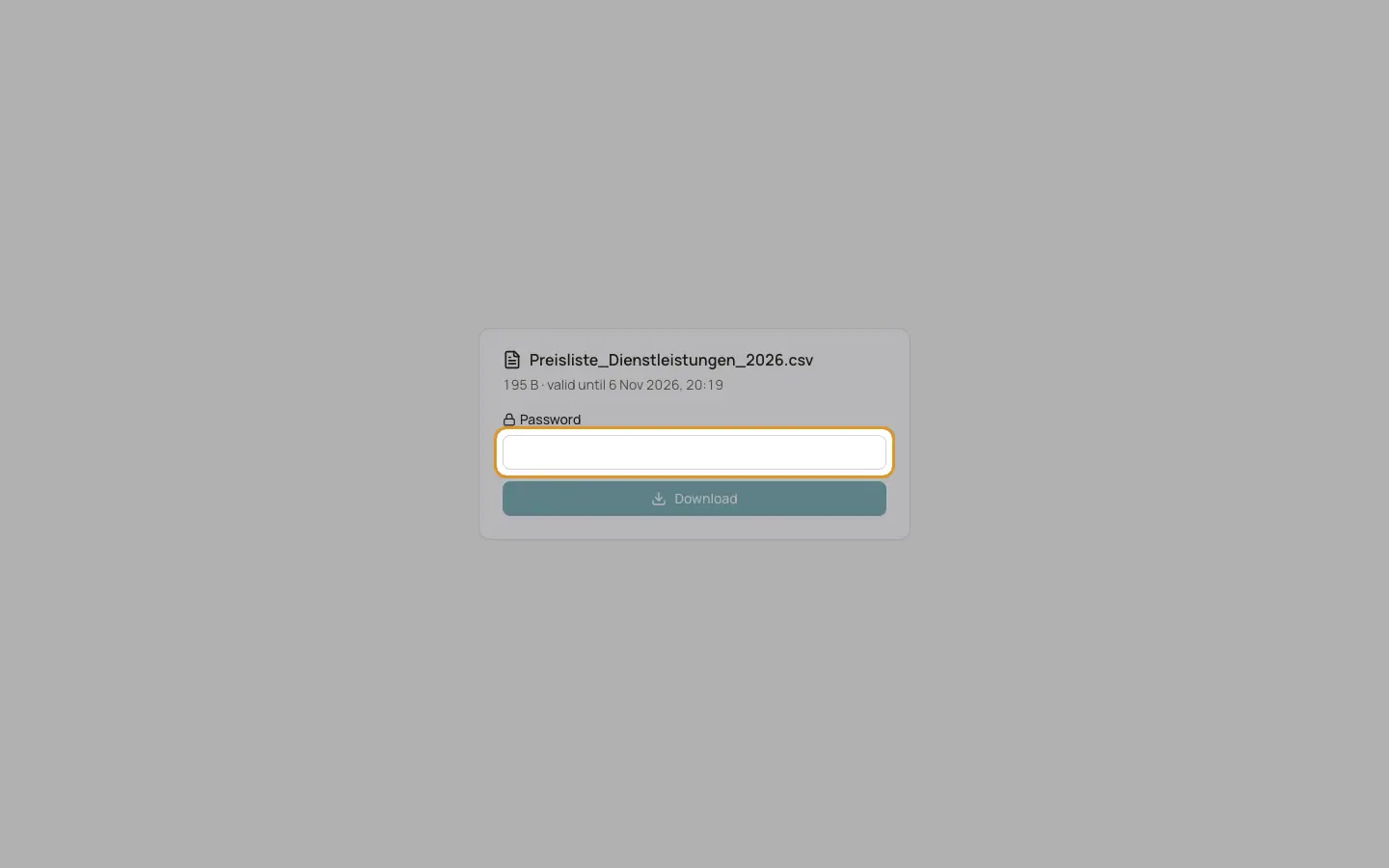
In Docs, a file can be shared with a "Public link". The recipient opens the page "Shared file" with the file name, its size and "valid until" the expiry date.
Who can use this
- Anyone who has the link
Steps
1. Enter the password
If the link is password protected, enter the "Password". The password is sent separately by the person who shared the file.
2. Download
Click "Download".
Good to know
- "The password is wrong." appears after a wrong password.
- "This link has expired or was revoked." appears after the expiry date, after the maximum number of downloads, or when the link was revoked.
- "This link is invalid." appears for an unknown link.
Related
- Overview of public pages
Which pages work without a login and how each one is protected.