Careers page and job applications
The public list of open positions and the application form.
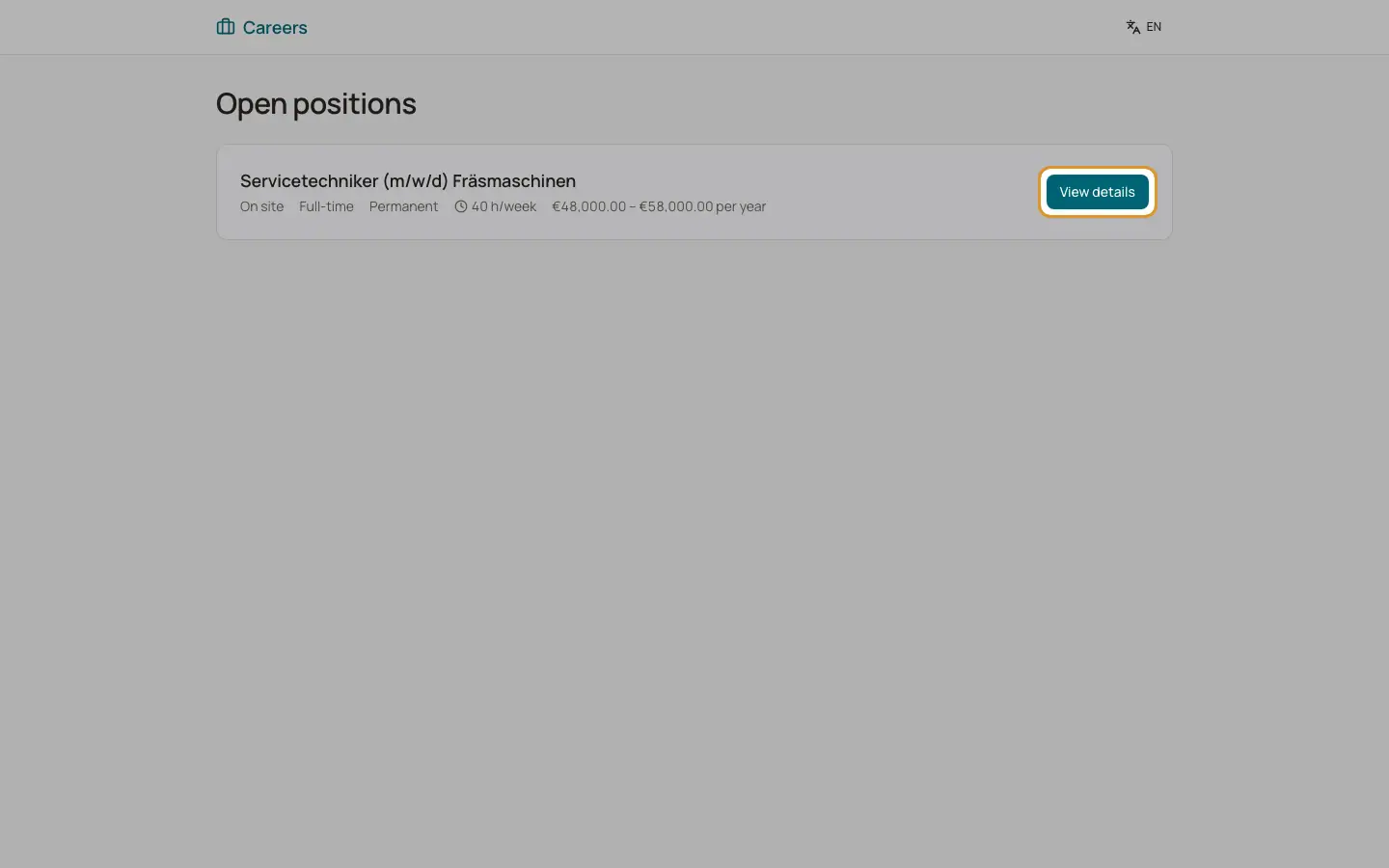
Every company with the recruitment feature has a public careers page under its company slug. It lists the published job openings ("Careers", "Open positions"). Link it from your website. No login is needed.
Who can use this
- Applicants (anyone)
Steps
1. Browse positions
The list shows each open position with its details and "View details". If nothing is published: "There are no open positions at the moment."
2. Read a job
The job page shows the description, requirements and benefits, the closing date, weekly hours and the salary range if you published them. "All positions" leads back.
3. Apply
Click "Apply now". Under "Your application" enter first name, last name, email, phone (optional), a cover letter (optional), "How did you hear about us?" and upload a CV (PDF, DOC or DOCX, max. 10 MB). Tick the required privacy consent and, optionally, "I would like to join the talent pool". Click "Submit application".
4. Confirmation
The page shows "Thank you for your application!" and "We will get back to you as soon as possible." The application appears in your recruitment pipeline.
Good to know
- At most 5 applications per 10 minutes are accepted from one device; then "Too many requests. Please try again in" a number of seconds.
- A second application for the same position with the same email is refused: "You have already applied for this position."
- BizCortex does not send an automatic confirmation email to applicants.
- If the slug is wrong: "This careers page does not exist." If a position was closed: "This position is not (or no longer) advertised."
Related
- Overview of public pages
Which pages work without a login and how each one is protected.
- The public careers page
How applicants find your published jobs and apply online without an account.