Notetaker notice and meeting link
Pages for meeting guests: declining the notetaker and opening the video meeting.
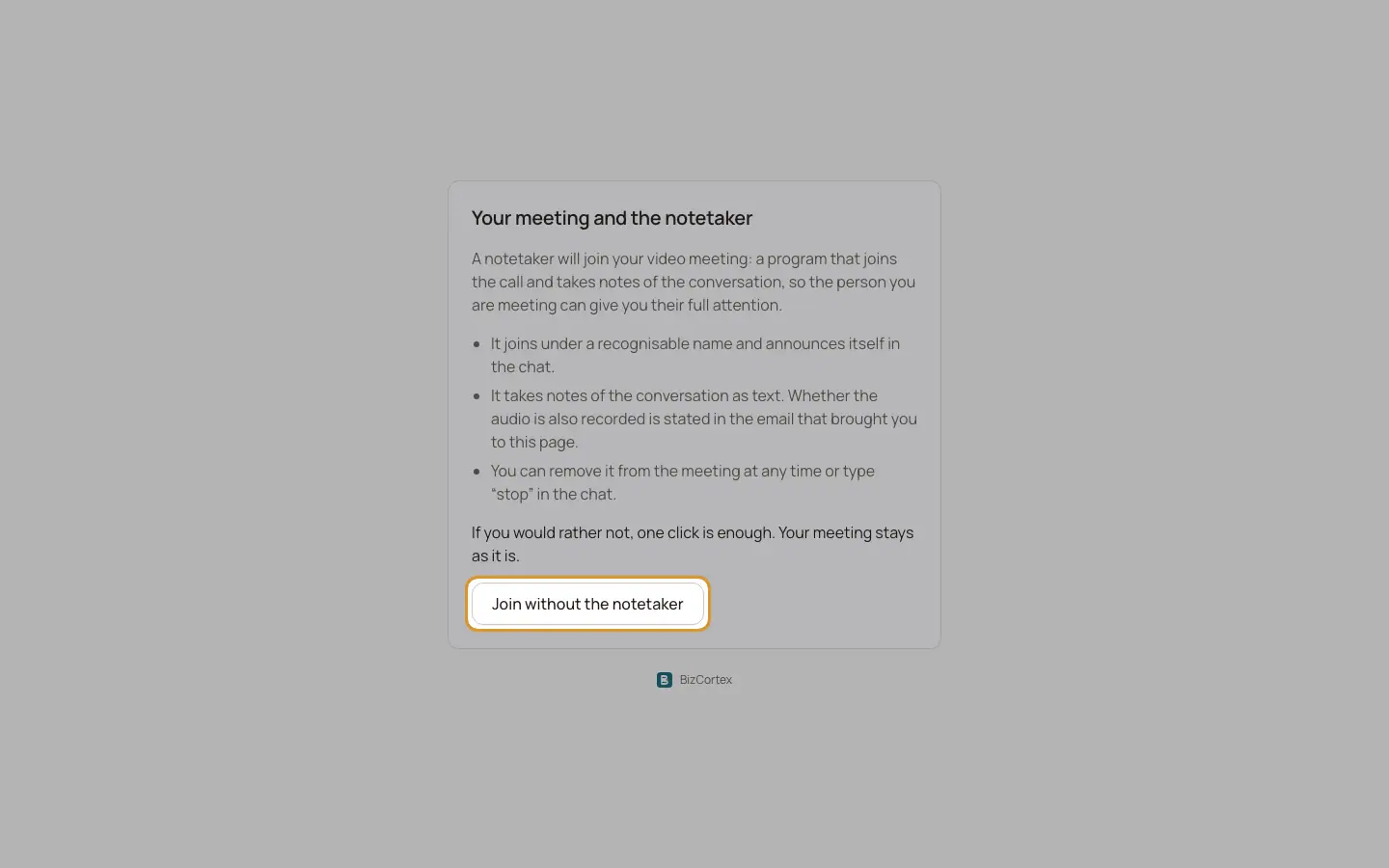
When the AI notetaker will join a video meeting, the meeting email contains a notice and a link. The page "Your meeting and the notetaker" explains what the notetaker does: it joins under a recognisable name and announces itself in the chat, it takes notes as text (the email states whether audio is also recorded), and it can be removed at any time or stopped by typing "stop" in the chat.
Who can use this
- Meeting guests
Steps
1. Decline the notetaker
Click "Join without the notetaker". The page confirms that the notetaker will not join your meeting with the company on that date. "Your meeting is unchanged."
2. Open the meeting
Meeting reminders contain a short meeting link. It shows "Opening your meeting…" and forwards to the video meeting.
Good to know
- If the meeting is over or cancelled: "This meeting link is no longer active" or "This meeting is already over."
- Unknown links: "We do not recognise this link. Please get in touch with your contact person directly."
Related
- Overview of public pages
Which pages work without a login and how each one is protected.