Landing page
The public start page that introduces BizCortex.
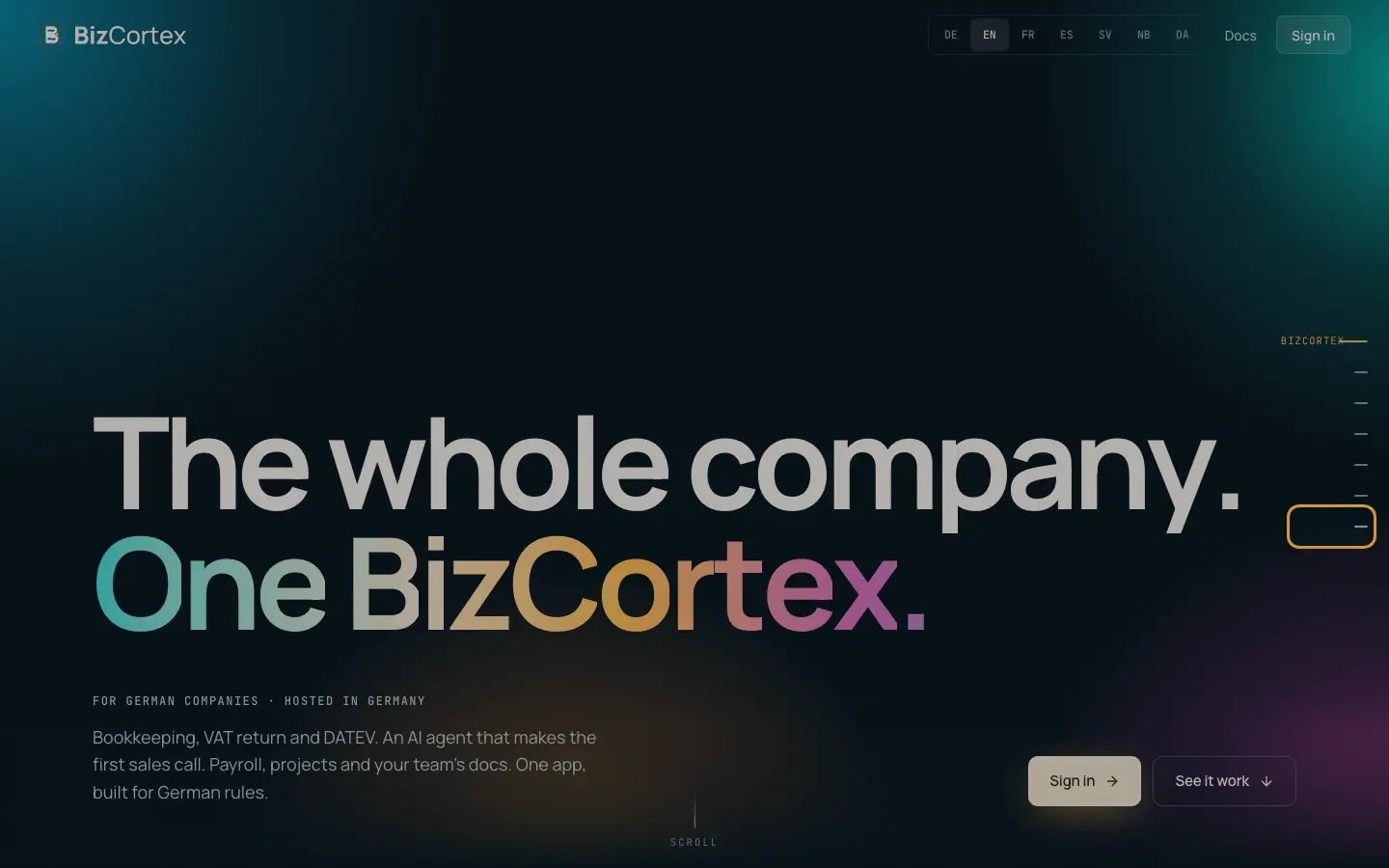
Visitors who are not signed in and open the main address of BizCortex are taken to the landing page. Signed in users can open it too. It presents the product in short chapters: Finance ("Every euro finds its account"), Sales with the AI agent that makes the first call, the five apps (Finance, Sales, People, Operations, Workspace), "One app instead of ten" and the built in German compliance rules.
Steps
1. Scroll through the chapters
The page animates while you scroll. A progress indicator ("Sections") shows where you are.
2. Sign in
Click "Sign in" at the top, in the hero area or at the end of the page to go to the sign in page.
Good to know
- There is no public registration. Accounts come from the invitation of your administrator.
- Links to the Legal notice and the Privacy policy are at the bottom.
Related
- Sign in and invitation acceptance
How team members sign in and how an invitation is accepted.
- Legal notice and Privacy policy
The public legal pages linked from the landing page and the sign in page.