Supplier portal sign in
How vendor contacts sign in to the supplier portal.
Vendors sign in without a password. Your team enables a vendor contact in the supplier portal administration; the contact then receives a sign in link by email.
Who can use this
- Vendor contacts enabled by your purchasing team
Steps
1. Request a link
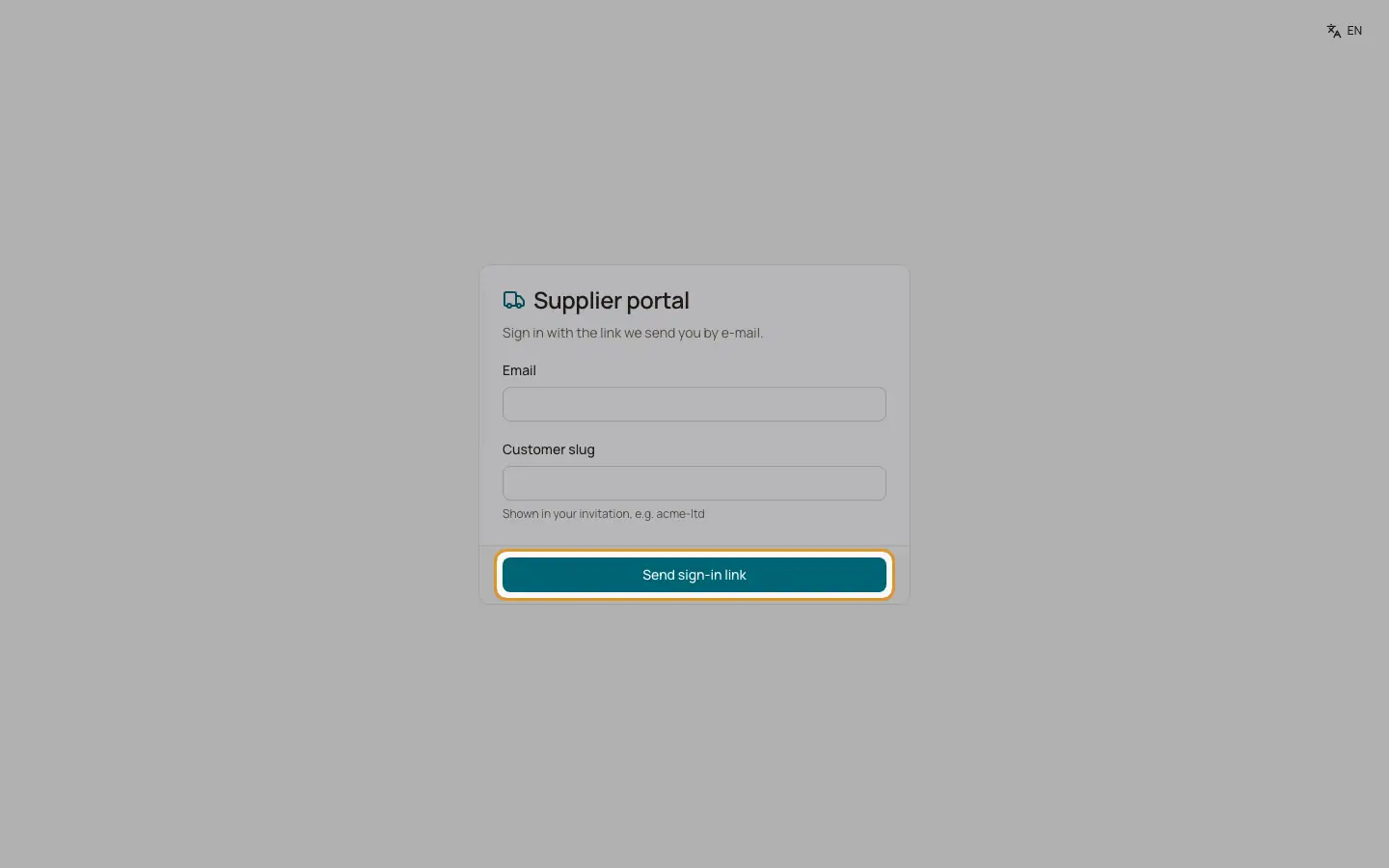
Open the page "Supplier portal". Enter the email address and the "Customer slug" (the short name of the company, shown in the invitation) and click "Send sign in link". The page answers: "If the address is enabled for the portal, we sent you a sign in link (valid for 30 minutes)."
2. Open the link
Click the link in the email. The page shows "Checking your sign in …" and opens the portal.
3. If the link is invalid
"The sign in link is invalid or expired. Please request a new one."
Good to know
- A session lasts 12 hours. Links work only once.
Related
- Supplier portal
What vendors see and do: purchase orders, invoices, payments, uploads and bank details.