The public careers page
How applicants find your published jobs and apply online without an account.
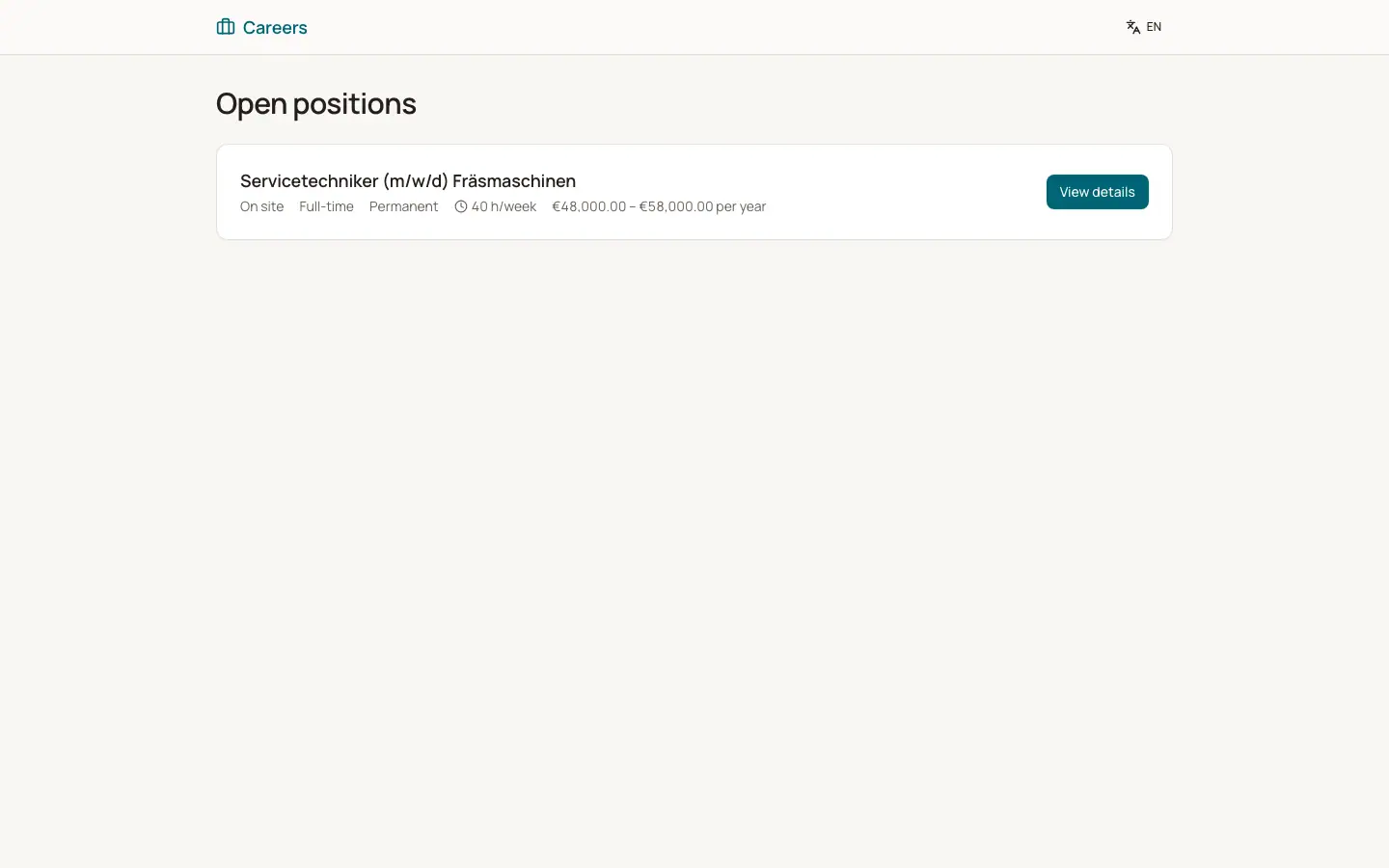
Every company has a public careers page under the address of BizCortex with the short name of your workspace. It lists all published, open job openings. Applicants can open a job, read the details and apply without an account. Use "Copy link" on a job opening to get the link to share on your website or job boards.
Who can use this
- Anyone on the internet (applicants)
- HR manager publishes the jobs
Steps
1. Publish jobs
Publish job openings in Recruiting. Only published, open openings are shown.
2. Write an intro
In Recruiting, Settings enter the "Careers page intro text". It appears above the job list.
3. How applicants apply
The applicant clicks "View details" and then "Apply now". They enter first and last name, email, phone, LinkedIn, upload a CV, write a cover letter, choose how they heard about you, accept the privacy notice (required) and optionally join the talent pool. Then they click "Submit application".
4. Where applications go
The application appears in the pipeline of the job in the first stage with the source Careers page.
Fields and options
- Salary
Shown only if "Publish salary (pay transparency)" is on.
- Closing date
Shown on the job page.
Good to know
- CV upload: PDF, DOC or DOCX, at most 10 MB.
- An applicant can apply to the same job only once with the same email address.
- To prevent abuse, one device can send at most 5 applications per 10 minutes and open at most 60 pages per minute.
Related
- Requisitions and job openings
Approve new positions, create job openings and publish them on your careers page.
- Careers page and job applications
The public list of open positions and the application form.