Helpdesk categories and SLA report
Define categories with owners, response times and confidentiality, and monitor SLA performance.
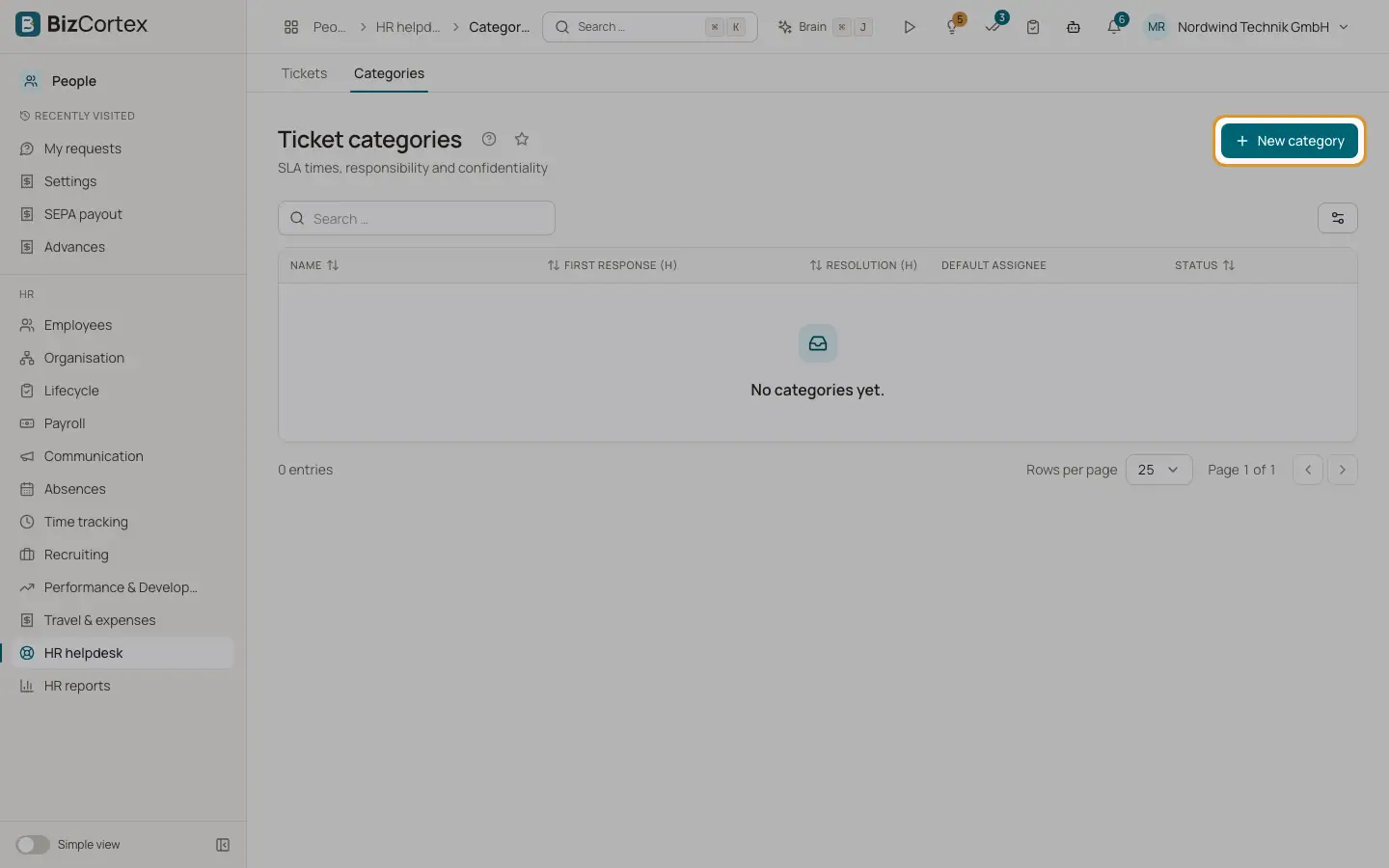
People, HR helpdesk, Categories defines the ticket categories. No categories exist at the start; create them before employees can file tickets. HR helpdesk, SLA report shows response and resolution times per category.
Who can use this
- Owner
- Admin
- HR manager
Steps
1. Create a category
Click "New category". Enter name and description, "First response (h)" (default 24), "Resolution (h)" (default 72), the default assignee, Confidential and Active.
2. Use confidential categories
Turn on Confidential for sensitive topics such as complaints. A confidential category needs a default assignee who works in HR.
3. Read the SLA report
Choose a date range. The cards show Tickets, Open, SLA breaches and average resolution time. The chart and table show per category open tickets, response breaches and resolution breaches.
4. Check SLA now
Click "Check SLA now" to flag overdue tickets immediately. A background job does this every 15 minutes and notifies the assignee.
Good to know
- Hours must be at least 1. On creation the first response is at most 1440 hours and the resolution at most 8760 hours.
- A category with tickets cannot be deleted. Deactivate it instead. Inactive categories cannot receive new tickets.
Related
- HR helpdesk
Employees ask HR questions as tickets, HR answers within service level times.