SEPA payout of reimbursements
Pay all posted reimbursements in one SEPA transfer file.
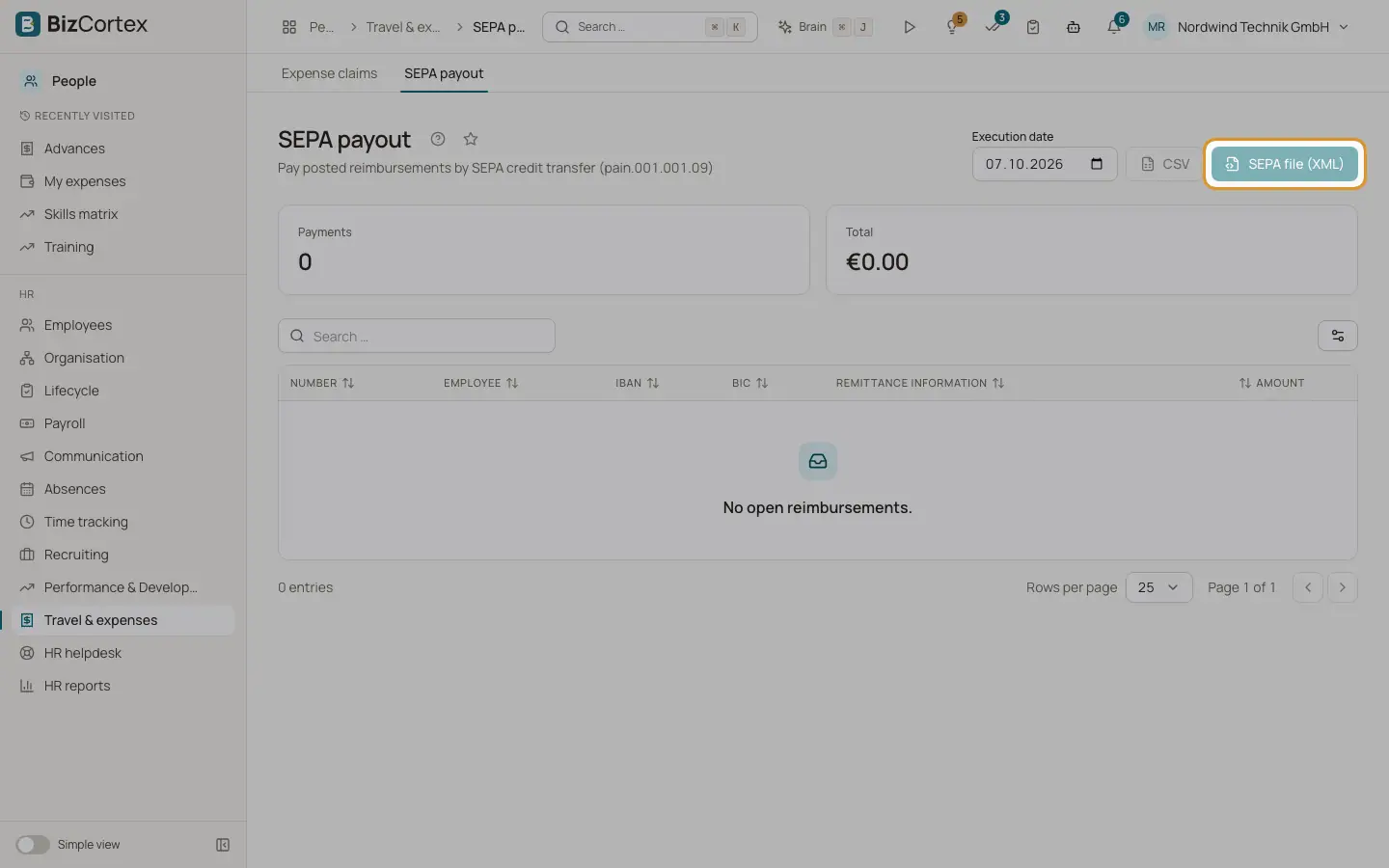
People, Travel & expenses, SEPA payout lists every posted claim with an amount payable. It shows the number of payments, the total, and per claim the employee, IBAN, BIC, remittance information and amount.
Who can use this
- Owner
- Admin
- Accountant
- HR manager (view only)
Steps
1. Choose the execution date
The default is today.
2. Download the file
Click "SEPA file (XML)" for a SEPA credit transfer file, or CSV for a list. Upload the XML file in your online banking.
3. Record the payouts
After the bank executed the transfer, click "Record payout" for each claim. The payout is posted from the payables account to the bank with the execution date.
Good to know
- Downloading the file does not mark claims as paid.
- Claims of employees without an IBAN in the personnel record are listed under "These reimbursements cannot be transferred" and are left out of the file.
- The debtor account comes from the expense settings, otherwise from the company profile.
Related
- Expense settings and categories
Accounts, allowance rates, approval threshold, SEPA debtor and expense categories.