Employee surveys
Ask the workforce questions, anonymously if you like, and review the results.
People, Communication, Surveys lets you create employee surveys. A survey has the status Draft, Open or Closed. Employees answer open surveys in My area. Each employee can answer a survey only once.
Who can use this
- Owner
- Admin
- HR manager
Steps
1. Create a survey
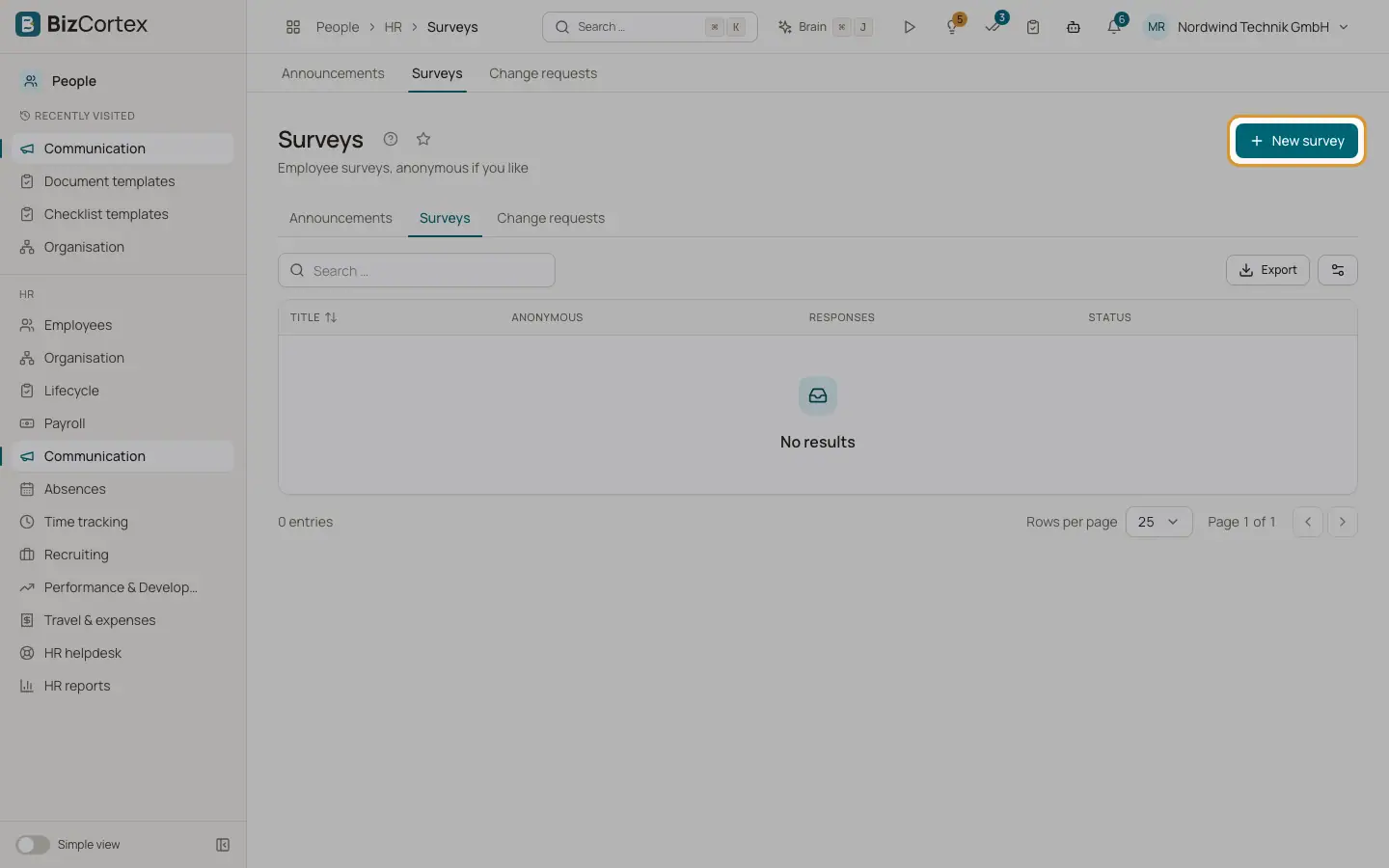
Click "New survey". Enter title and description, choose the audience and decide whether it is Anonymous. Set "Minimum responses for results" to protect anonymity.
2. Add questions
Click "Add question". Choose the question type (Free text, Rating 1 to 5, Single choice, Multiple choice, Yes/No), enter answer options separated by commas for choice questions and mark questions as Required.
3. Start and end
Click Start to open the survey. Click End to close it.
4. See results
Click Results. Results are shown only once the minimum number of responses is reached.
Good to know
- Questions can only be changed while the survey is a draft.
- Surveys with responses cannot be deleted. Close them instead.
Related
- Announcements
Publish news to all employees or to selected groups.