Travel advances
Request, approve, pay out and settle advances for business trips.
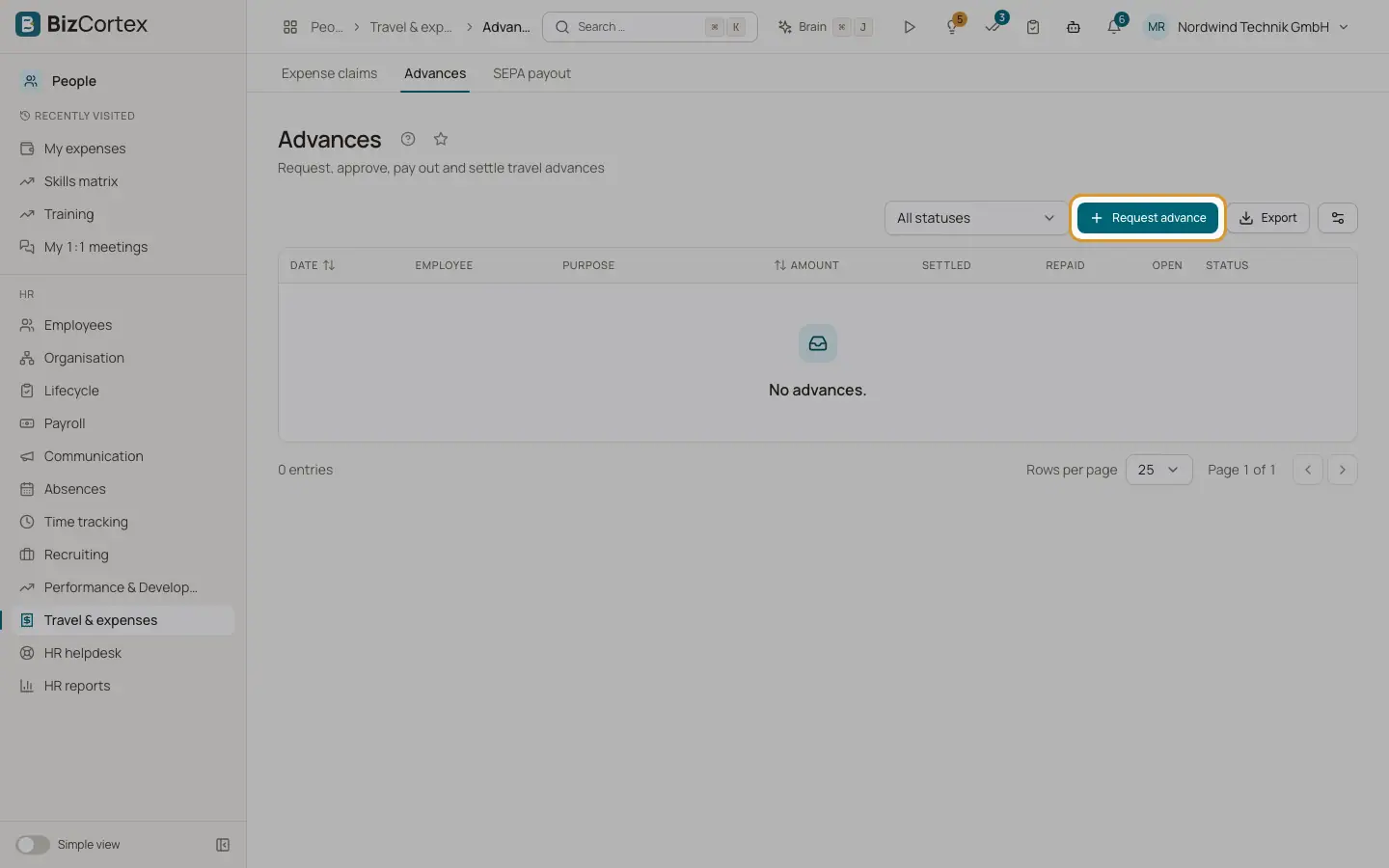
People, Travel & expenses, Advances lists all advances with date, employee, purpose, amount, settled, repaid, open and status. The statuses are Requested, Approved, Paid out, Settled and Rejected.
Who can use this
- Employees (request in My expenses)
- HR manager (approve)
- Accountant (pay out and record repayment)
- Owner
- Admin
Steps
1. Request
Click "Request advance". Enter amount and purpose. HR chooses the employee; employees request for themselves in My expenses.
2. Approve or reject
Use Approve or Reject (with a reason). You cannot approve your own advance.
3. Pay out
Finance clicks "Pay out". The payout is posted from the bank to the advances account with today as date.
4. Settle with a claim
When a claim of the employee is posted, paid out advances are offset automatically, oldest first. A fully used advance becomes Settled.
5. Record a repayment
If the employee pays money back, click "Record repayment", enter amount (at most the open amount) and payment date.
Related
- Travel and expense claims
How employees claim expenses and how claims are approved, posted and paid.