1:1 meetings and kudos
Regular manager conversations and recognition between colleagues.
A 1:1 meeting has an agenda, shared notes, private notes and action items. Kudos are short messages of recognition or feedback between colleagues, optionally with a badge.
Who can use this
- Managers and employees in My area
- HR sees an overview without private notes
Steps
1. Plan a 1:1
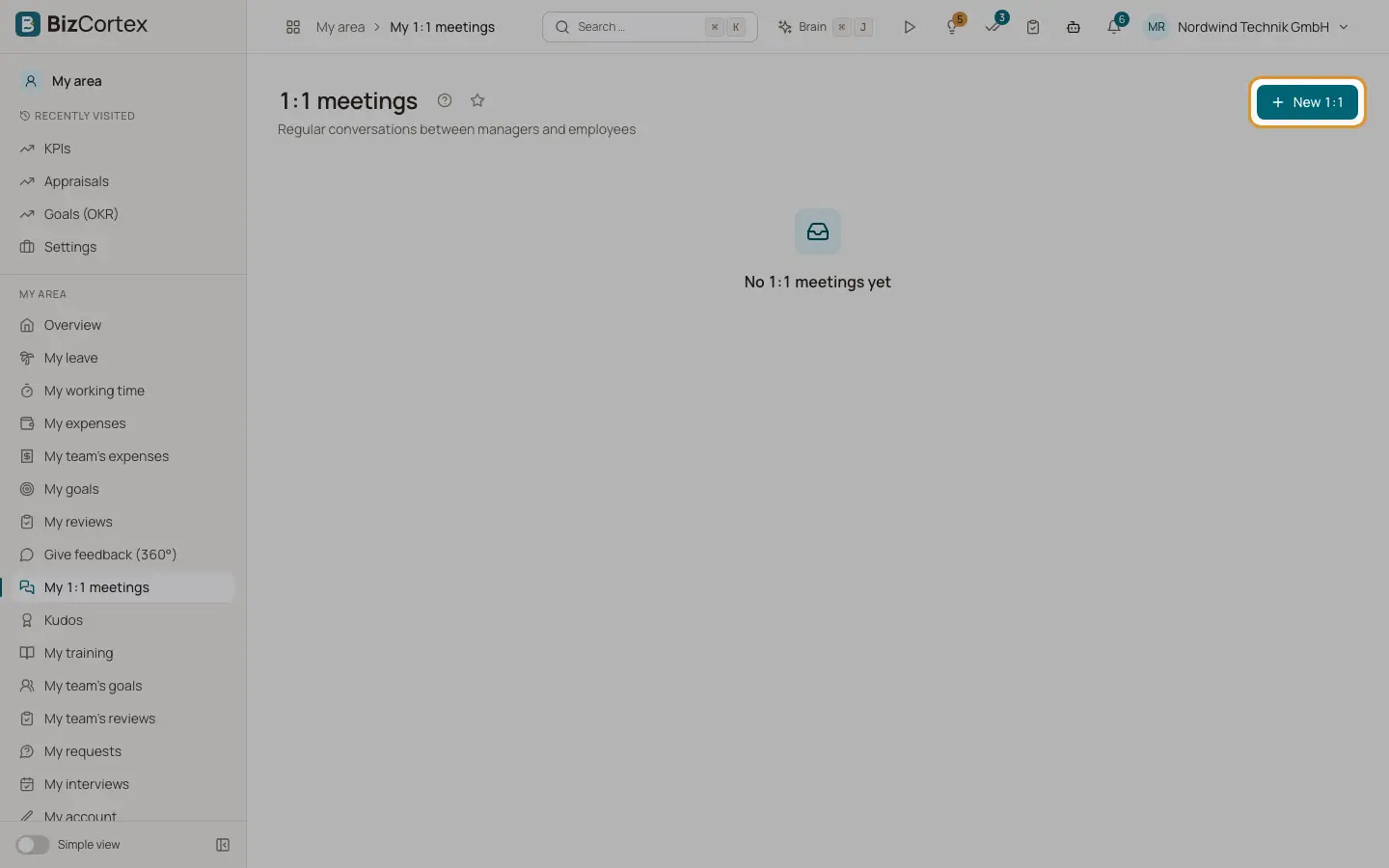
As a manager open My area, My 1:1 meetings and click "New 1:1". Choose a direct report and the date.
2. Prepare and document
Both people can edit the agenda and the shared notes. Only the manager sees the private notes. Add action items and mark them completed.
3. Give kudos
Open My area, Kudos and click "Give kudos". Choose the recipient, the kind (Kudos or Feedback), an optional badge (Team player, Customer focus, Innovation, Quality, Helpful, Leadership) and the message. Turn on Private to show it only to the recipient and their manager.
4. HR overview
People, Performance and Development, 1:1 meetings and Kudos and feedback show all entries in the company. Private notes are never shown to HR.
Good to know
- 1:1 meetings can only be scheduled with direct reports. Only the manager can delete a 1:1.
- You cannot give kudos to yourself or to someone who has left.
Related
- Appraisal cycles and 360 degree feedback
Run review cycles with templates, self reviews, manager reviews, calibration and peer feedback.