Expense lines: receipts, mileage and meal allowances
How each kind of expense line is entered and calculated.
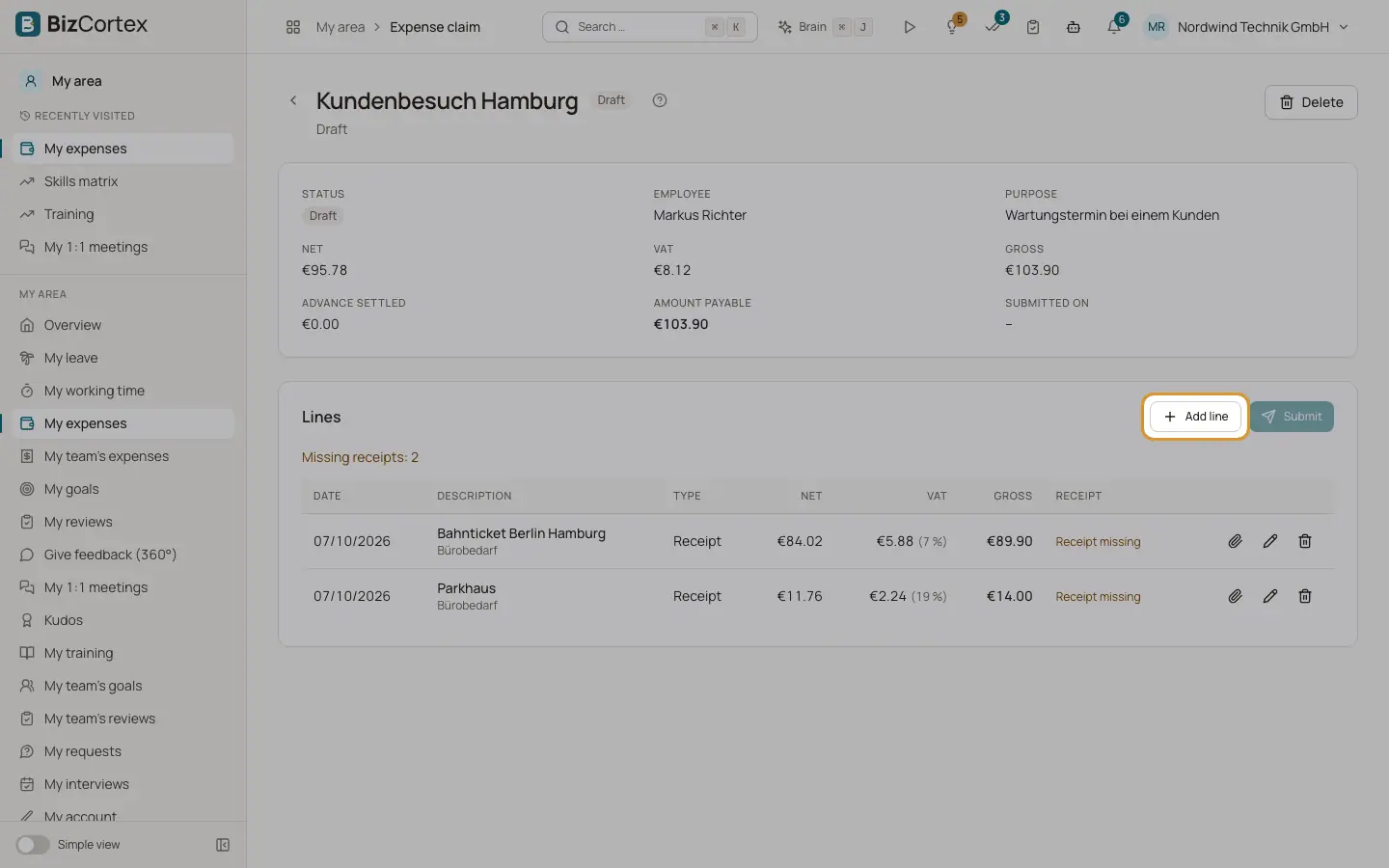
Each line has a category and a description of up to 500 characters. HR users can also set a cost center per line. The kind of the category decides which fields the line has.
Who can use this
- Employees for their own claims
- HR manager
Steps
1. Receipt
Enter date, amount (gross), VAT rate (prefilled from the category, default 19) and the switch "Input VAT deductible (invoice to the company)" (default on). BizCortex calculates VAT as gross times rate divided by 100 plus rate, and net as gross minus VAT. Attach the receipt.
2. Mileage allowance
Enter date, distance in km and the vehicle (Car or Other vehicle such as a motorbike or electric bike). The preview shows km times rate. Default rates are 0.30 per km for a car and 0.20 for other vehicles. No receipt is needed.
3. Meal allowance (per diem)
Enter trip start and trip end with time and whether there was an overnight stay. Tick the meals that were provided (Breakfast, Lunch, Dinner) per day. BizCortex calculates the German domestic per diem: a single day of more than 8 hours gets the partial rate (default 14), arrival and departure days get the partial rate, full days get the full rate (default 28). Each provided meal reduces the day by a share of the full day rate: breakfast 20 percent, lunch 40 percent, dinner 40 percent.
Good to know
- Receipt files: PDF or image, at most 20 MB in the browser. Executables are blocked and files are scanned for viruses.
- Input VAT is only deducted if the switch is on and your company has a tax code for that rate. Otherwise the full gross is booked as expense.
- A trip that does not qualify (8 hours or less, or all meals provided) cannot be saved.
- The meals grid covers at most 62 days. Foreign per diem rates are not available yet.
- Changing the category of a line removes its receipt.
Related
- Travel and expense claims
How employees claim expenses and how claims are approved, posted and paid.