Announcements
Publish news to all employees or to selected groups.
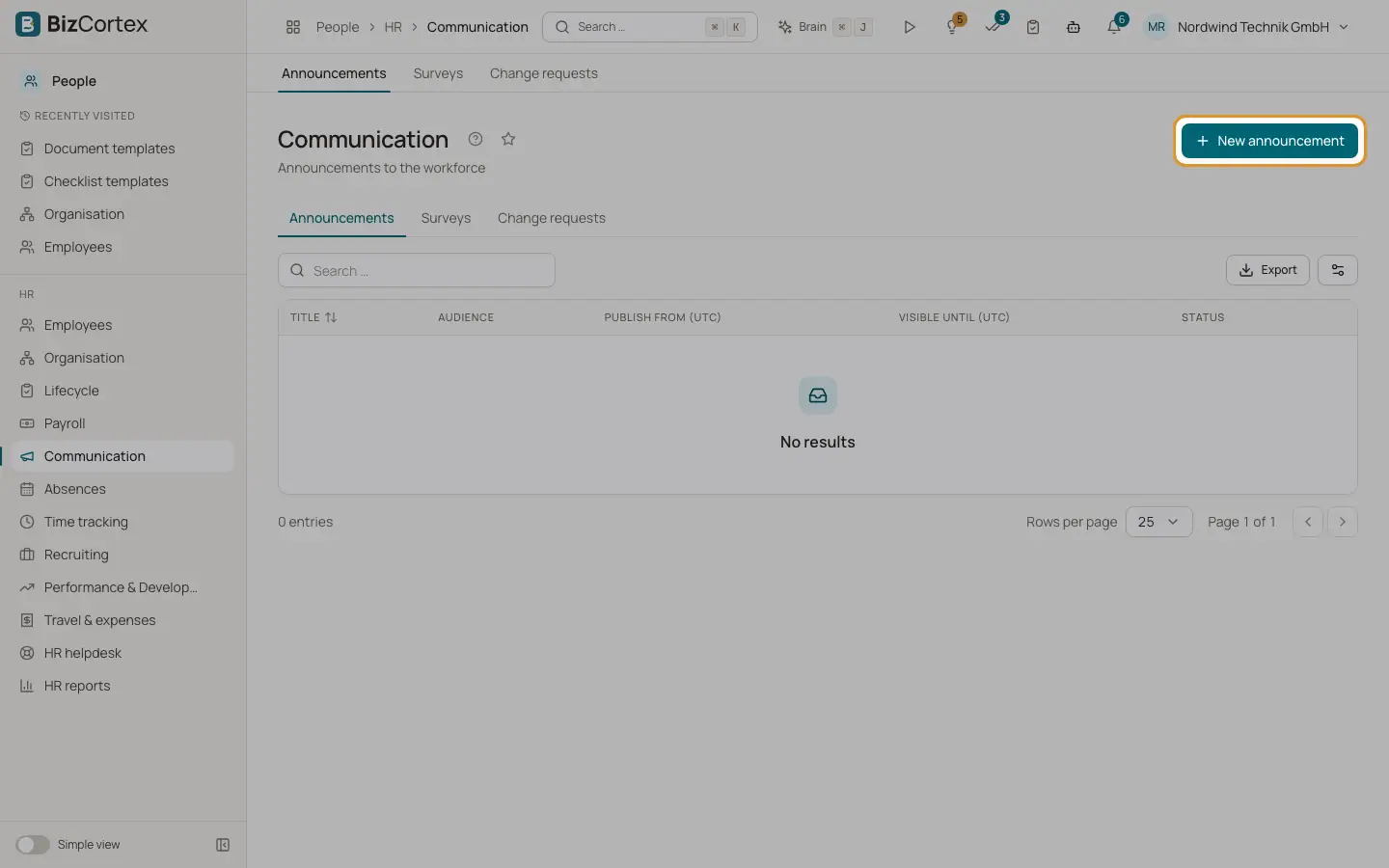
People, Communication, Announcements lets you publish news to the workforce. Published announcements appear in My area of the employees in the audience.
Who can use this
- Owner
- Admin
- HR manager
Steps
1. Write an announcement
Click "New announcement". Enter title and text.
2. Choose the audience
By default the audience is Everyone. Add departments, locations or companies to limit it.
3. Schedule
Optionally set "Publish from (UTC)" and "Visible until (UTC)" in the format YYYYMMDD with time, as shown in the field hint. Empty means immediately and without end.
4. Publish
Click Publish. Use Unpublish to take it back. Mark it as Pinned to keep it at the top.
Related
- Employee surveys
Ask the workforce questions, anonymously if you like, and review the results.