HR reports and leave liability
Headcount, turnover, sickness rate, leave liability and upcoming dates.
People, HR reports has the tabs Headcount, Turnover, Sickness rate, Leave liability and Dates. Accountants reach the leave liability through Finance, Leave liability without HR permissions. They see department totals; amounts per employee are shown only to users who may see salaries.
Who can use this
- Owner
- Admin
- HR manager
- Accountant (leave liability only)
Steps
1. Headcount
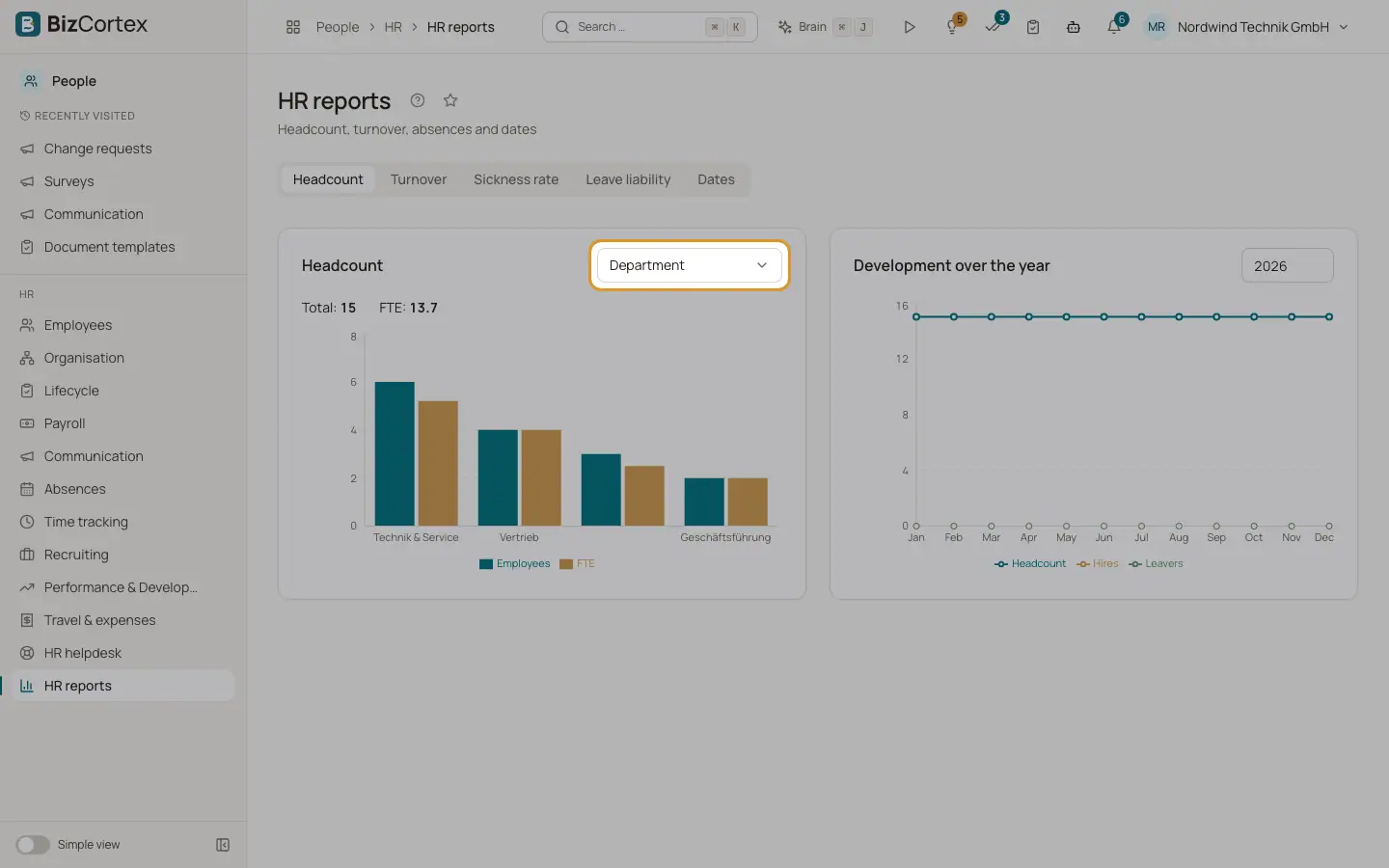
Choose "Group by" (Department, Location, Company, Contract type, Employment type, Employee group or Gender). A bar chart shows the headcount per group and the total. "Development over the year" shows the monthly trend for a chosen year.
2. Turnover
Shows hires, leavers, average headcount, the turnover rate by the BDA formula (leavers divided by average headcount), the Schlüter rate (leavers divided by opening headcount plus hires), voluntary versus employer initiated exits and early turnover (left within the first year).
3. Sickness rate
Shows sick days and the sickness rate, absence days and the absence rate against the target working days, optionally per department.
4. Leave liability
Calculates the provision for untaken leave: remaining days times daily rate, plus the employer on costs you enter in percent. Daily rate is annual gross divided by working days per week times 52.
5. Dates
Birthdays and service anniversaries in the next 30 days, probation periods ending in the next 30 days and fixed term contracts ending in the next 60 days.
Related
- Leave balances and leave encashment
Check the balance per employee and pay out remaining leave.