Skills matrix
Employee skills and gaps against the requirements of their positions.
People, Performance and Development, Skills matrix shows a heatmap of employees and skills with levels from Basic to Master. Cells below the required level of the position are marked as gaps. Skills are maintained in the personnel record, Qualifications tab.
Who can use this
- Owner
- Admin
- HR manager
Steps
1. Define requirements
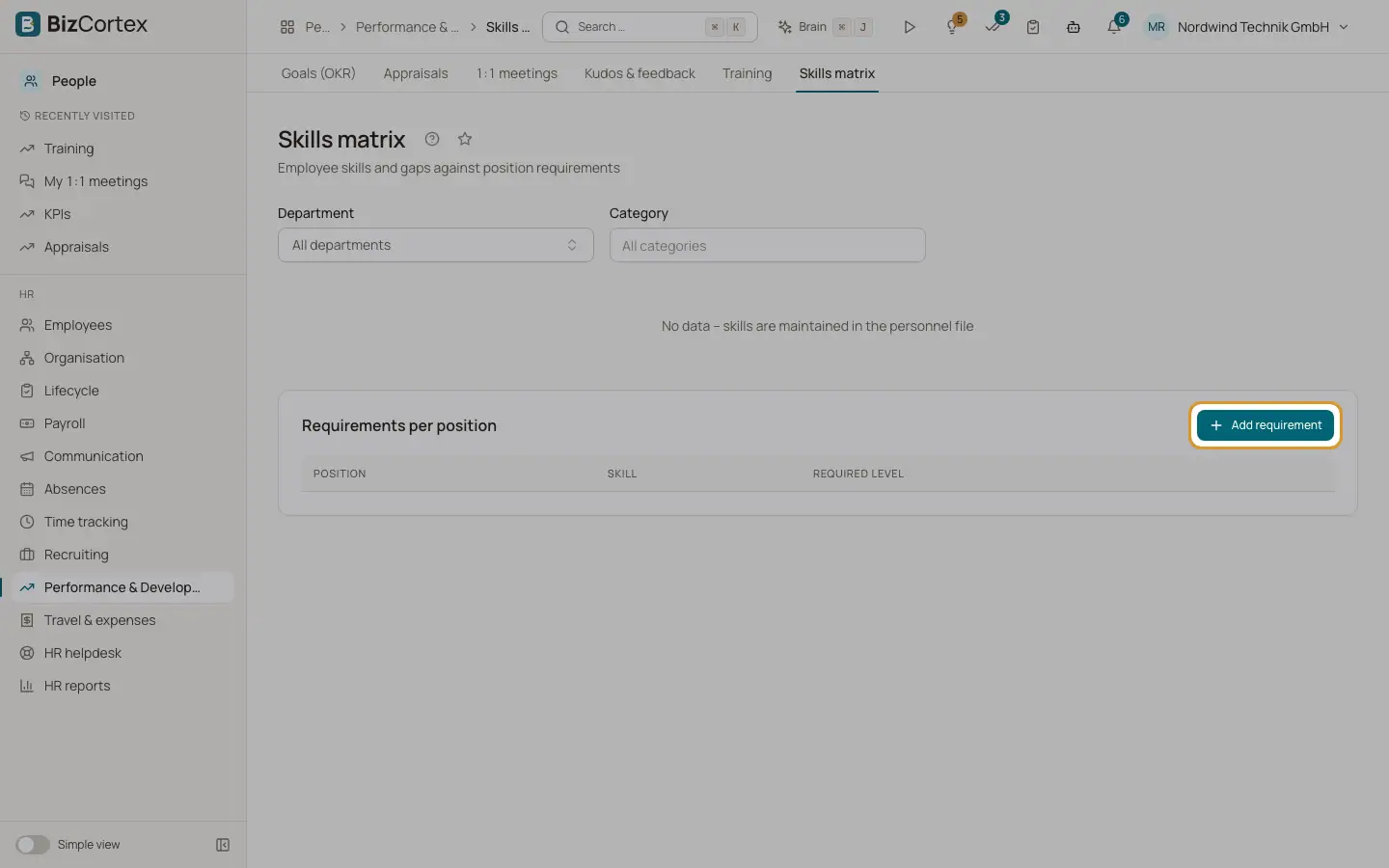
Under "Requirements per position" click "Add requirement". Choose position, skill and required level.
2. Read the matrix
Filter by department. Hover a gap to see the required and actual level. Coverage shows how many requirements are met.
Related
- Organisation structure and org chart
Maintain companies, branches, locations, departments, positions, pay grades and skills.
- Training and certificates
Courses, sessions, enrollments and certificates with expiry reminders.