KPIs
Key figures with targets and achievement over time.
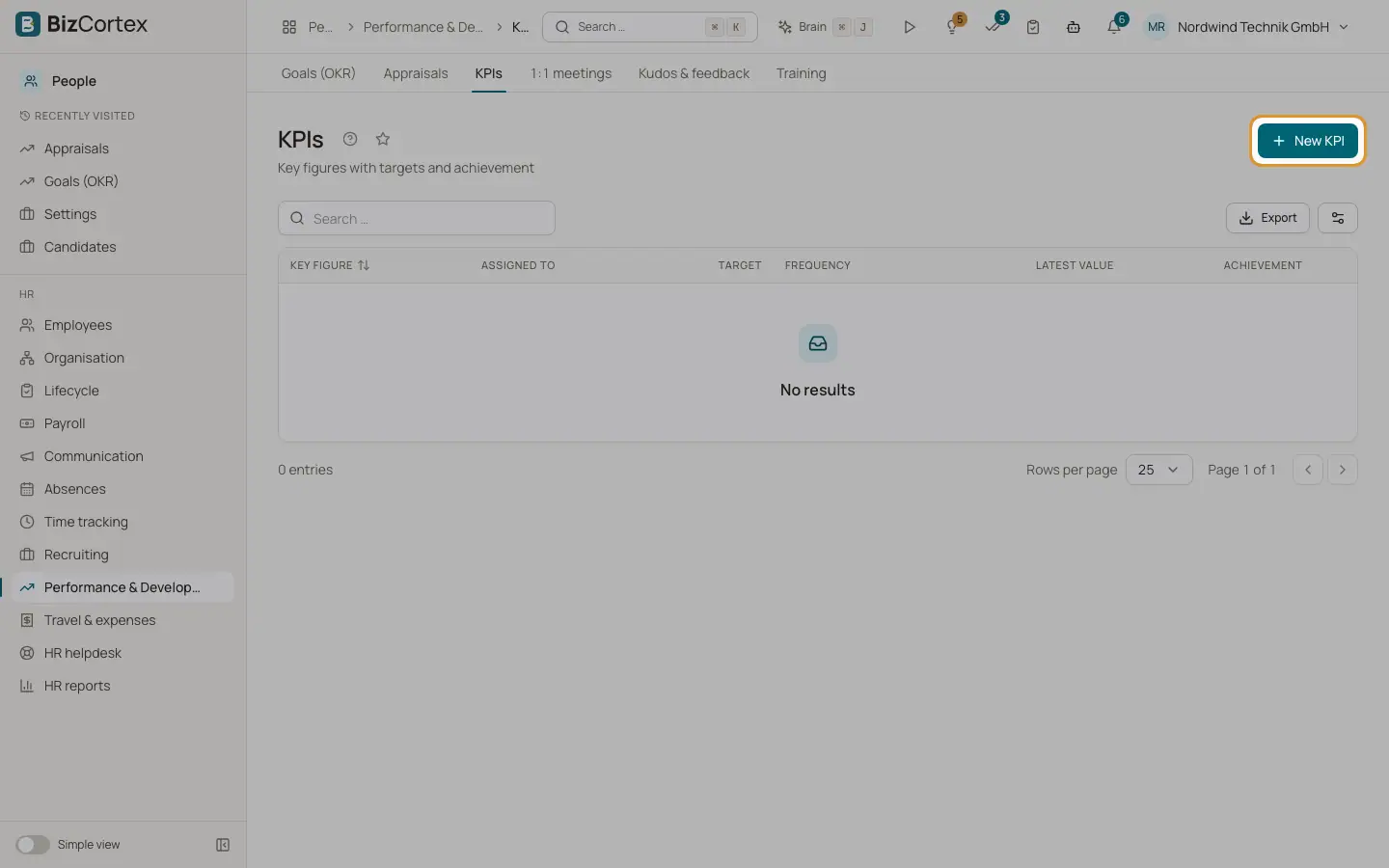
People, Performance and Development, KPIs lists key figures with a target value, a direction (Higher is better or Lower is better), a frequency (Weekly, Monthly, Quarterly, Yearly) and the person it is assigned to.
Who can use this
- Owner
- Admin
- HR manager
- Employees see their own KPIs in My goals
Steps
1. Create a KPI
Click "New KPI". Enter the key figure, target, direction, frequency and assignee.
2. Record values
Open the KPI and click "Record value". Enter the period and value. The trend chart and the achievement update.
Good to know
- Only one value per period is allowed.
Related
- Goals and OKRs
Company, department and employee goals with measurable key results.