My leave and team requests
How employees request leave and how managers decide on it in My area.
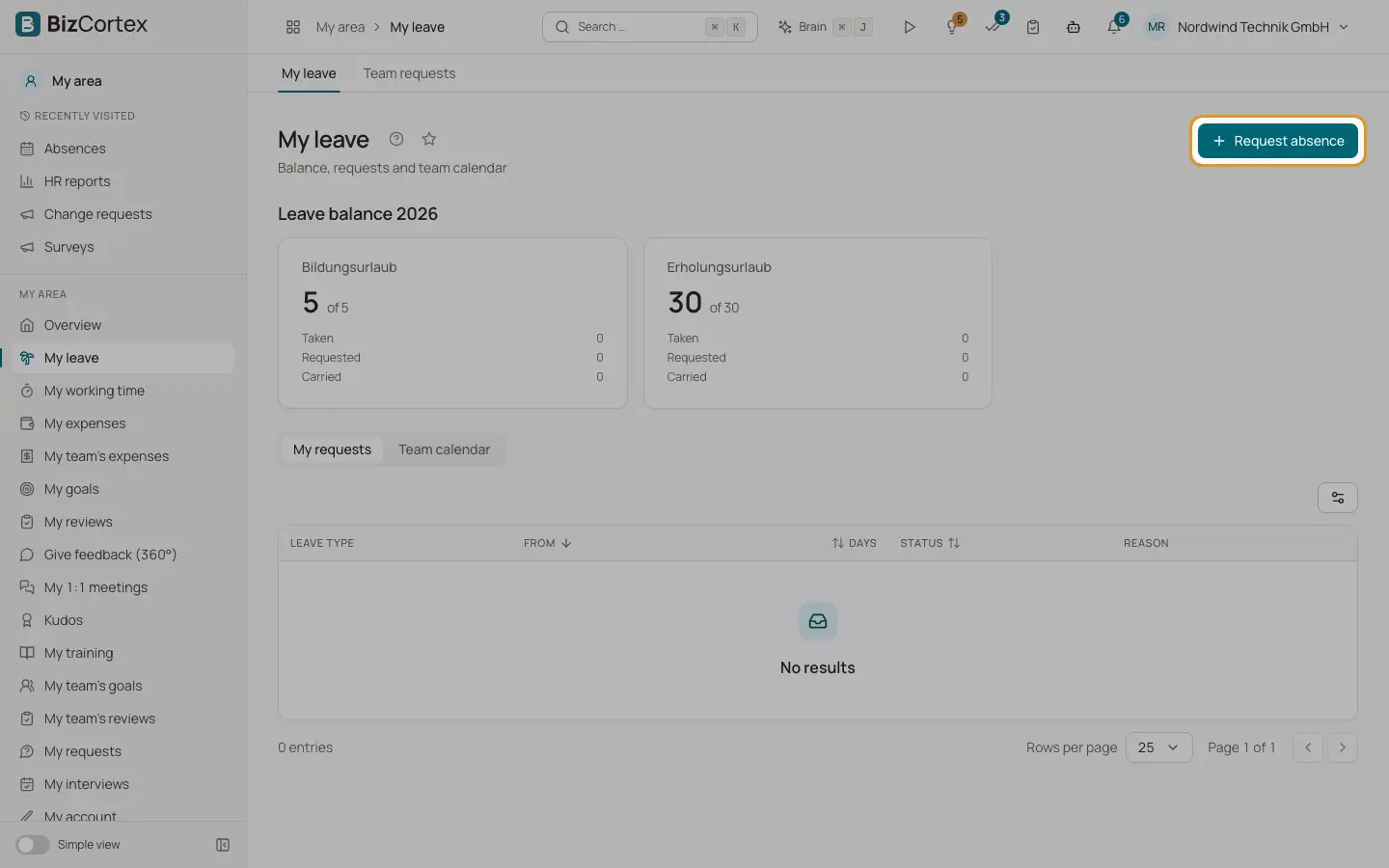
In My area, My leave each employee sees the leave balance of the current year, their own requests and the team calendar. Managers find the requests of their direct reports under My area, Team requests.
Who can use this
- Every employee with a linked personnel record
- Managers for their direct reports
Steps
1. Request leave
Click "Request absence". Choose the type, the dates and optional half days. Check the preview and submit.
2. Report sickness
Choose a sickness type. Sick leave is recorded without approval. Upload the sick note (AU) to the request.
3. Withdraw a request
Click the cancel action on a request and confirm "Withdraw this request?". Your manager is notified.
4. Decide as a manager
Open Team requests. The Pending filter shows open requests. Approve or reject them.
Fields and options
- Leave balance
Available days of the total, and the date when carried forward days expire.
Good to know
- If no entitlement was recorded for you, the page says "No leave entitlement recorded yet". Ask HR.
Related
- Absence requests
Record, approve, reject and cancel vacation, sickness and other absences.