Offers and hiring
Create an offer letter, record the answer and turn the candidate into an employee.
People, Recruiting, Offers lists all offers. An offer stores the job title, start date, monthly gross salary, vacation days, probation, contract type and an optional custom text, and creates an offer letter as PDF.
Who can use this
- Owner
- Admin
- HR manager
Steps
1. Create an offer
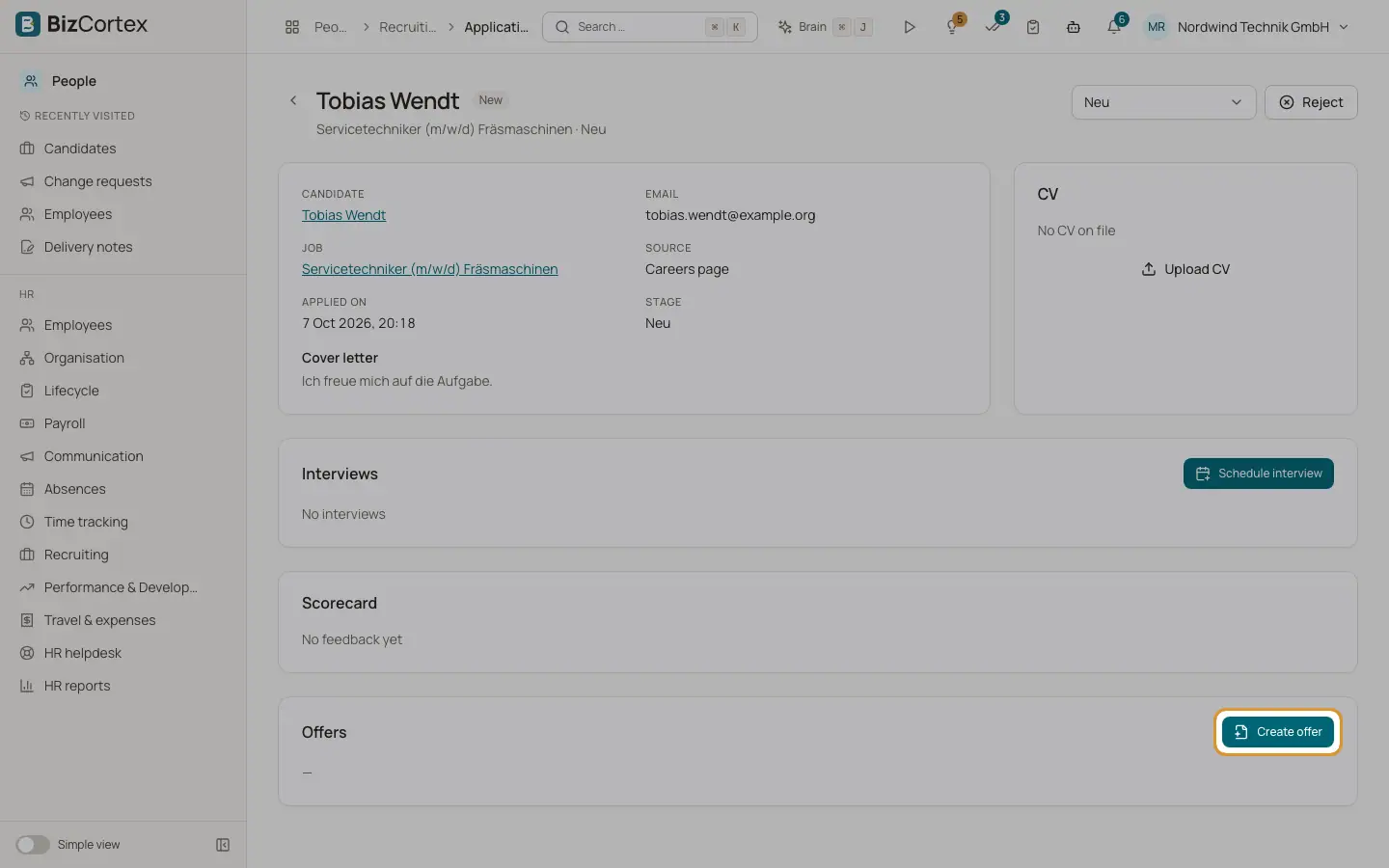
On the application page click "Create offer". Fill in the fields. Use "PDF preview" to check the letter and "Download PDF" to save it.
2. Send
Send the PDF to the candidate yourself and click "Mark as sent".
3. Record the answer
Click "Record acceptance" or "Record decline" (with a decline reason). Use Withdraw to cancel the offer.
4. Hire
For an accepted offer click Hire. Enter the work email, personnel number and manager and decide whether to start onboarding. BizCortex creates the employee, files the CV in the personnel file and starts the onboarding checklist. Click "Open employee" to go to the new record.
Fields and options
- Offer status
Draft, Sent, Accepted, Declined, Withdrawn or Expired.
Good to know
- An application can have only one open offer.
- Only draft offers can be edited. A fixed term offer needs an end date.
- An expired offer cannot be accepted. Each offer can be converted to an employee only once.
Related
- Onboarding and offboarding checklists
Make sure no task is forgotten when someone joins or leaves.
- The employee record and its tabs
All tabs of a personnel record and what you can do in each of them.