Recruiting settings and reports
Retention periods, the default pipeline, GDPR deletion and source reports.
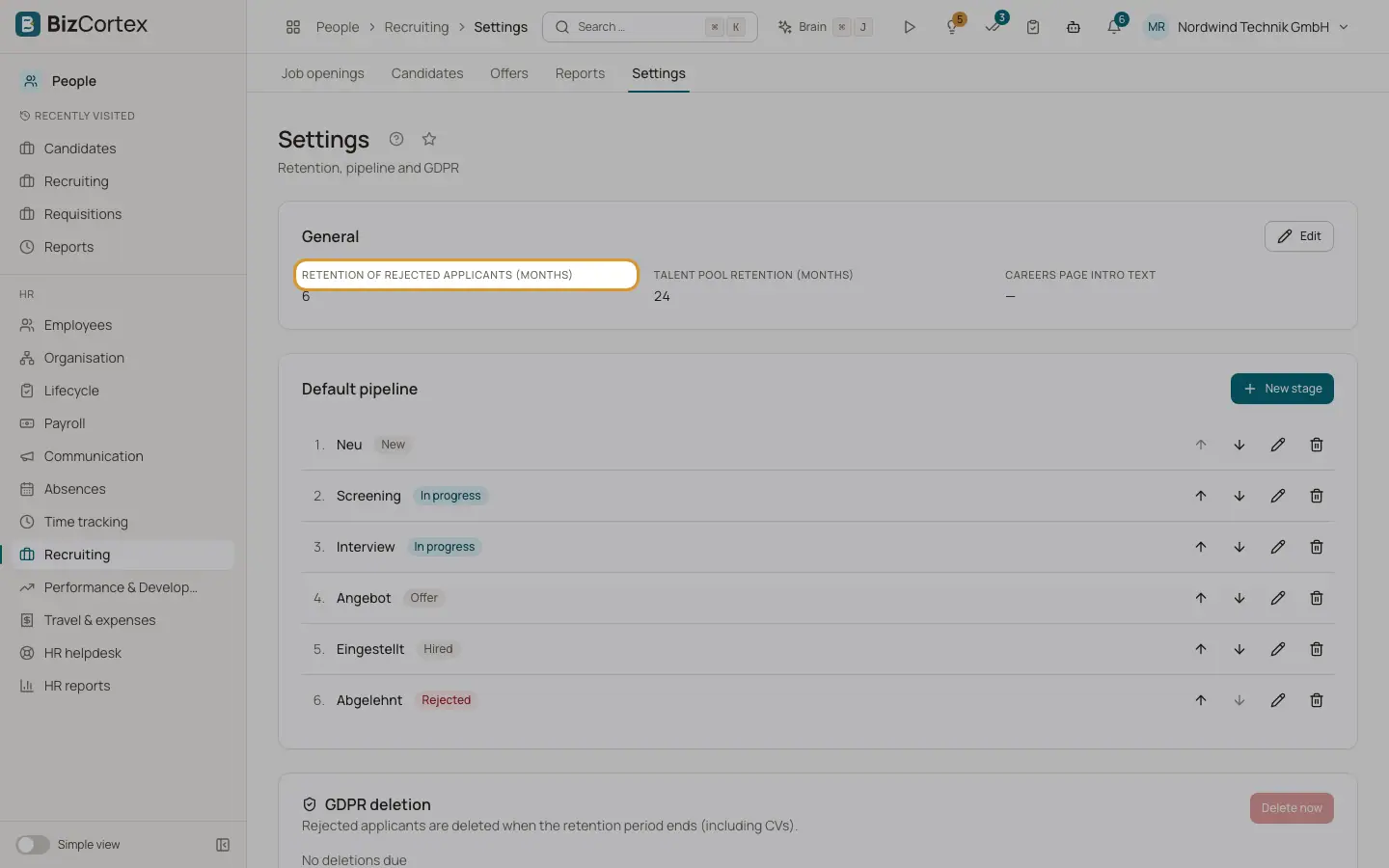
People, Recruiting, Settings has the parts General, Default pipeline and GDPR deletion. Reports show applications and hires by source.
Who can use this
- Owner
- Admin
- HR manager
Steps
1. Set retention
Under General set "Retention of rejected applicants (months)" (default 6) and "Talent pool retention (months)" (default 24), and the careers page intro text.
2. Edit the default pipeline
Under Default pipeline click "New stage" or edit a stage. Each stage has a name, a kind (New, In progress, Offer, Hired, Rejected) and an order. Use "Move up" and "Move down".
3. Run the GDPR deletion
Under GDPR deletion you see the due deletions. Click "Delete now" to delete all due candidates with their files. A nightly job does this automatically.
4. Read the reports
Open Reports to see per source the applications, hires, conversion and average days to hire.
Related
- Candidates, talent pool and GDPR
Search all applicants, keep a talent pool and delete applicant data on time.