Payroll data per employee and salary structures
Include employees in payroll, add earnings and deductions and assign salary structures.
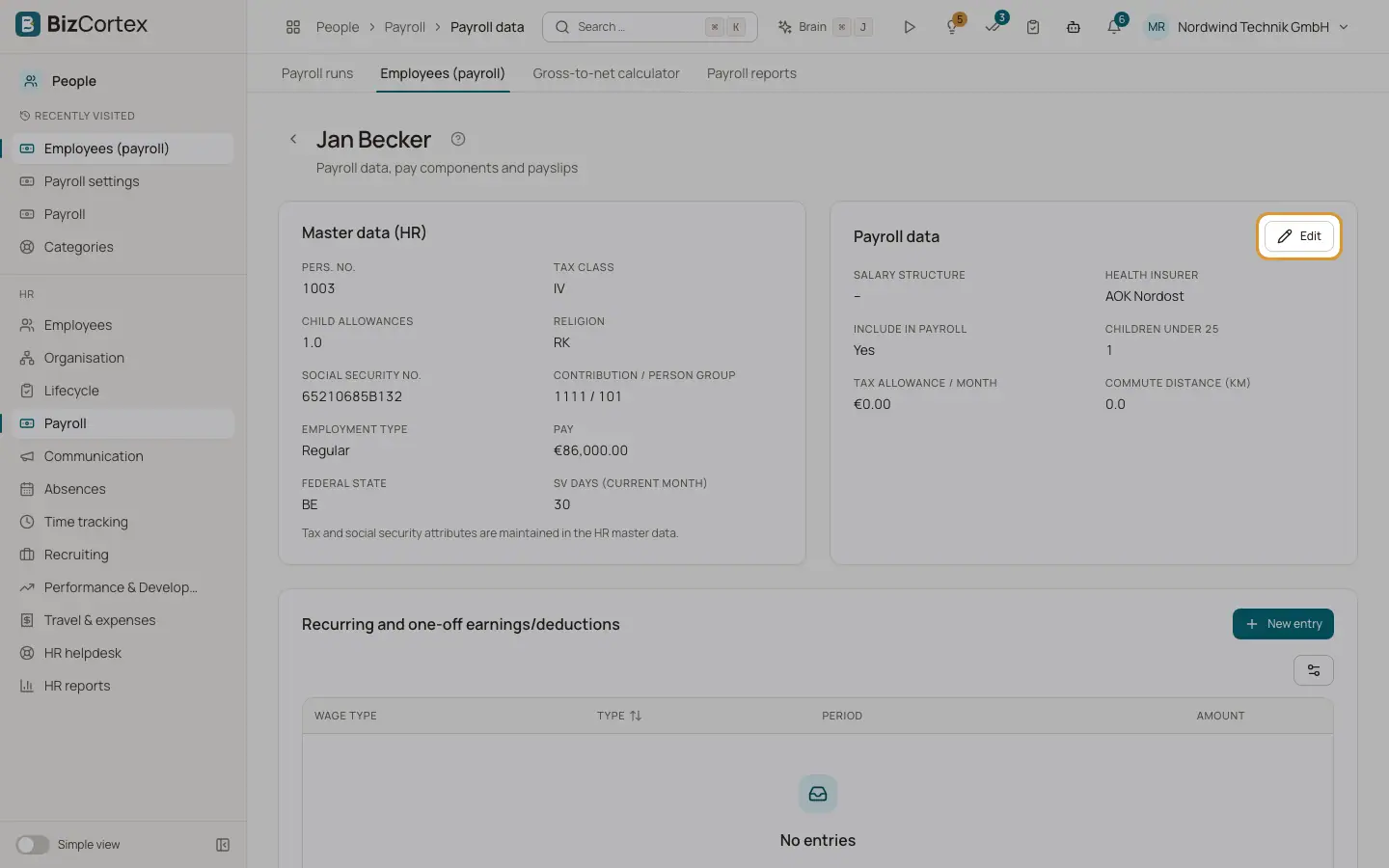
People, Payroll, Employees lists everyone with personnel number, name, hire date, health insurer and whether payroll data is configured, uses defaults or is excluded. The employee page shows the master data from HR (tax class, factor, religion, social security number, contribution and person group), the payroll data, the earnings and deductions and the payslips.
Who can use this
- Owner
- Admin
- HR manager
- Accountant (read only)
Steps
1. Edit payroll data
Click Edit in Payroll data. Set "Include in payroll", the health insurer (or the default), the salary structure, the tax allowance per month, the commute distance in km, parent status for care insurance (or from dependants), the federal state (or from location) and notes.
2. Add earnings and deductions
Click "New entry". Choose the wage type and the type Recurring (with valid from and valid to) or One off (with the month). Enter amount, quantity or hours and rate, and a label.
3. Create a salary structure
Open Payroll, Salary structures and click "New salary structure". Add wage types with the source of the amount: Fixed amount, Monthly salary (master data) or Hourly rate times hours (time tracking). Turn on "Prorate on entry/exit" where needed.
4. See payslips
The Payslips list shows all payslips of the person with gross, net and payout.
Good to know
- Hours for hourly pay come from the computed time tracking days, otherwise from project time entries.
- Entries of a posted month cannot be changed for employees in that run.
Related
- Payroll runs: calculate, approve, post and pay
The monthly payroll from draft to payment, including correction runs.
- Payroll settings
General settings, yearly parameters, health insurers, wage types and account mapping.