Onboarding and offboarding checklists
Make sure no task is forgotten when someone joins or leaves.
People, Lifecycle, Checklists lists all onboarding and offboarding checklists with their progress. Each checklist belongs to one employee and has tasks with a responsible role and a due date. Due dates are calculated relative to a reference date, by default the hire date or the exit date.
Who can use this
- Owner
- Admin
- HR manager
- Assigned employees see their own tasks in My area
Steps
1. Create templates
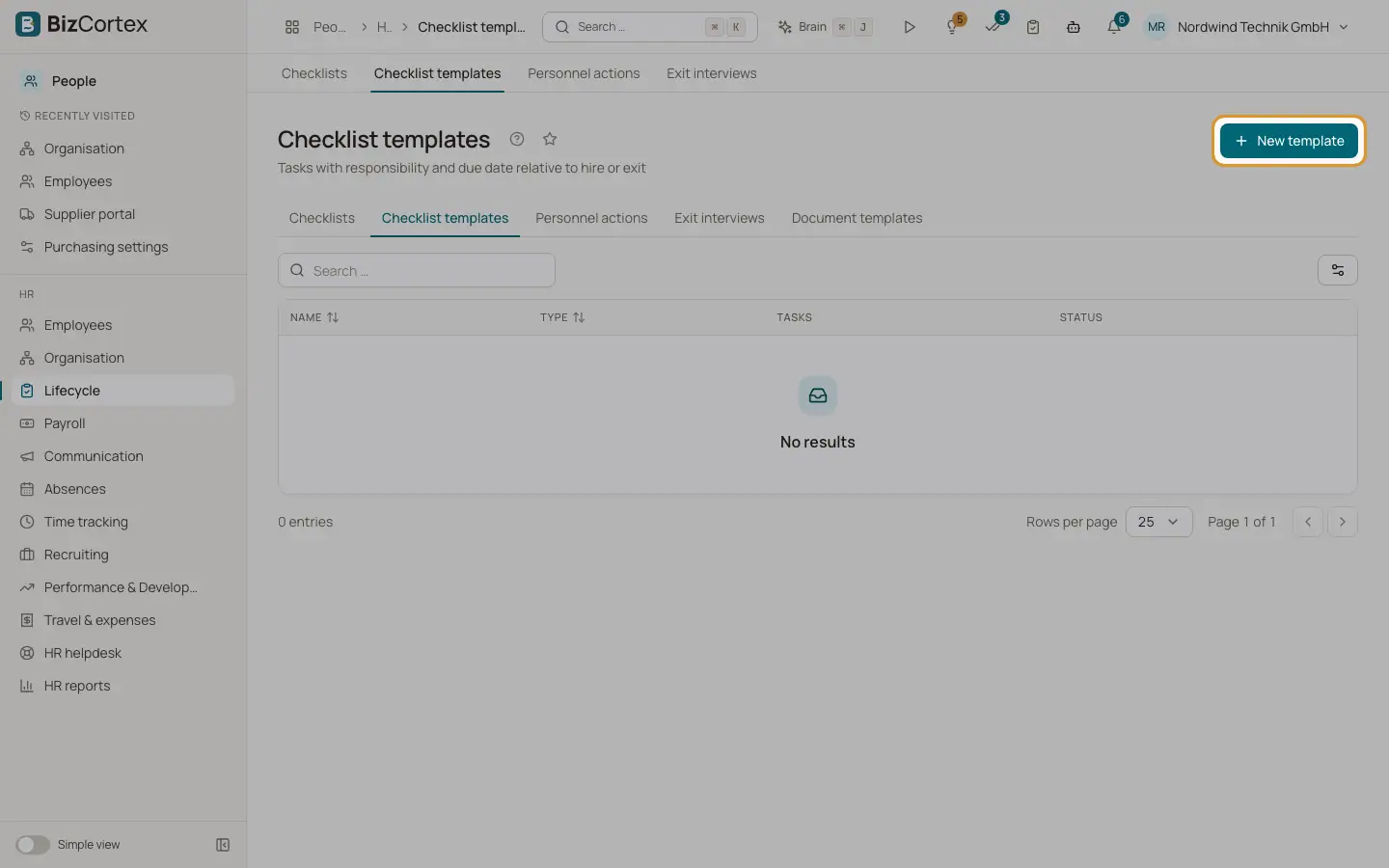
Open Lifecycle, Checklist templates and click "New template". Choose the kind (Onboarding or Offboarding), optionally limit the template to one department ("Department only") and mark it as Default. Add tasks with a title, a responsible role and Days (due in days relative to the reference date, negative means before).
2. Start a checklist
In the employee record open the Lifecycle tab and click "Start onboarding", "Start offboarding" or "Start checklist". Choose a template or keep the default template, and optionally change the reference date.
3. Work on tasks
Open a checklist. Tick tasks when they are done. Overdue tasks are marked overdue. Click "Add task" to add a task only for this checklist.
4. Filter the list
Use "All kinds" to choose Onboarding or Offboarding and "Open only" to hide finished checklists.
Fields and options
- Responsible
HR, Manager, Employee, IT, Facility or Finance.
- Progress
Share of completed tasks in percent.
Tips
- If you do not choose a template, BizCortex uses the default template of the employee department, then the general default template. If none exists, the checklist starts empty.
- Hiring a candidate from Recruiting can start the onboarding checklist automatically.
- Recording an exit can start the offboarding checklist in the same step.
Related
- Personnel actions: promotions, transfers, exits and rehires
Record effective dated changes to a personnel record and keep a clean history.
- Offers and hiring
Create an offer letter, record the answer and turn the candidate into an employee.