Holidays and the working day calculator
Public holidays per federal state, company holidays and the working day calculator.
People, Absences, Holidays has the tabs Public and Company. Public holidays are calculated automatically for every year. In Germany they depend on the federal state of the location. For other countries the country pack of your company provides the calendar.
Who can use this
- Owner
- Admin
- HR manager
Steps
1. View the holiday calendar
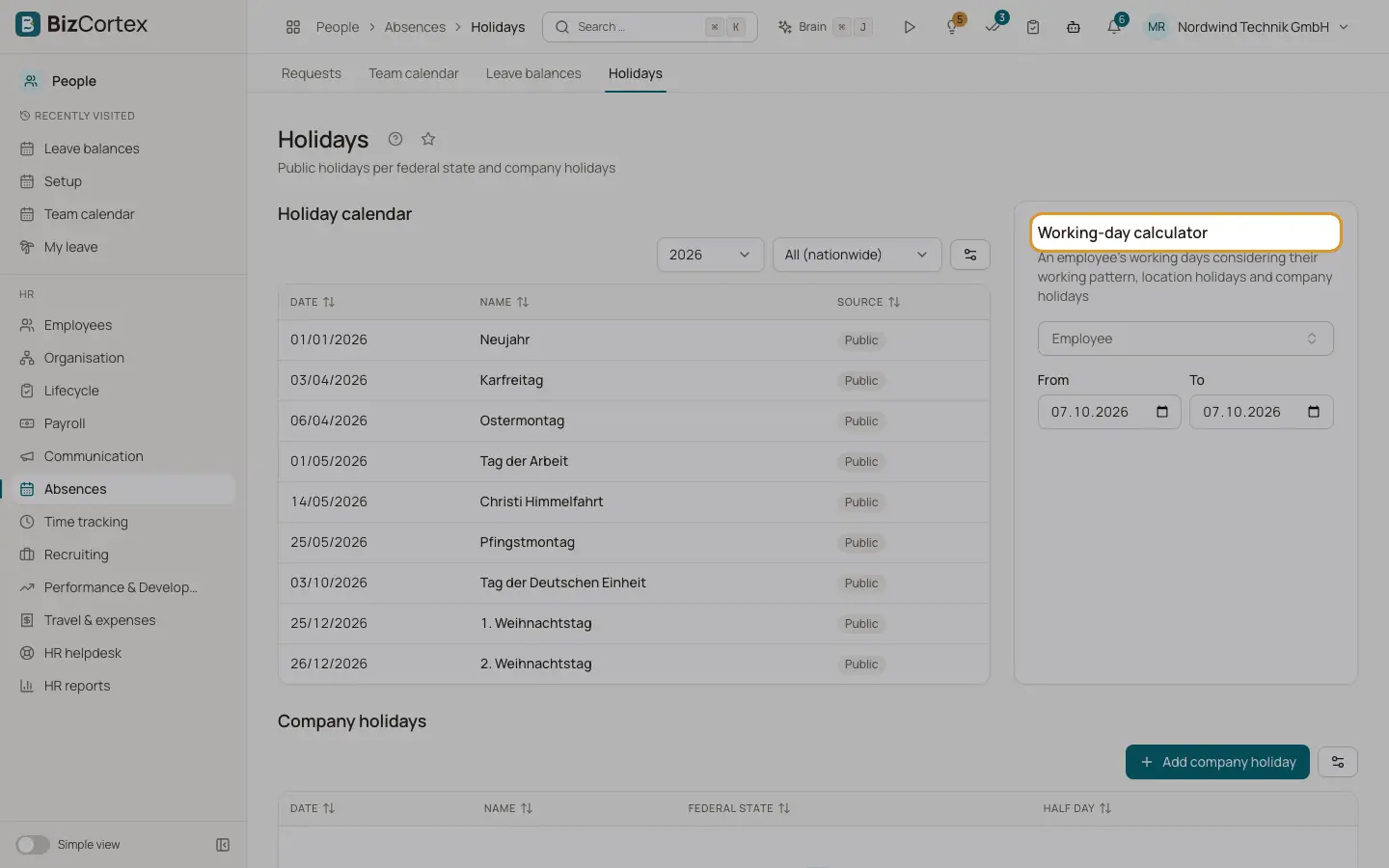
In the Public tab choose the year and the federal state, or "All (nationwide)".
2. Add a company holiday
In the Company tab click "Add company holiday". Enter date, name, optionally a location and whether it is a half day. A half day counts as half a working day.
3. Use the calculator
The working day calculator shows the working days of one employee in a period, taking the working pattern, the location holidays and the company holidays into account.
Good to know
- Holidays that only apply in some municipalities (for example Assumption Day in Catholic communities in Bavaria, Corpus Christi in parts of Saxony and Thuringia, the Augsburg Peace Festival) are not included. Add them as company holidays for the affected location.
Related
- Organisation structure and org chart
Maintain companies, branches, locations, departments, positions, pay grades and skills.