HR helpdesk
Employees ask HR questions as tickets, HR answers within service level times.
People, HR helpdesk, Tickets lists all employee requests to HR. Each ticket has a number (HD, year and a five digit counter), a category, a priority (Low, Medium, High, Urgent), a status and service level deadlines for the first response and the resolution.
Statuses: Open, In progress, Waiting on employee, Resolved, Closed and Reopened. A public reply from HR on an open ticket moves it to In progress. A reply from the employee on a ticket that waits on the employee moves it back to In progress.
Who can use this
- Every employee (My area, My requests)
- HR manager
- Owner
- Admin
Steps
1. Employees ask a question
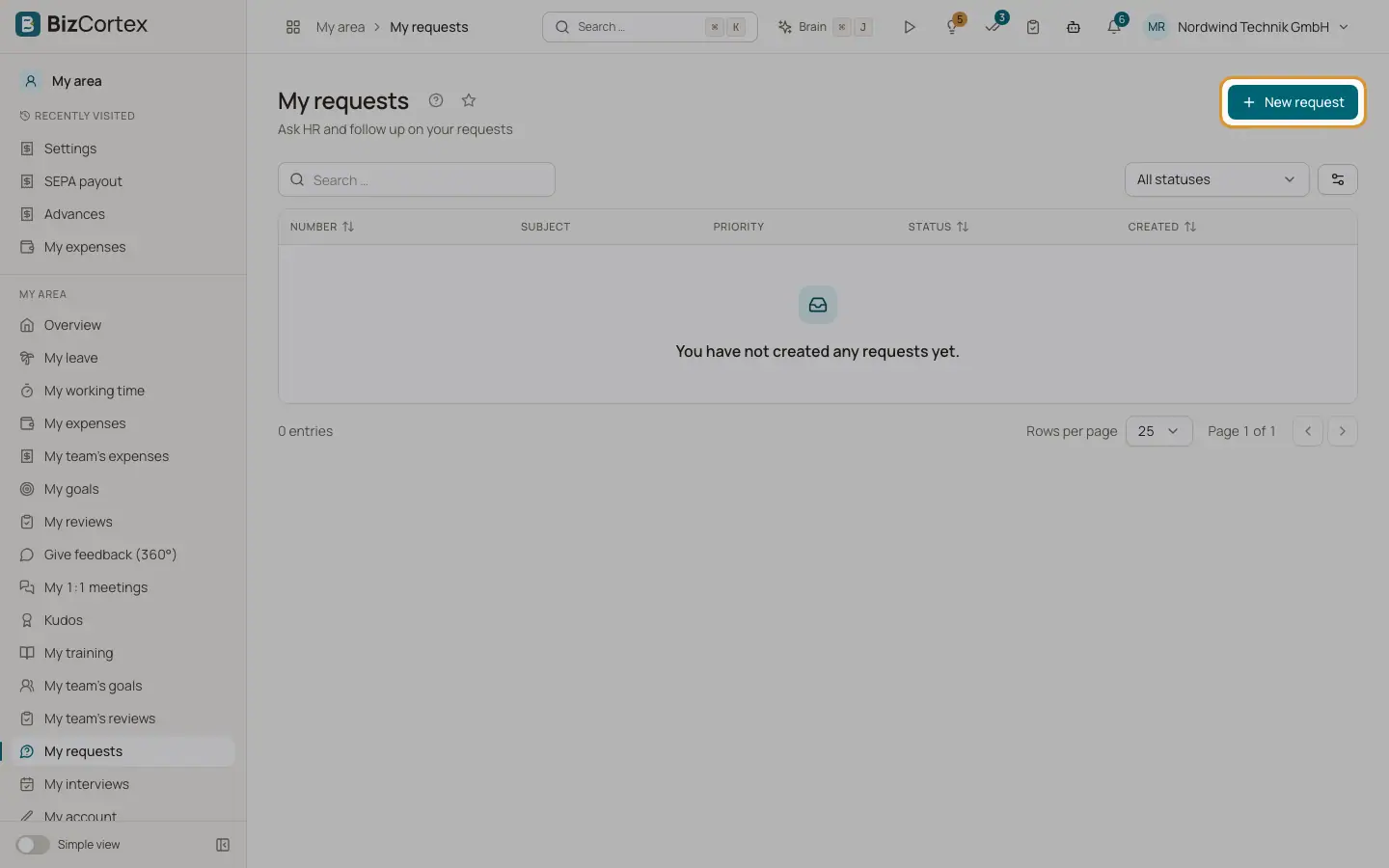
In My area, My requests click "New request". Choose category and priority, enter subject (up to 255 characters) and description. The ticket is assigned to the default assignee of the category automatically.
2. Create a ticket for an employee
HR clicks "Ticket for an employee" and chooses the requesting employee.
3. Filter the list
Use "All statuses", "All priorities", "All categories", "All assignees" (with "Assigned to me") and the switch "SLA breaches only". Search by subject or number.
4. Answer
Open the ticket. Write in Reply and click Send. Turn on "Internal note (hidden from the employee)" for notes only HR sees. Internal notes do not notify the employee and do not count as a first response.
5. Change details
In the Details card change status, assignee ("Assign to me"), priority and category. Changing priority or category recalculates the deadlines from the creation time.
6. Files
Upload files in the Files card. Both HR and the employee can add files until the ticket is closed.
7. Close, reopen, rate
The employee can click "Close request" or "Reopen". On a resolved or closed ticket the employee can give 1 to 5 stars with an optional comment. HR sees the rating as Satisfaction.
Fields and options
- SLA chip
Shows the due date, "SLA breached" in red, or "Met" in green.
- Priority factor
The category hours are multiplied: Urgent 0.25, High 0.5, Medium 1, Low 2. Hours are calendar hours without business hours or holidays.
Good to know
- Confidential tickets are visible only to the current assignee and the default assignee of the category, also for owners and admins in the lists.
- A closed ticket must be reopened before anyone can reply.
- Only users with the helpdesk admin permission can delete tickets.
- All notifications are shown inside BizCortex. There is no email intake and no email notification.
- Files: at most 20 MB in the browser. Executables are blocked.
Related
- Helpdesk categories and SLA report
Define categories with owners, response times and confidentiality, and monitor SLA performance.