Exit interviews
Record why people leave and learn from it.
People, Lifecycle, Exit interviews collects the feedback of leavers. Each interview stores the main reason, the reasons for leaving, a satisfaction score from 1 to 5, whether the person would recommend you, whether they would return, and comments.
Who can use this
- Owner
- Admin
- HR manager
Steps
1. Record an interview
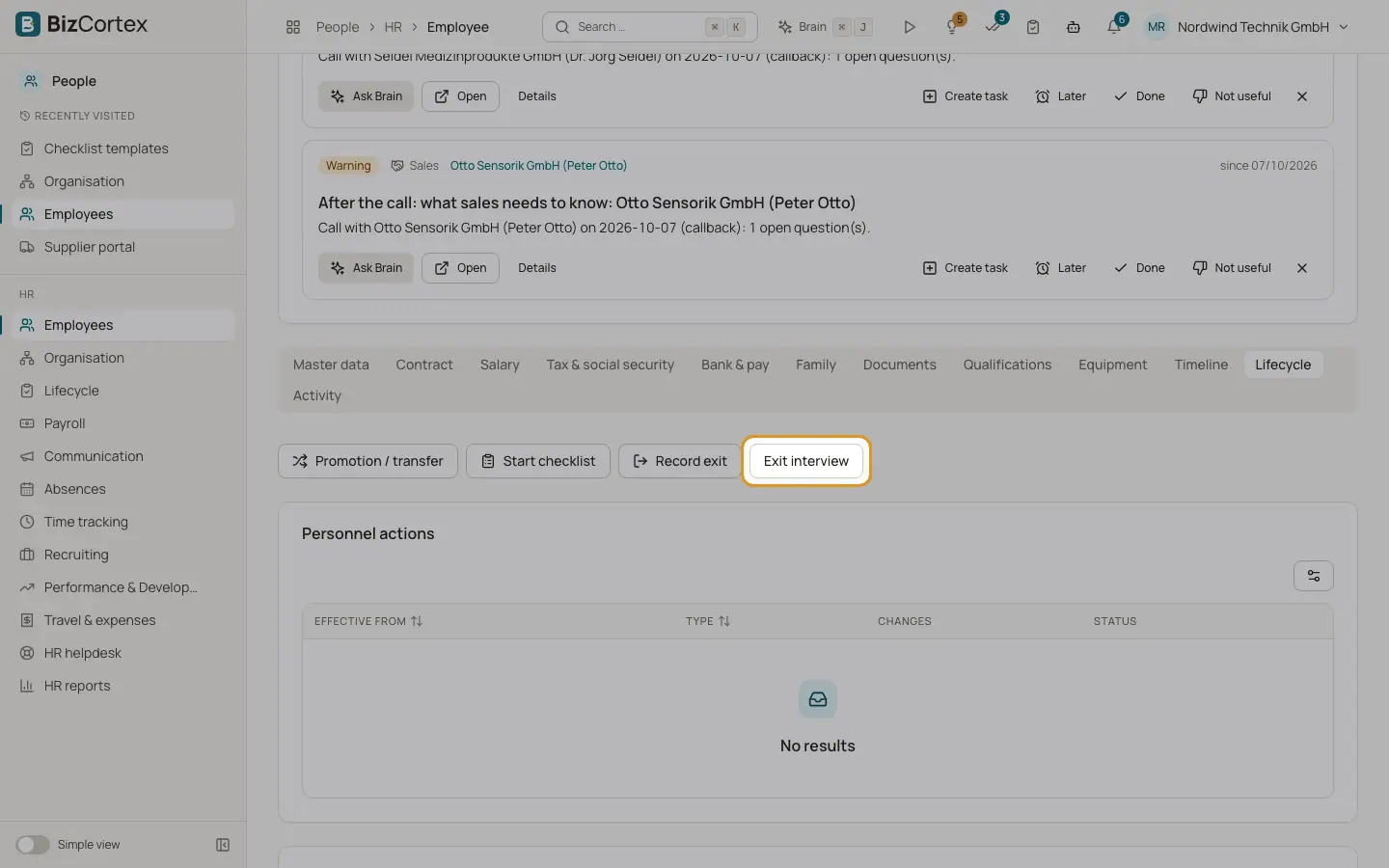
In the Lifecycle tab of the employee record add an exit interview with date, main reason, satisfaction, "Would recommend us", "Would return" and comments.
2. Review the list
Open Lifecycle, Exit interviews to see all interviews of the company.
Fields and options
- Main reason
Pay, Career, Manager, Workload, Relocation, Family, Company culture or Other.
Related
- Personnel actions: promotions, transfers, exits and rehires
Record effective dated changes to a personnel record and keep a clean history.