Training and certificates
Courses, sessions, enrollments and certificates with expiry reminders.
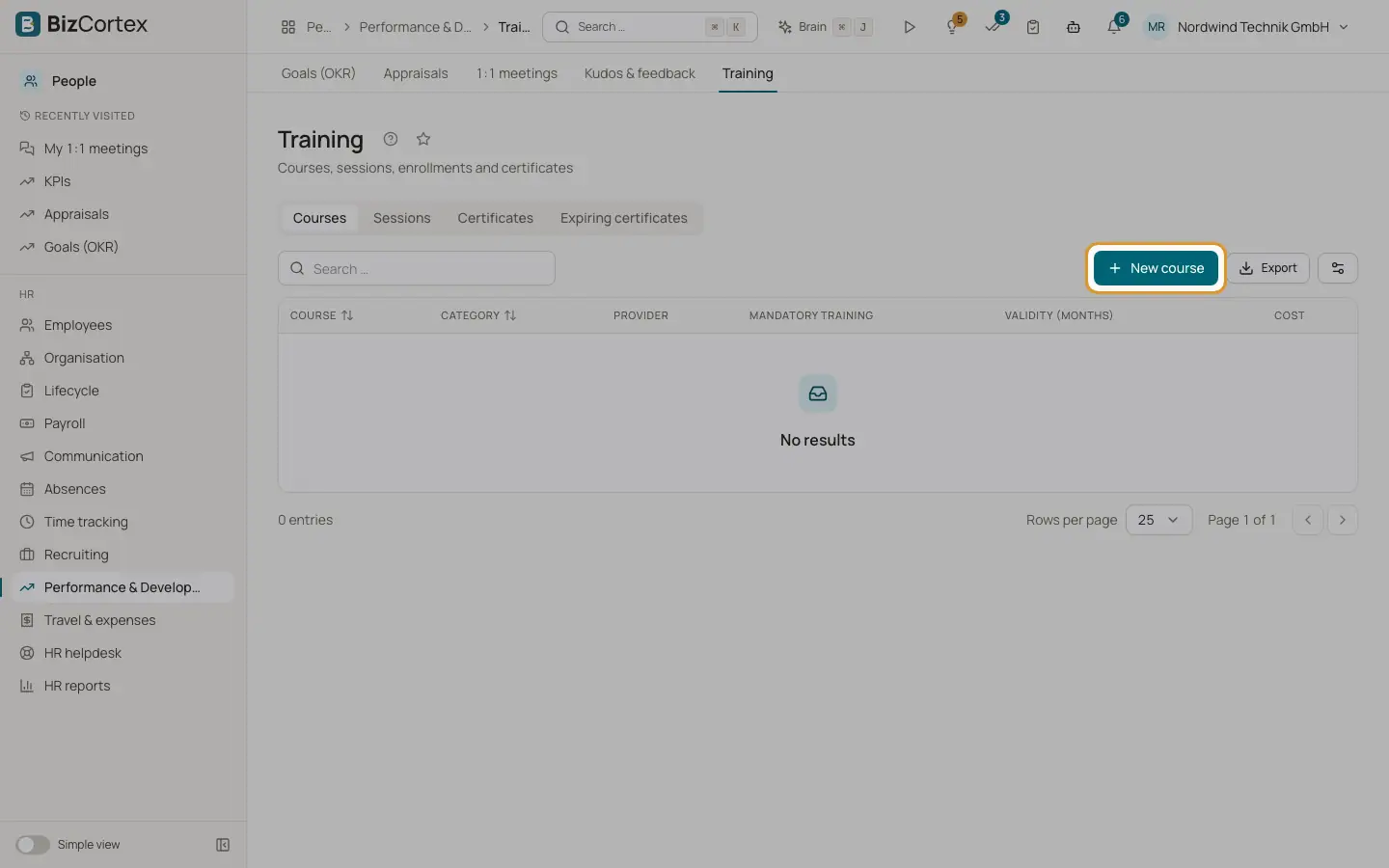
People, Performance and Development, Training has the tabs Courses, Sessions, Certificates and Expiring certificates.
Who can use this
- Owner
- Admin
- HR manager
- Employees enroll in My area, My training
Steps
1. Create a course
Click "New course". Enter the course, provider, duration in hours, cost, "Mandatory training" and the validity in months (1 to 240, for example 24 for first aid).
2. Create a session
Click "New session". Enter start and end date and time, location or Online, trainer, seats (empty means unlimited) and "Open for enrollment" so employees can enroll themselves.
3. Enroll employees
Open the session and click Enroll. If the session is full, the employee is put on the waitlist.
4. Complete
After the session click Complete for each participant and choose Passed or Failed with an optional score, or mark No show. Passing creates a certificate with the expiry of the course.
5. External certificates
Click "Record external certificate" with name, issuer, issued on and valid until.
6. Reminders
In Expiring certificates choose "Within days" and click "Send reminders". A daily job also reminds about certificates expiring within 30 days.
Fields and options
- Enrollment status
Enrolled, Waitlist, Completed, No show or Cancelled.
Good to know
- The capacity cannot be set below the number of enrolled participants.
Related
- Skills matrix
Employee skills and gaps against the requirements of their positions.