Payroll reports and statutory filings
Payroll journal, contribution statements, wage tax return, DEÜV, U1/U2 refunds and the payroll account.
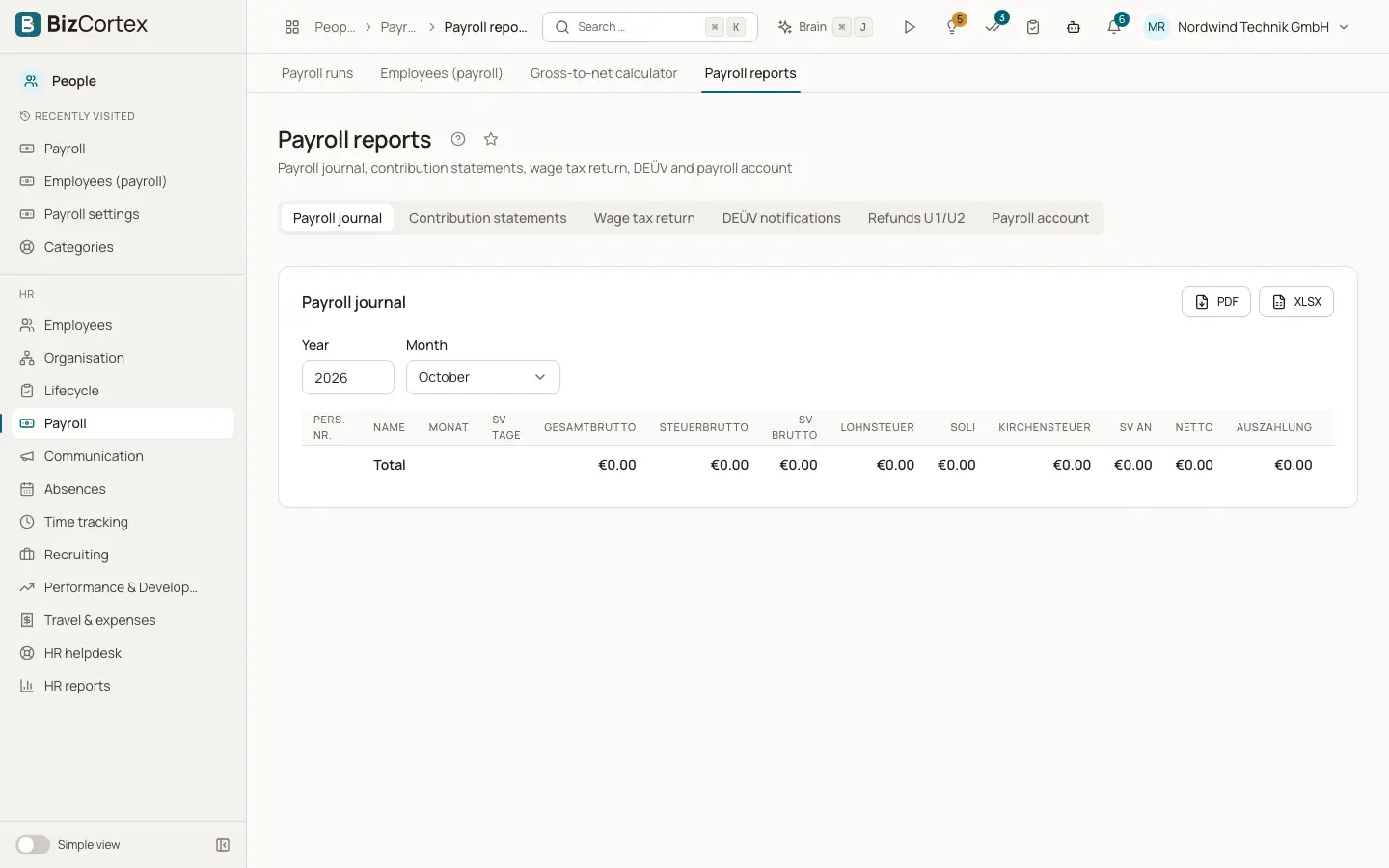
People, Payroll, Reports has the tabs Payroll journal, Contribution statements, Wage tax return, DEÜV notifications, Refunds U1/U2 and Payroll account. Files for the authorities are stored under Submissions, where you download them, upload them in the official portal and record the outcome.
Who can use this
- Owner
- Admin
- HR manager
- Accountant
Steps
1. Payroll journal
Choose year and month or the whole year and download it.
2. Contribution statements
Shows the contributions per health insurer and month. "Contribution statements for sv.net" creates one file per collecting agency.
3. Wage tax return
Shows the codes and amounts per period. "ELSTER XML (preview)" downloads a preview. "Submit to ELSTER" creates the return as a draft under Submissions, where it is checked and sent through ELSTER. "Submit wage tax certificates to ELSTER" does the same for the annual certificates.
4. DEÜV notifications
Shows the registrations of the month and the annual notifications with reason, pay and status. Select messages and click "Create selection for sv.net", or "Create for sv.net" for all open messages. One file per health insurer is created in Submissions. Download it, upload it in sv.net and record the outcome.
5. Refunds U1/U2
Create refund claims for continued pay during sickness (U1) and maternity benefits (U2). "Take over the month's sick leave (U1)" adds the approved sick leave. Add claims by hand with "Add claim". Empty amounts are calculated from the payslips.
6. Payroll account
Choose an employee and year to see and download the payroll account as PDF.
Fields and options
- DEÜV status
Draft, Exported, File created, Uploaded, Accepted, Rejected or Cancelled.
- Claim types
U1 incapacity for work, U2 maternity pay supplement, U2 employment ban.
Good to know
- The ELSTER XML is a preview. The yearly wage tax return must be filed manually.
- The sv.net file layouts were written from the published specifications and are not certified. Check the result in sv.net.
Related
- Payroll runs: calculate, approve, post and pay
The monthly payroll from draft to payment, including correction runs.