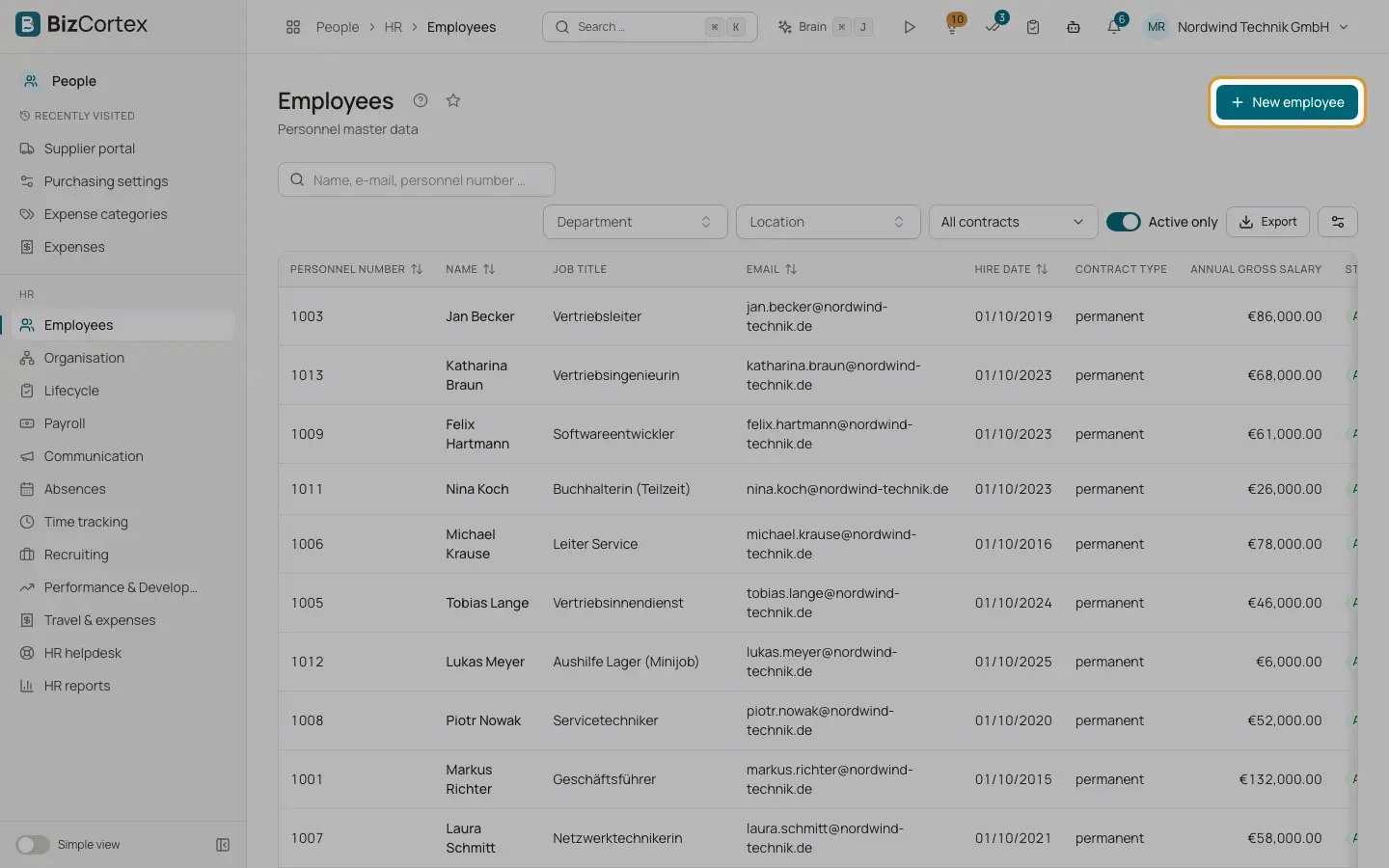
Create an employee
Enter a new personnel record step by step with the wizard.
The wizard "Create employee" guides you through five steps: Person, Organisation and contract, Pay and bank, Tax and social security, and Review. Fields are checked while you type. Only first name, last name, email and hire date are mandatory. You can complete the rest later in the record.
Who can use this
- Owner
- Admin
- HR manager
Steps
1. Person
Enter salutation, title, first name, last name, birth name, work email and phone, gender, date of birth, place and country of birth, nationality (two letter ISO code such as DE), marital status and the private contact details.
2. Organisation and contract
Choose company, branch, location, department, position, pay grade, cost center and manager. Enter job title, employee group, employment type, hire date, end of probation, contract type, the fixed term end date, weekly hours, working days, vacation days per year and notice period.
3. Pay and bank
Choose the pay type (Monthly salary or Hourly wage). Enter the annual gross salary or the hourly rate, and the bank account (IBAN, BIC, bank, account holder).
4. Tax and social security
Enter tax ID, tax class, factor, church tax, child allowances, social security number, health insurance details, person group key, contribution group key, activity key, marginal employment, company pension and severe disability data. These fields are needed for German payroll.
5. Review
Check the summary and click "Create employee". If you entered a salary, the first entry of the salary history is created with the hire date.
Fields and options
- Tax ID (Steuer ID)
Eleven digits. The check digit is validated.
- Factor
Only for tax class IV. The value must lie between 0 and 1.
- Child allowances
In steps of 0.5.
- Social security number
Format and check digit are validated, for example 65 170839 J 003.
- Contribution group key
Four digits for health, pension, unemployment and care insurance, for example 1111.
- Activity key
Nine digits according to the German classification of occupations (KldB 2010).
- Fund's company number
The company number of the health insurance fund, 8 or 9 digits.
- Contract type and Fixed term until
A fixed term contract needs an end date. The end date and the end of probation must not be before the hire date.
- Working days
The weekdays the person works. At least one day is required. Leave and time tracking use this pattern.
- Severely disabled
Requires a degree of disability of at least 50, or equal status with a degree of 30 or 40.
- User account
Links the person to a login. The person then sees their own data in My area. A user can only be linked to one employee.
Tips
- Leave the personnel number empty to let BizCortex number your employees automatically.
- You can add custom fields for employees in the administration. They appear in the record as well.
Good to know
- The manager you choose must not create a reporting cycle, for example A reports to B and B reports to A.
Related
- The employee record and its tabs
All tabs of a personnel record and what you can do in each of them.
- Organisation structure and org chart
Maintain companies, branches, locations, departments, positions, pay grades and skills.