Time tracking reports and settings
Working Hours Act violations, recording gaps, summaries, timesheets and the time tracking settings.
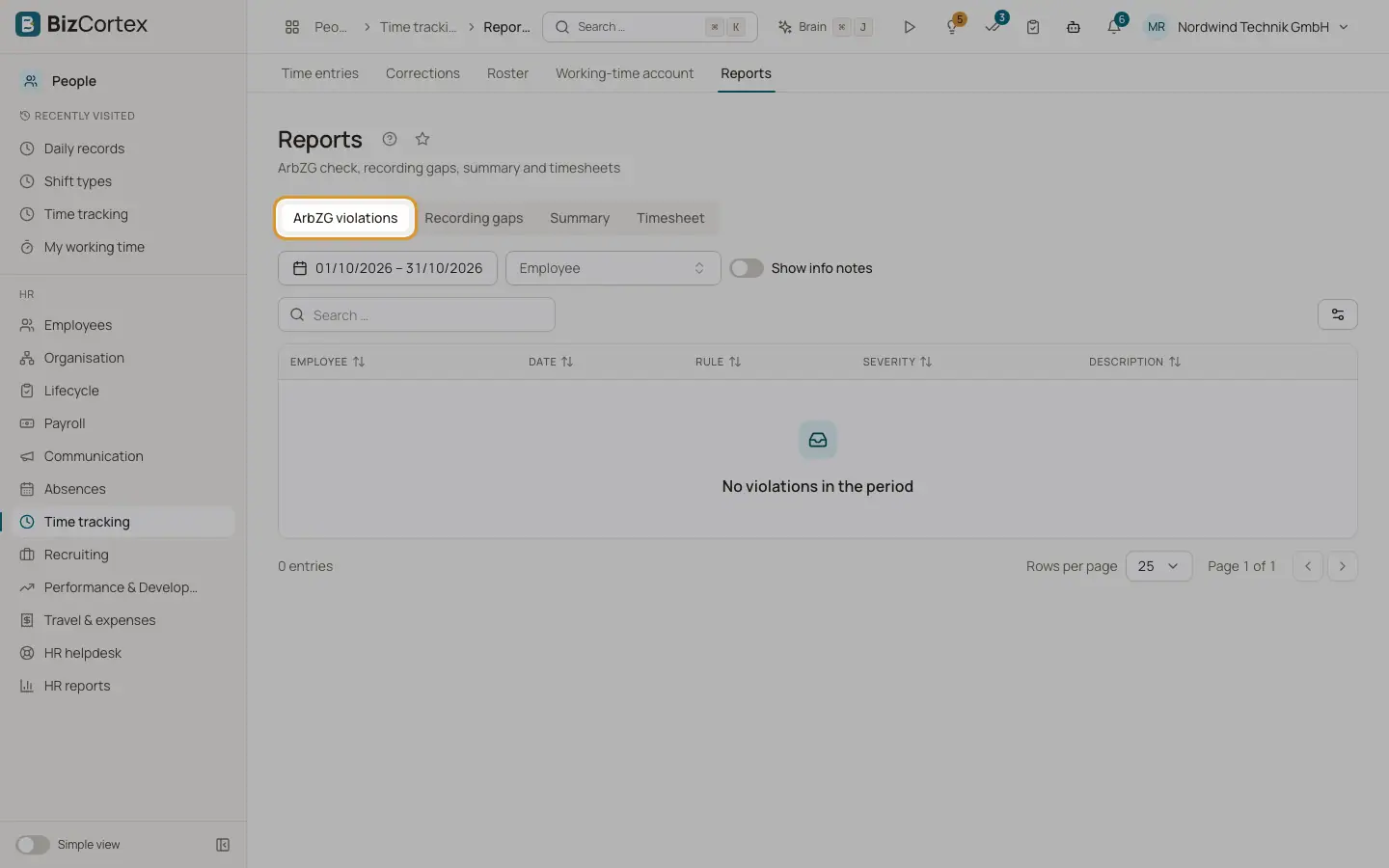
People, Time tracking, Reports has four views: ArbZG violations, Recording gaps, Summary and Timesheet. Time tracking settings define how the working day is evaluated.
Who can use this
- Owner
- Admin
- HR manager
Steps
1. ArbZG violations
Lists findings per employee and day with rule, severity (Violation, Warning, Info) and description, also grouped by rule. Turn on "Show info notes" to include notes such as Sunday work or an average above 8 hours per working day over 24 weeks.
2. Recording gaps
Lists working days without records and entries without an end. This supports the obligation to record working time.
3. Summary
Per employee: days present, late, absent days, leave or absence, Sundays, holidays and night work.
4. Timesheet
Monthly timesheet per employee as CSV (for Excel) or PDF.
5. Settings
Open Settings and set the time zone of the working day, the late tolerance in minutes, "Deduct missing statutory breaks automatically" and the rounding in minutes.
Fields and options
- Time zone
Default Europe/Berlin.
- Late tolerance (minutes)
Default 5, at most 240.
- Deduct missing statutory breaks automatically
Default off. When on, missing statutory break time is deducted from the worked time.
- Rounding (minutes)
Rounds the worked time down. Default 0 (off), at most 60.
Good to know
- Reports cover at most 367 days at once.
Related
- Daily records and working time account
Daily evaluation of working time with Working Hours Act checks, and overtime balances.