Expense categories
Group expenses for reporting.
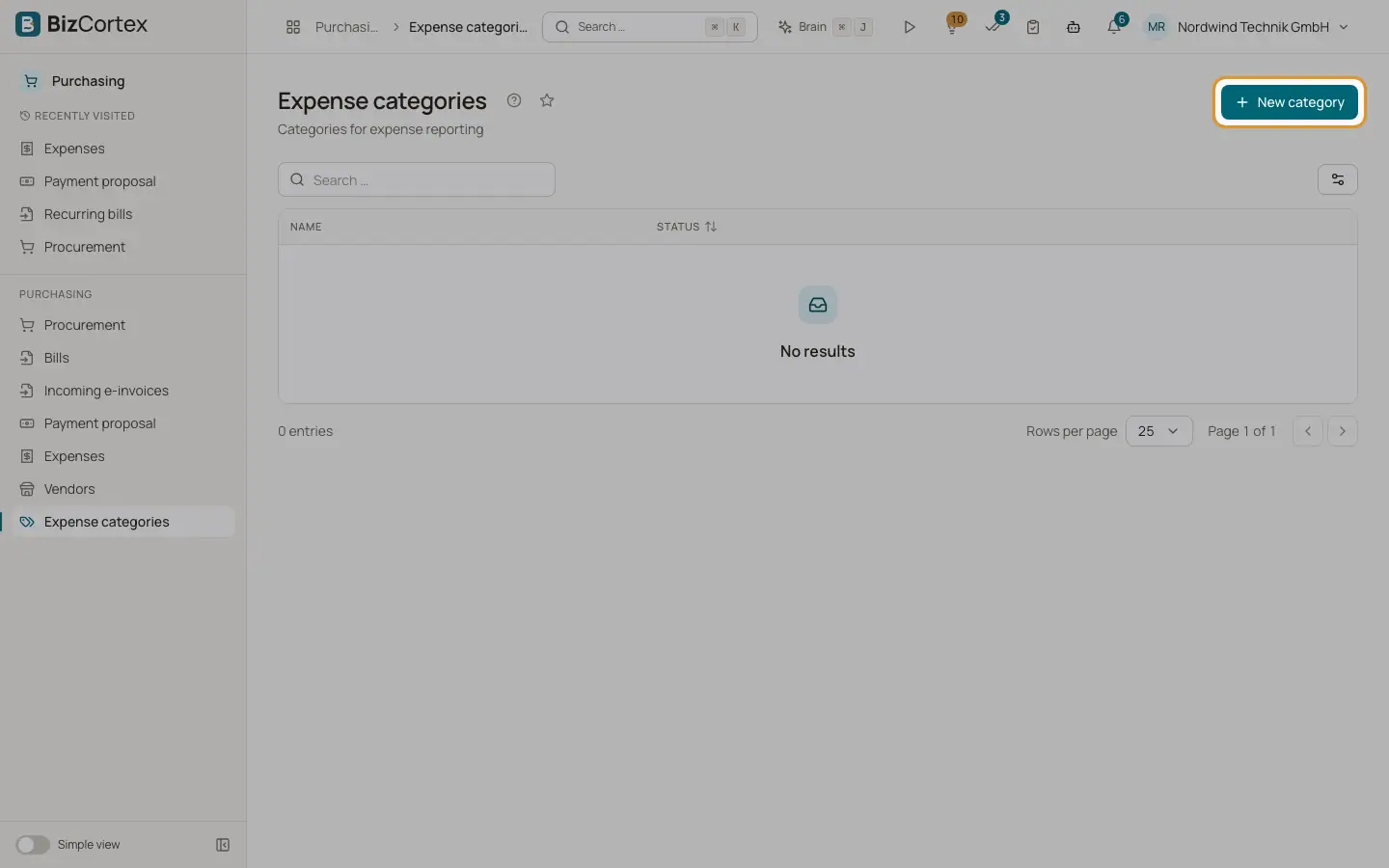
Purchasing, Expense categories lists categories with name, color and status.
Who can use this
- Owner
- Admin
- Accountant
- Purchase
Steps
1. Create
Click "New category". Enter name (up to 100 characters), color and Active.
2. Delete
Use Delete in the row menu.
Good to know
- Categories cannot be edited in the screen yet. Delete and recreate them.
- Expenses store the category name as text. Deleting a category does not change existing expenses.
Related
- Expenses
Record and post receipts, travel costs and out of pocket expenses.