Bill payments and cash discount
Record or reverse a payment and take cash discounts.
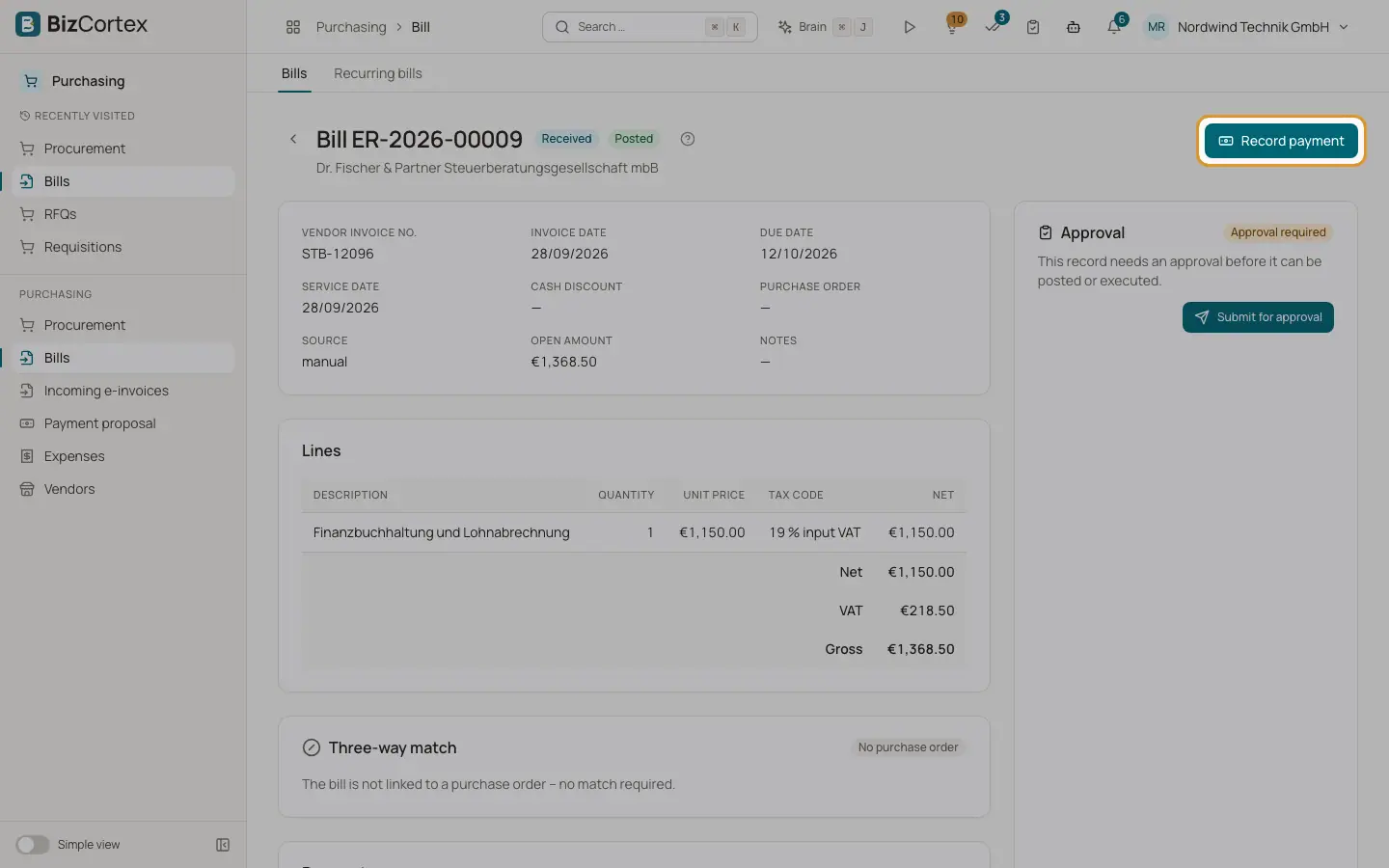
Payments are recorded on posted bills with the status Received, Partially paid or Overdue. The Payments card lists each payment with date, reference, amount, cash discount and status (Posted or Reversed).
Who can use this
- Owner
- Admin
- Accountant
Steps
1. Record a payment
Click "Record payment". The amount is prefilled with the open amount, minus the cash discount if it applies. Enter payment date, bank account (empty uses the default bank account) and reference (default the vendor invoice number).
2. Take the cash discount
Turn on "Deduct cash discount". The dialog shows the discount, the last day and the amount to pay. After the discount period the switch is disabled.
3. Reverse a payment
Click Reverse in the Payments card and enter an optional reason. The posting is reversed with today as date and the bill is open again.
Good to know
- Payment plus discount must not exceed the open amount.
- The discount is the bill gross total times the discount percent. It is split over the tax rates: the net part goes to the cash discount account and the tax part corrects the input VAT.
- A payment can be reversed only once.
- Payments matched in the banking module also update the bill.
Related
- Payment proposal
Pick due bills for the next SEPA transfer with cash discounts in mind.