Vendor bank detail changes
Approve new bank details reported by vendors, with fraud protection.
Vendors report new bank details in the portal. The change only takes effect after an internal check. All known email addresses of the vendor are informed about the request and about the decision. This protects you against payment fraud with fake bank details.
Who can use this
- Owner
- Admin
- Accountant (approve)
- Purchase (view only)
Steps
1. Review requests
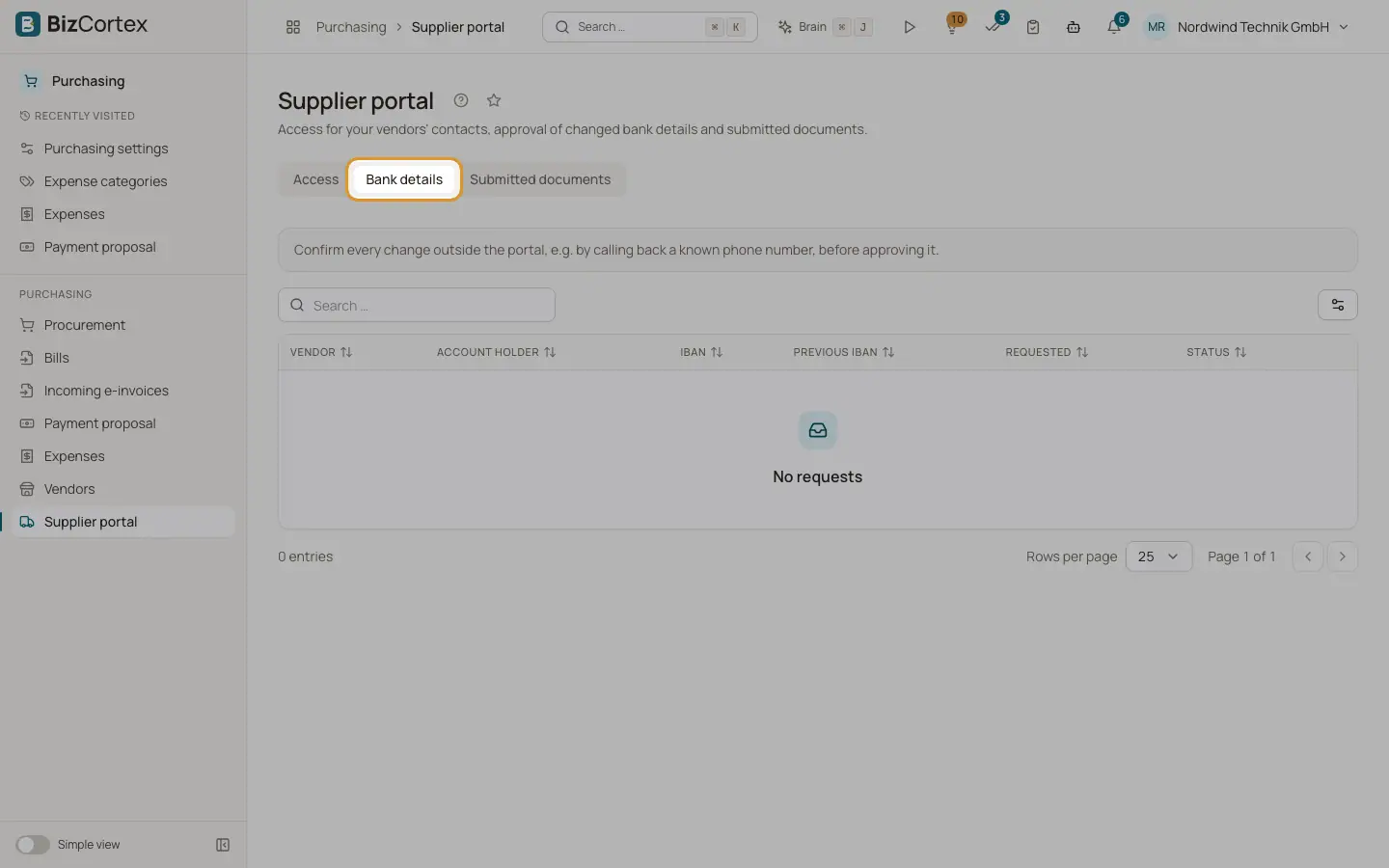
Open Purchasing, Supplier portal, tab Bank details. Each request shows vendor, account holder, new IBAN, previous IBAN, request date and status.
2. Verify outside the portal
Call the vendor back on a known phone number before you approve.
3. Approve or reject
Click Approve or Reject and enter a verification note, for example the date of the call back. Approving writes IBAN, BIC and bank into the vendor master data.
Fields and options
- Status
In review, Applied, Rejected or Superseded (a newer request replaced it).
Good to know
- If the vendor IBAN changed after the request, approval fails. Ask for a new request.
- The AI assistant can never approve bank detail changes.
- Change requests are kept for 6 years.
Related
- Vendors
Keep the master data of your suppliers and service providers.