Goods receipt
Record what was delivered against a purchase order.
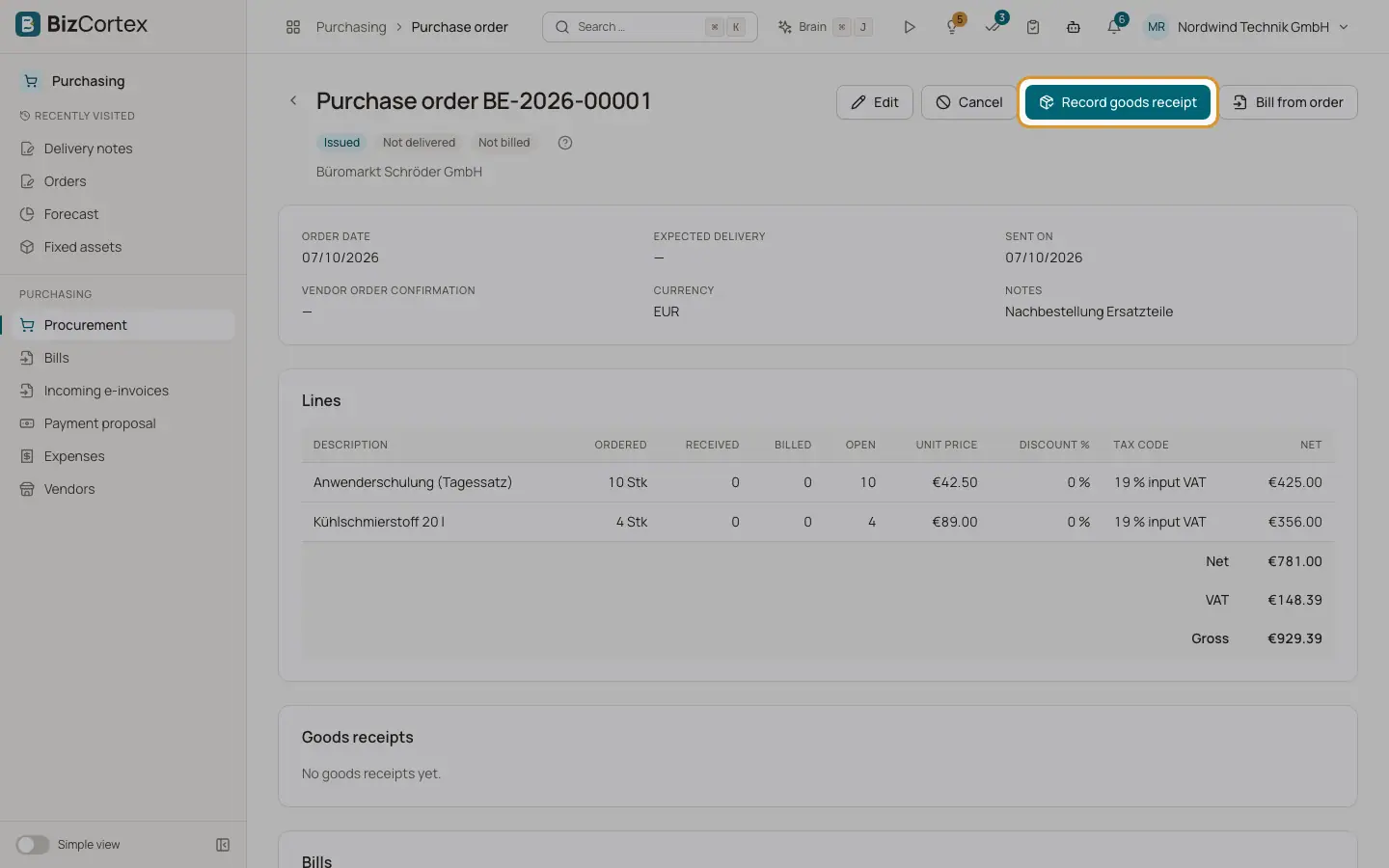
Goods receipts are recorded on the purchase order. Each receipt gets a number (WE, year and counter) and is listed in the "Goods receipts" card of the order with receipt date, delivery note number and lines.
Who can use this
- Owner
- Admin
- Accountant
- Purchase
Steps
1. Open the dialog
On an issued order click "Record goods receipt".
2. Enter the receipt
Enter the receipt date (default today), the warehouse (default from the order) and the delivery note number. For each open line enter the received quantity. It is prefilled with the open quantity.
3. Save
The received quantities of the order go up. The delivery status becomes Partially delivered or Fully delivered. Fully delivered orders become Received.
Good to know
- For product lines a stock receipt is booked in inventory at the order price after discount. A warehouse is required for product lines.
- No accounting entry is posted at goods receipt.
- Goods receipts cannot be cancelled or reversed. There is no separate list of goods receipts.
- At least one quantity must be greater than zero, and each quantity can be at most the open quantity.
Related
- The three way match
How BizCortex compares the bill with the purchase order and the goods receipt.