Mileage allowance and per diem
Calculate travel allowances as expenses without receipts.
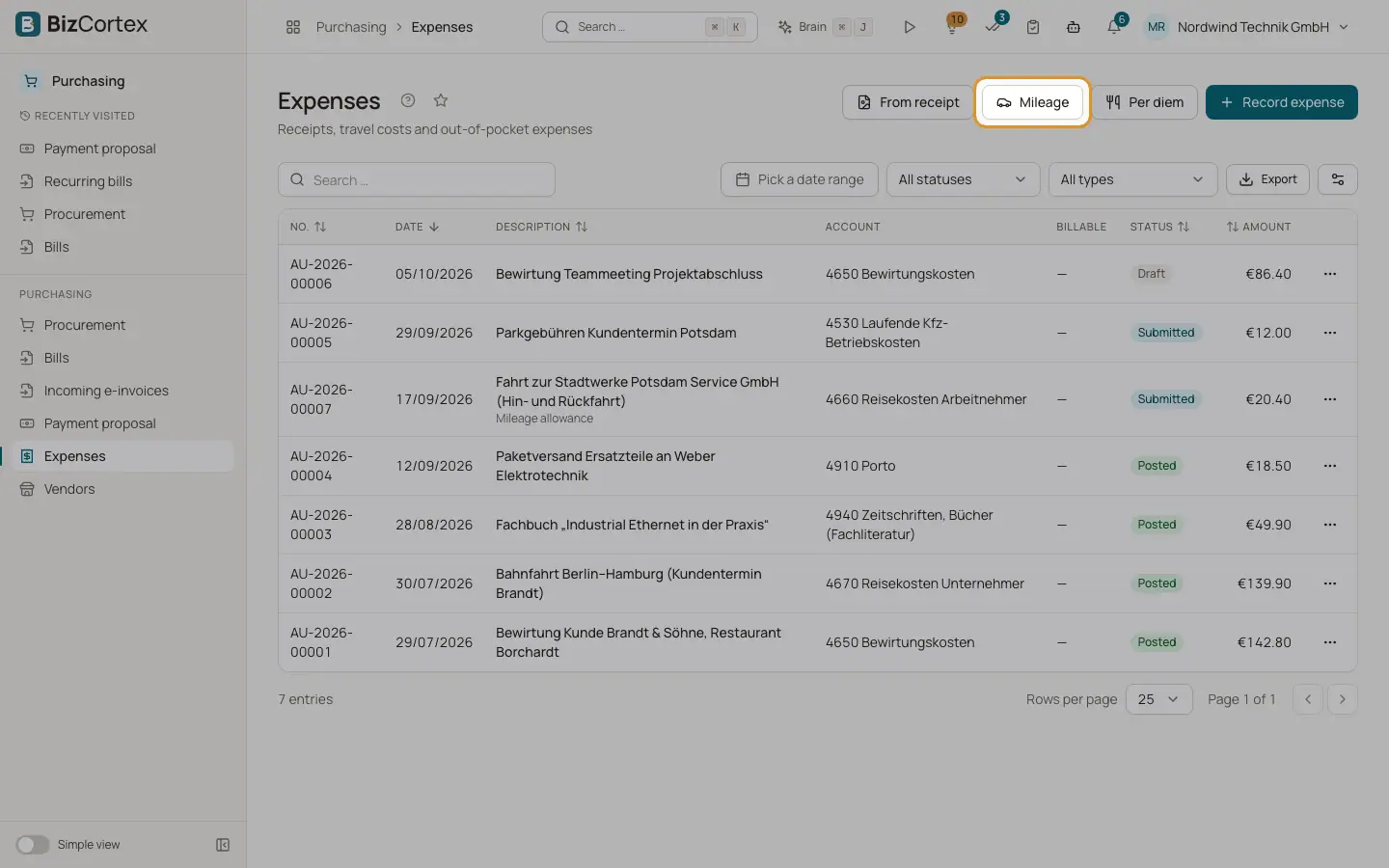
The buttons Mileage and "Per diem" in Expenses create draft expenses that are calculated from your purchasing settings. They have no input VAT.
Who can use this
- Owner
- Admin
- Accountant
- Purchase
Steps
1. Mileage
Click Mileage. Enter date, kilometres, rate per km (default 0.30), description, route, "Paid through" (default Private reimbursement) and optionally Billable with a customer. The dialog shows the reimbursement.
2. Per diem
Click "Per diem". Add one row per day with date, kind of day (Full day or Arrival/departure of more than 8 hours) and the provided meals. The total is calculated; "Check with server" confirms it. Enter a description and save.
Fields and options
- Per diem rule
Full day rate (default 28) or arrival and departure rate (default 14), minus a share of the full day rate for each provided meal: breakfast 20 %, lunch 40 %, dinner 40 %. A day never goes below zero.
Good to know
- Amounts of mileage and per diem expenses cannot be edited. Delete and recreate them.
- They are booked on the travel costs account for employees.
Related
- Purchasing settings
Tolerances for the three way match and rates for travel costs.